View Processing service Details
To view Processing service information, follow these steps:
Step 1: In the menu bar, select Data Platform > Workspace Management > Workspace name
Step 2: In the My Services section, select Processing service
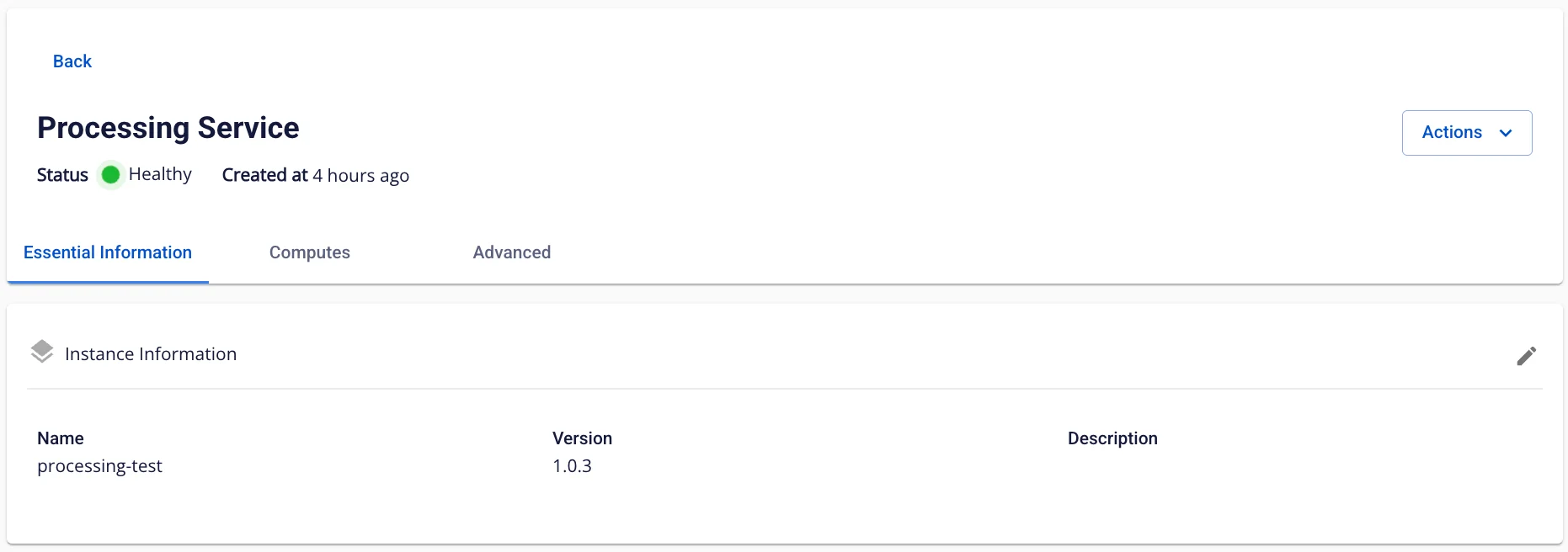
- Tab Essential Information
Displays detailed information about the Processing Service
Tab Advanced
Displays detailed information about the Processing History server
Access the Processing history server using the URL, username, and password displayed on the screen
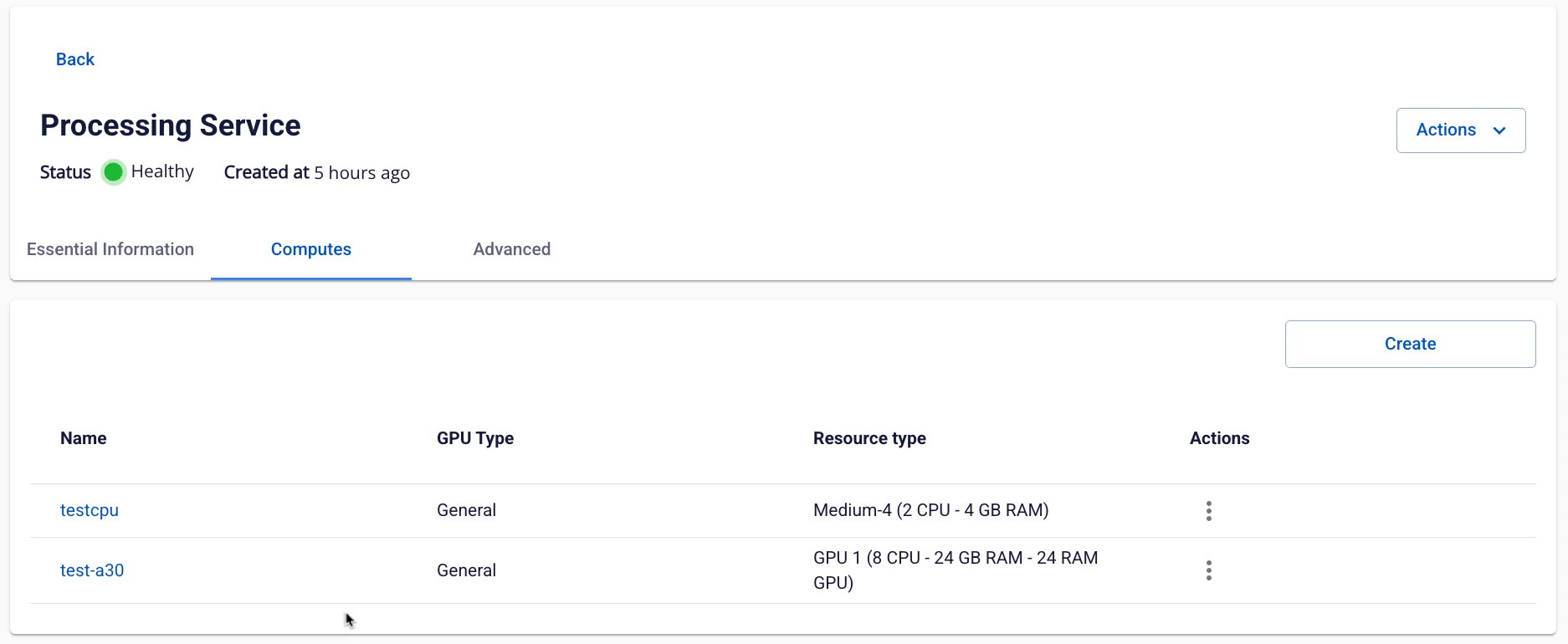
- Tab Compute
Displays compute information (up to 5 computes are shown)