Manage Users
Displays the list of Users for the Query Engine.
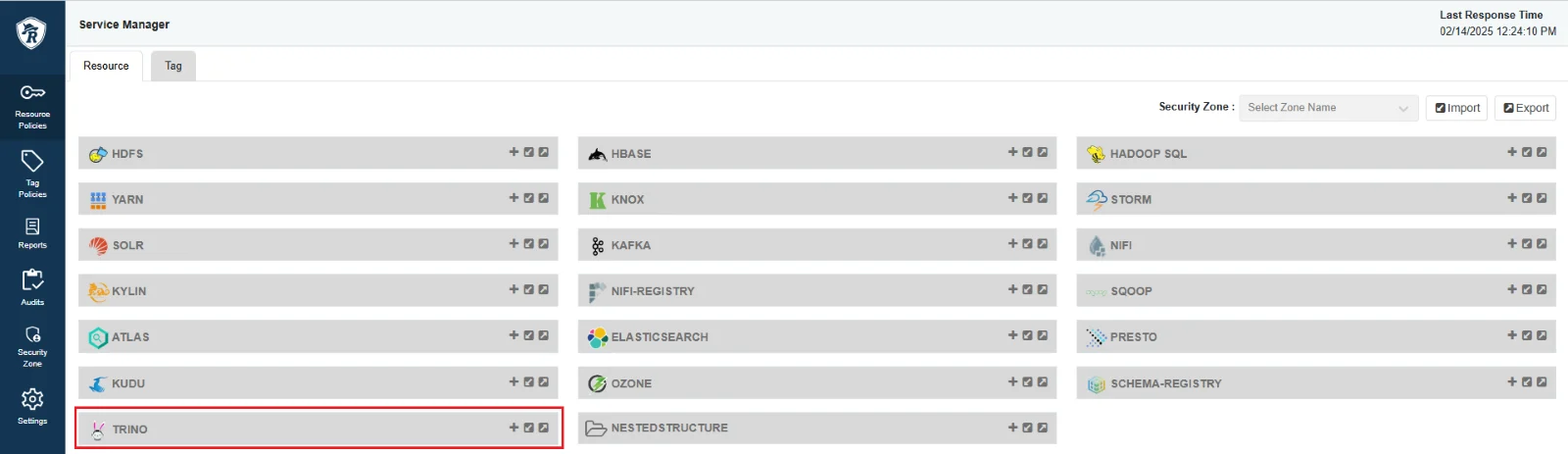
-
Add a User:
-
Step 1. On the Users screen, click Create a user.
-
Step 2. Enter the User information:
- Username: Account username
-
Step 3. Click Create to create the user, or click Cancel to abort. (After creating the user, Query Engine transitions to Processing status and completes the configuration in approximately ~3 minutes.)
-
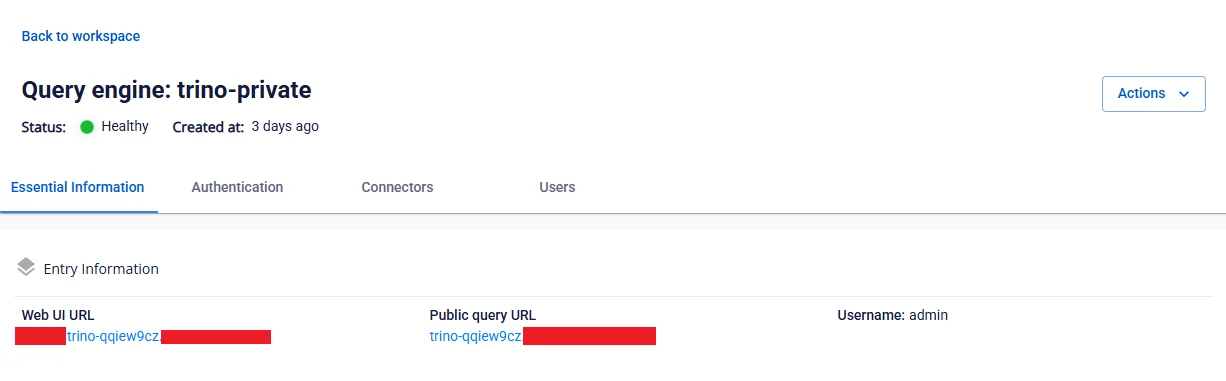
- User details: On the Users screen, click on the user name to view their details including Username and Password.
-
Delete a User:
-
Step 1: On the Users screen, select the User to delete, then select Action > Delete.
-
Step 2: Confirm the deletion or cancel the operation in the confirmation dialog.
-
