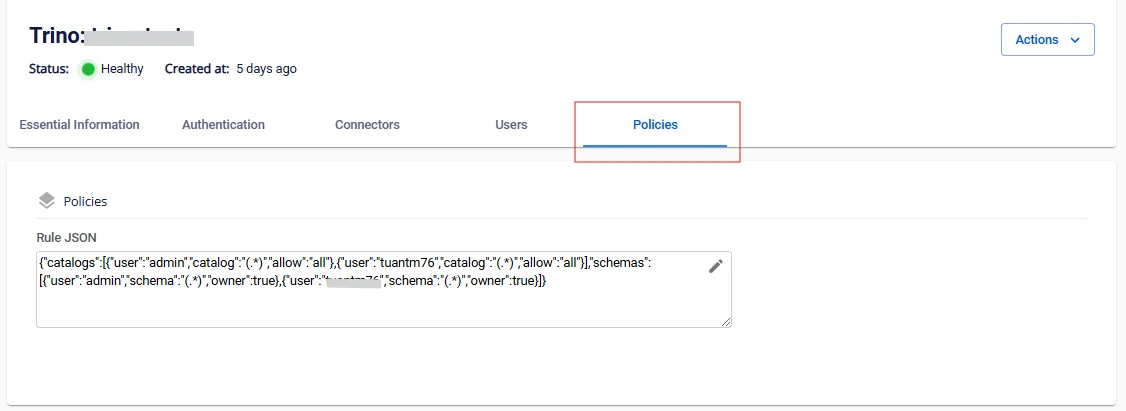
View Query Engine Details
To view Query Engine information, follow the steps below:
Step 1: In the menu bar, select Data Platform > Workspace Management > Workspace name
Step 2: In the My services section, select Query Engine
The screen displays 5 tabs: Essential Information, Authentication, Connectors, Users, Policies
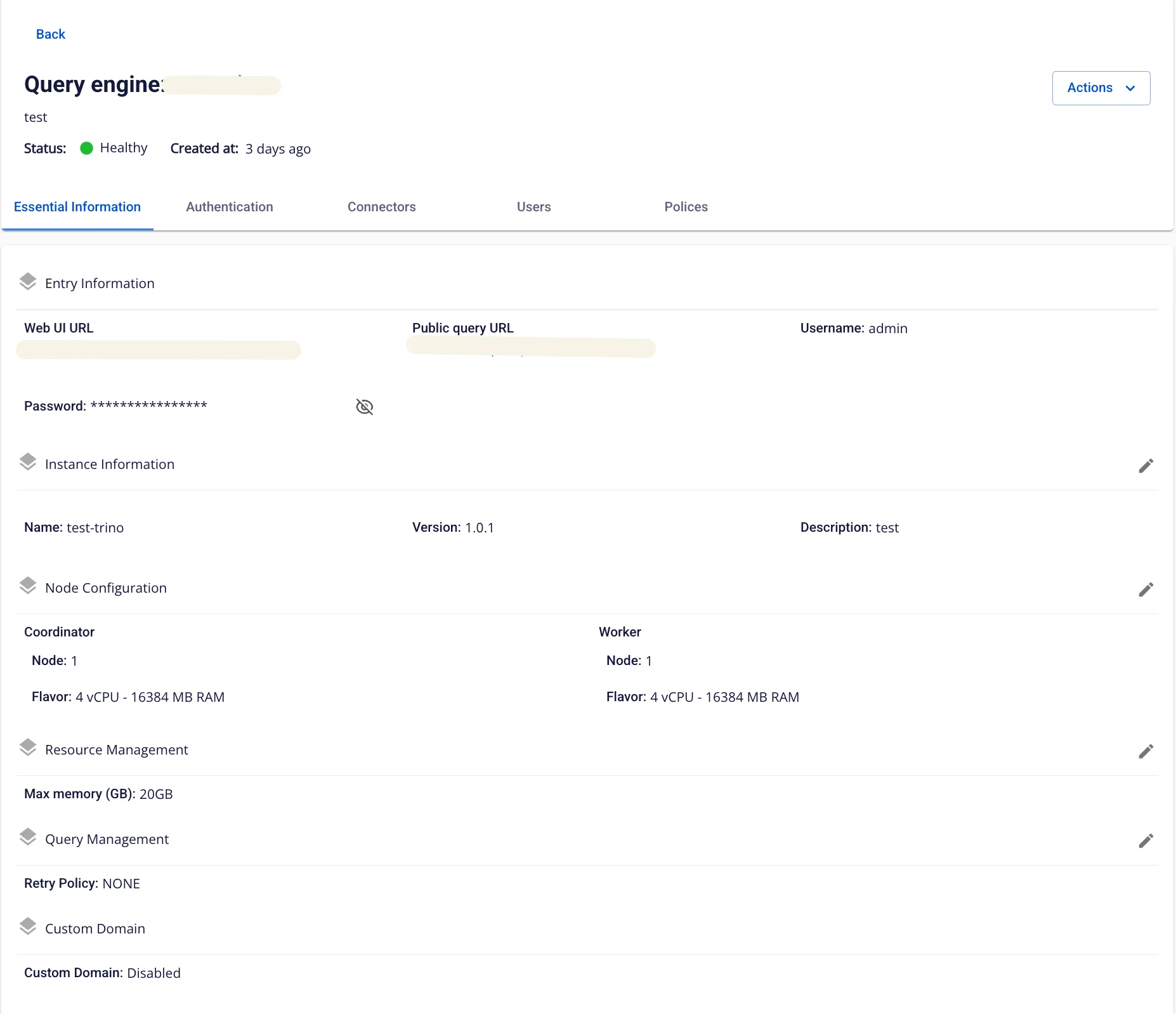
1. Essential Information
Displays detailed information about the Query Engine.
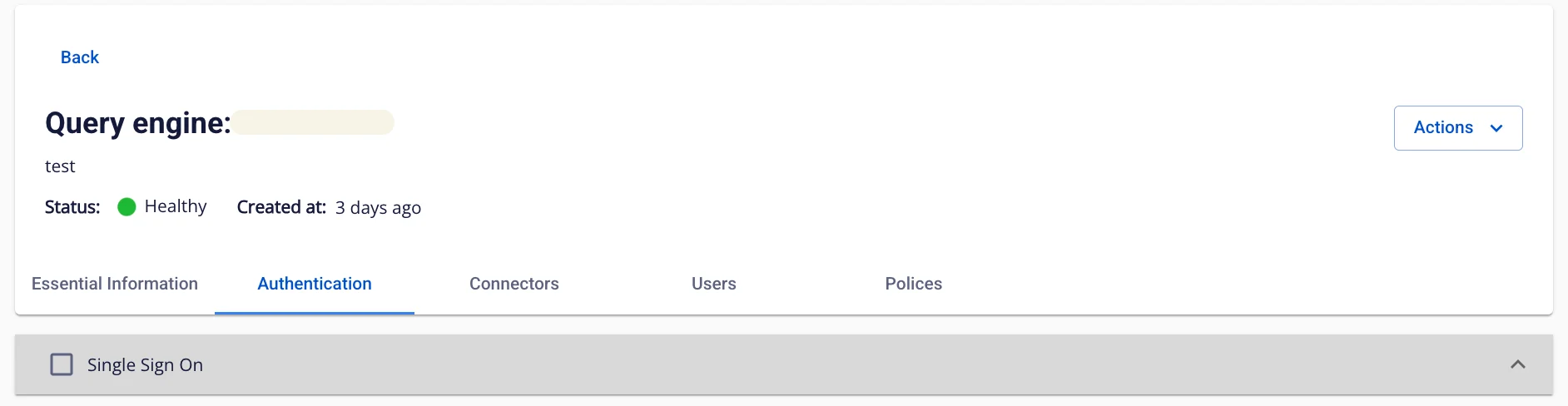
2. Authentication
Displays the authentication information of the Query Engine.
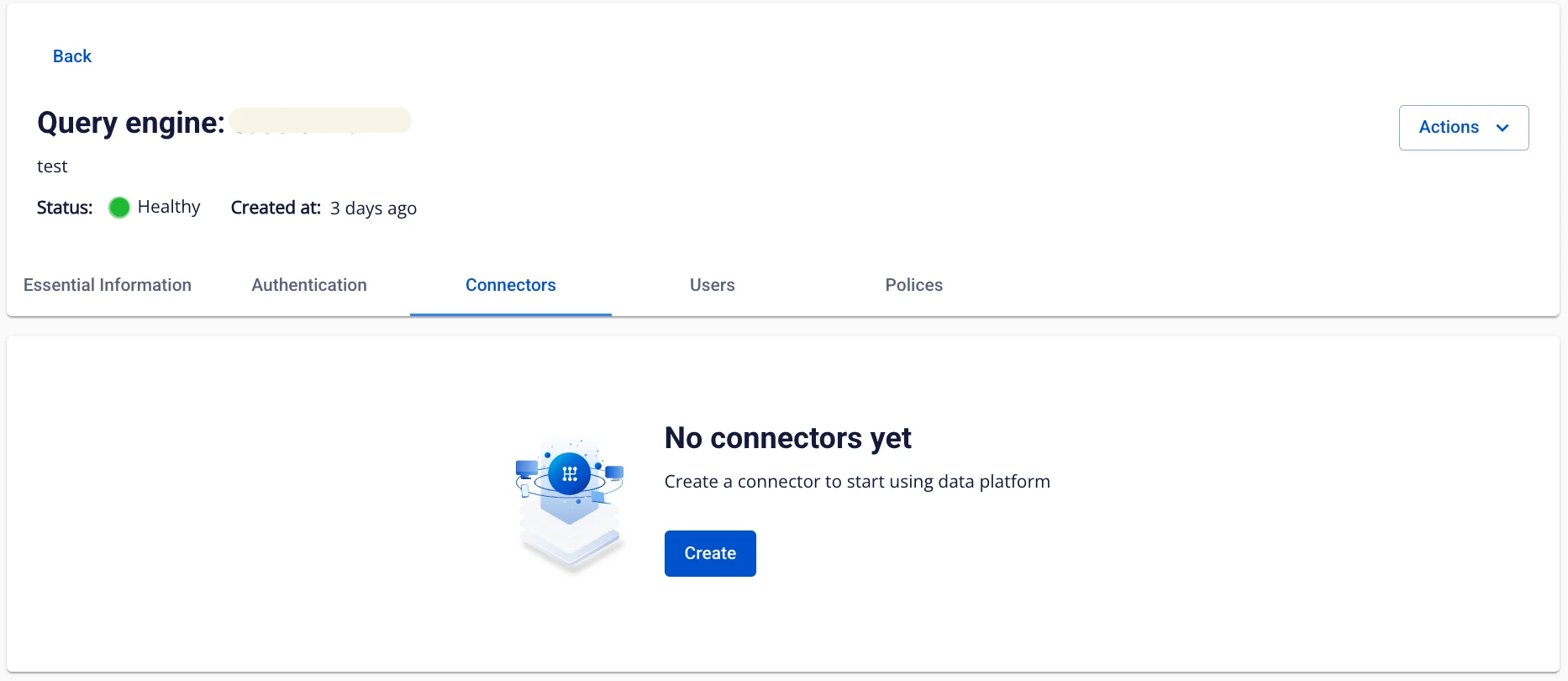
3. Connectors
Displays the Connector information of the Query Engine.
4. Users
Displays the list of Users for the Query Engine.
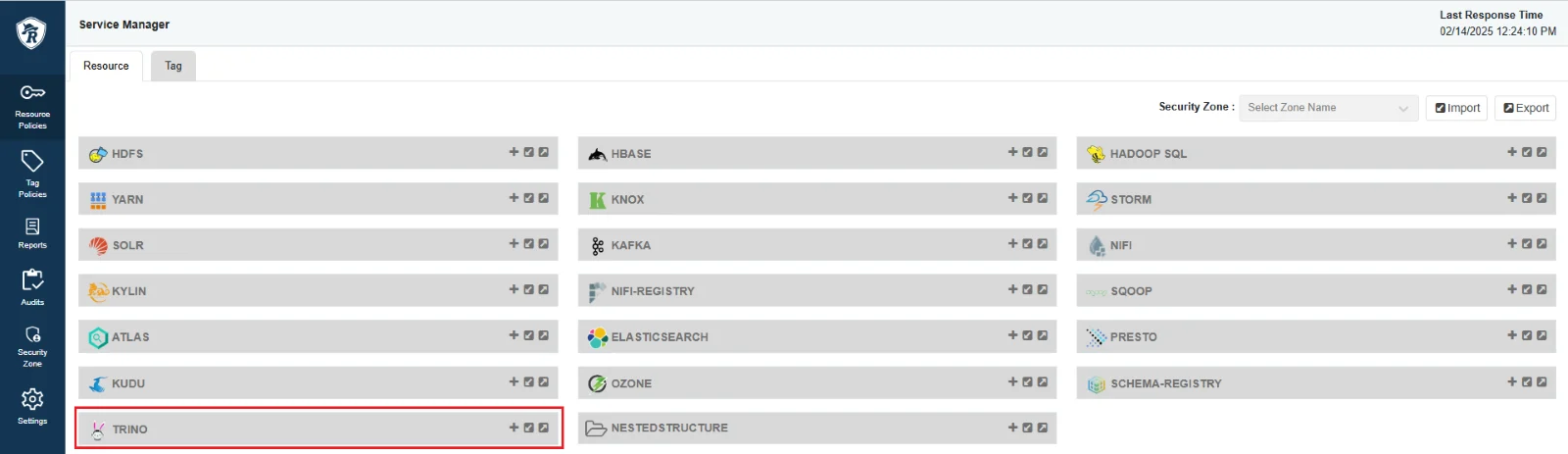
5. Policies
Displays the Policies information of the Query Engine. If the Authentication type is Integration Ranger, the Query Engine does not display the Policies tab — all access control configuration is performed through Ranger-Admin.