View Ranger Details
To view Data Governance information, follow the steps below:
Step 1: In the menu bar, select Data Platform > Workspace Management > Workspace name
Step 2: In the My services section, select Data governance
The screen displays 2 tabs: Essential Information, Advanced
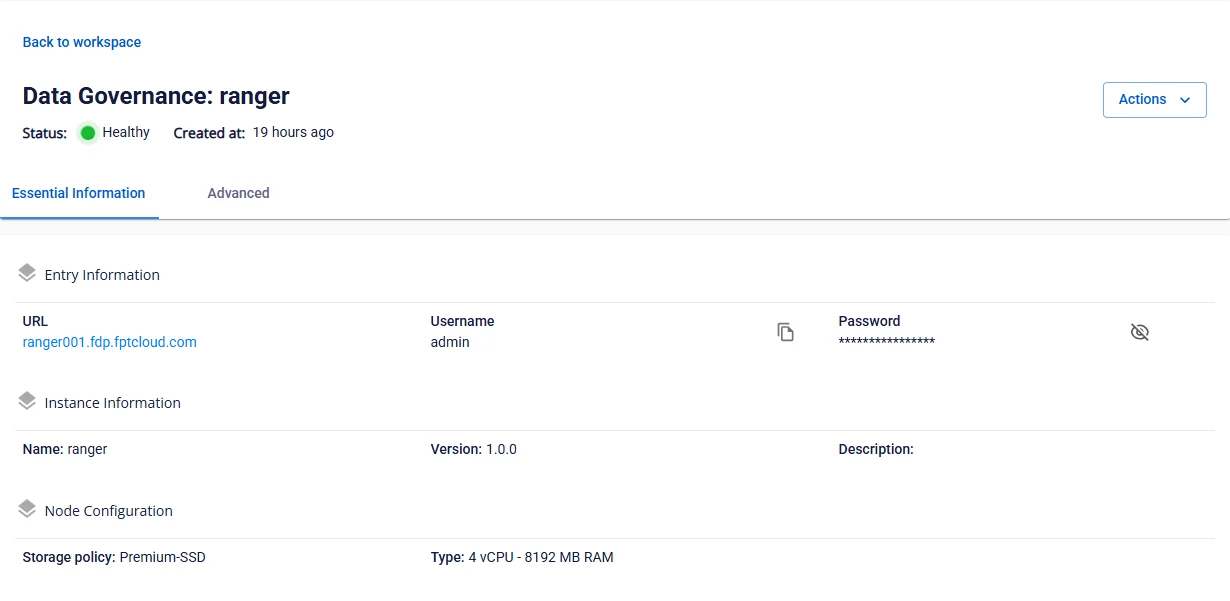
- Essential Information
Displays the detailed information of Data Governance as configured by the user.
Access Ranger using the URL, Username, and Password displayed.
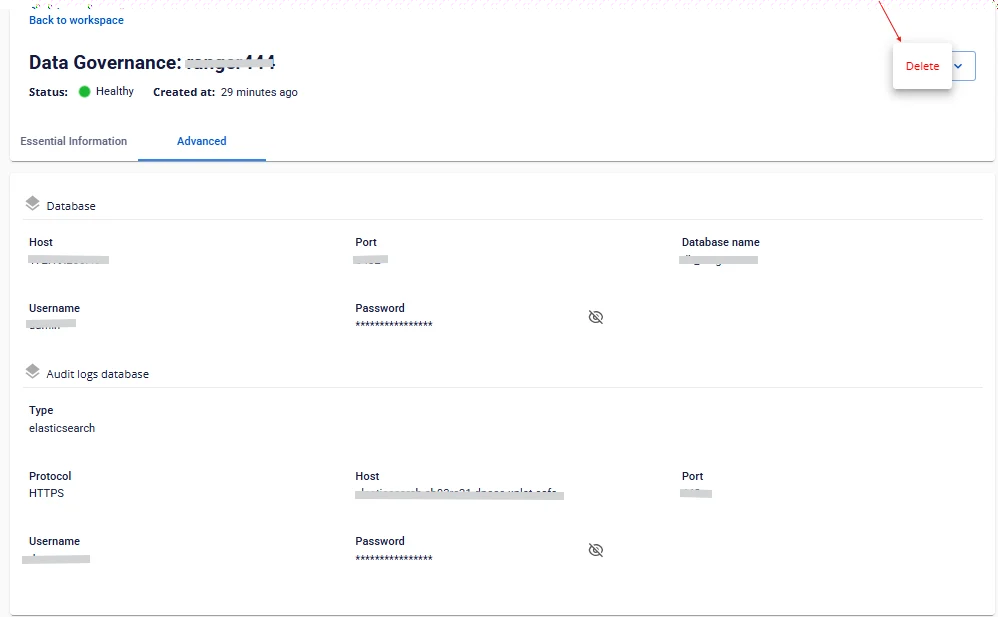
- Advanced
Displays the Database information configured for Data Governance.