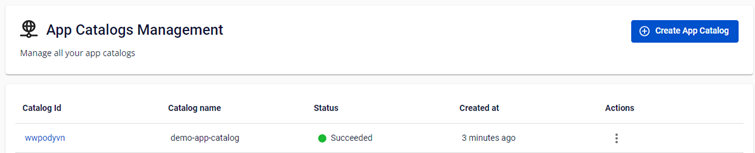
Create A New Fpt App Catalogs
To create a new App Catalog , you can do the following: Step 1 : From the FPT Cloud Portal menu, select App Catalog
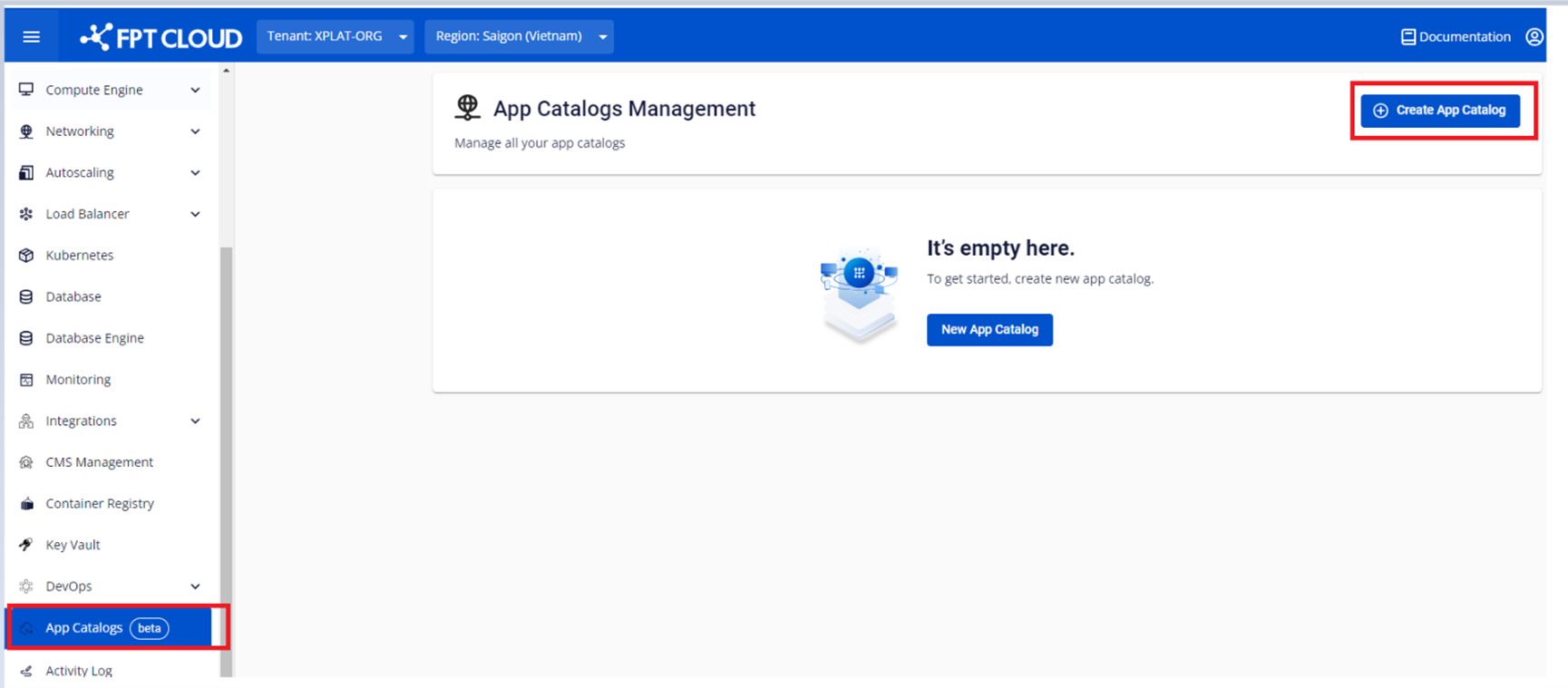
Step 2 : Click Create App Catalog > Enter information to create an App Catalog Instance
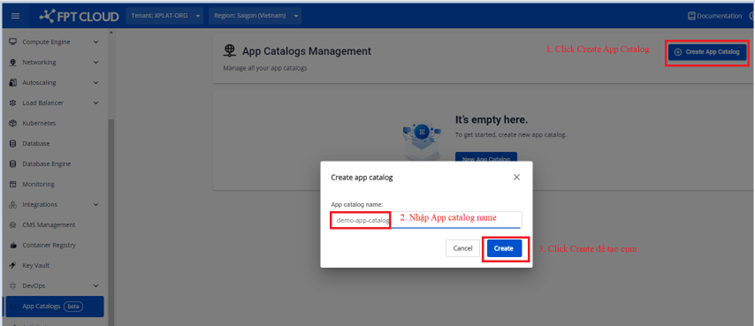
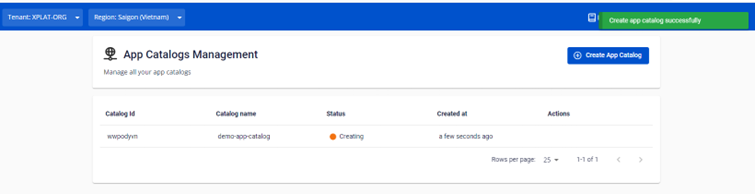
Step 3 : Click Create , and the system will initialize provisioning an App Catalog Instance and notify the processing status.
After the App Catalog has been created successfully, the processing status will switch to Succeed , From here on, users can access the App Catalog Instance and manage Apps via the portal interface.