View App Catalog Details
To work with the initialized App Catalog instance, follow these steps: Step 1 : From the App Catalog page, click the Catalog ID to view its corresponding App Catalog details.

Step 2 : Within the App Catalog Management page, you will be provided with detailed App Catalog information corresponding to each repository and managed Kubernetes clusters to deploy applications.
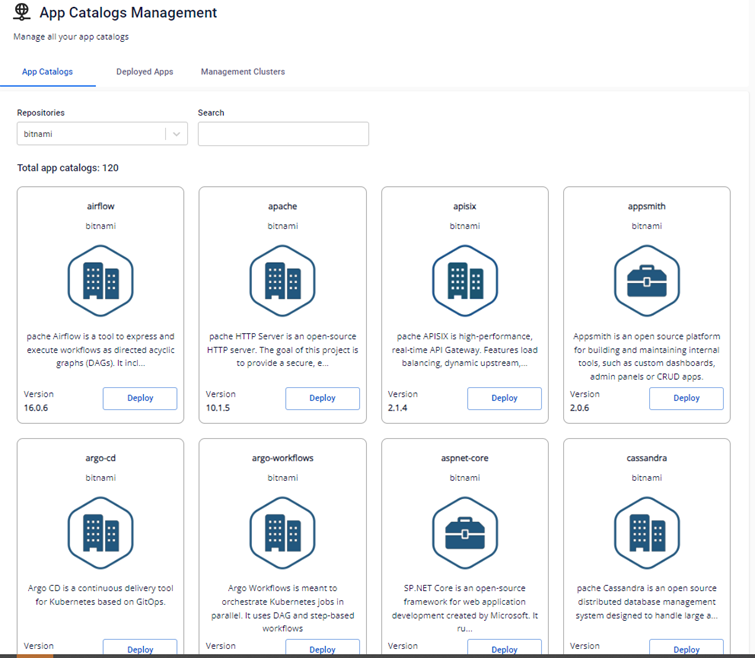
- First tab shows detailed App Catalogs information corresponding to each repository:
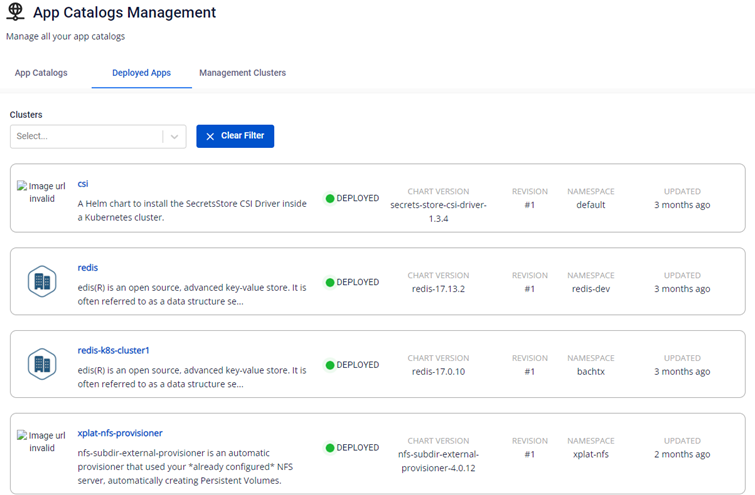
- The next tab, Deployed Apps , is used to manage deployed version of each Application after they have been deployed:
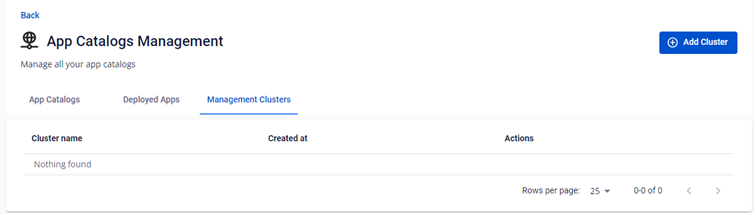
- The final tab, Management Clusters , is used to manage K8s clusters where applications are deployed within this App Catalog Instance