Manage issue status in the Issue detail screen
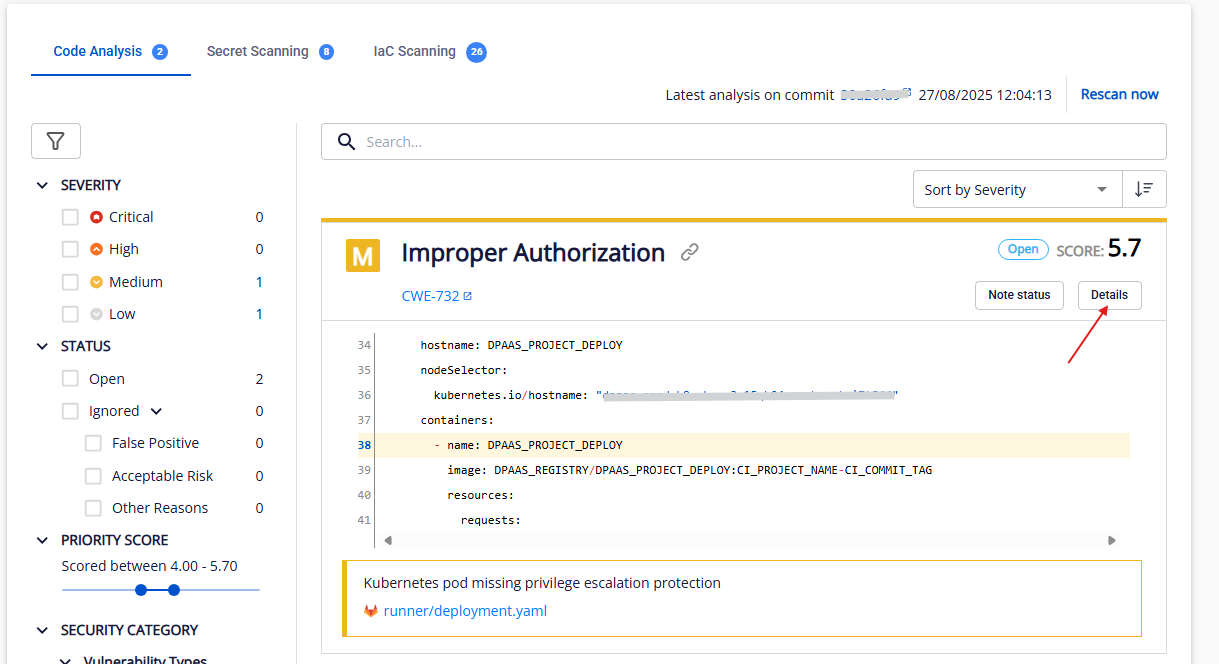
Step 1: In the Issue list for an asset, click Details on any issue to open the detail view.
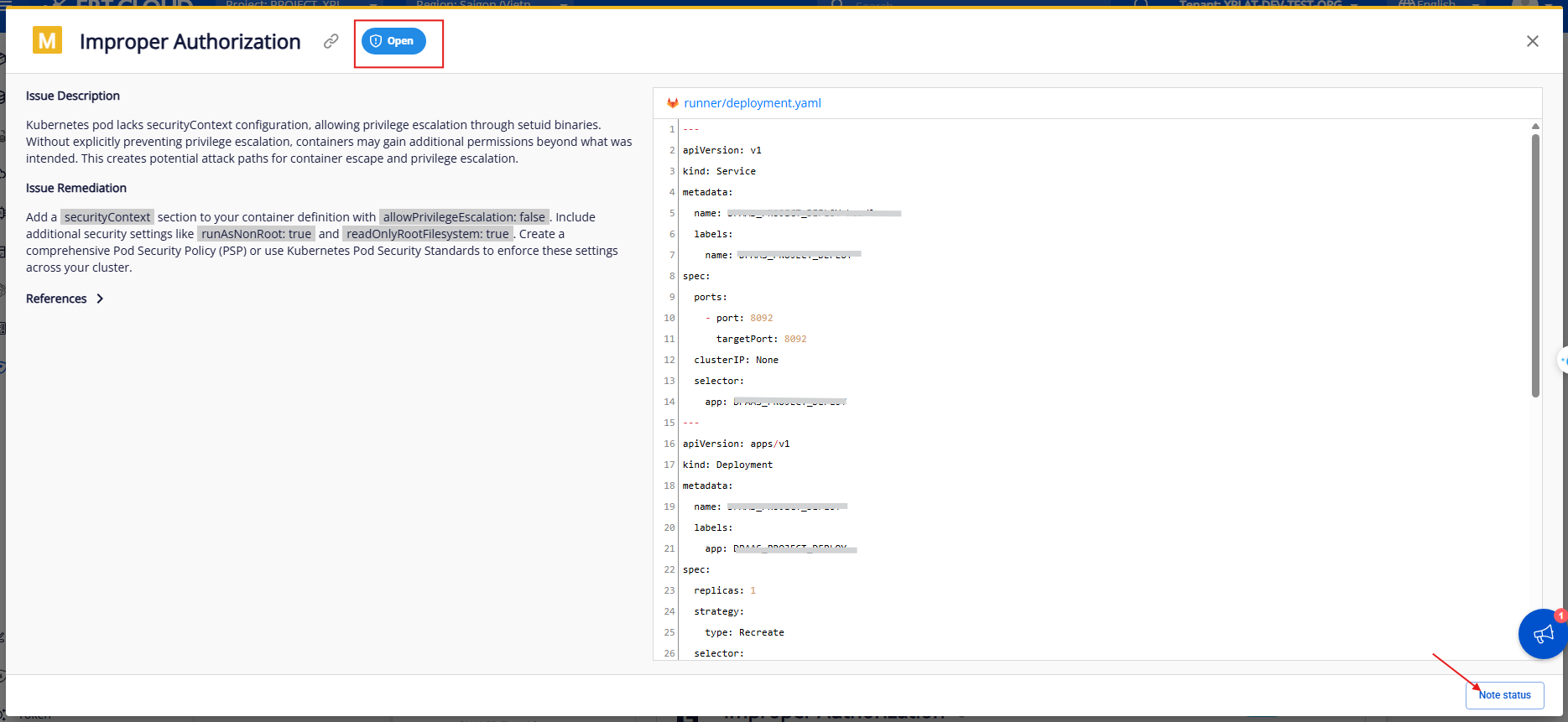
Step 2: On the Issue detail screen, you can view the current status of the issue from the most recent scan. To change the status, click Note status.
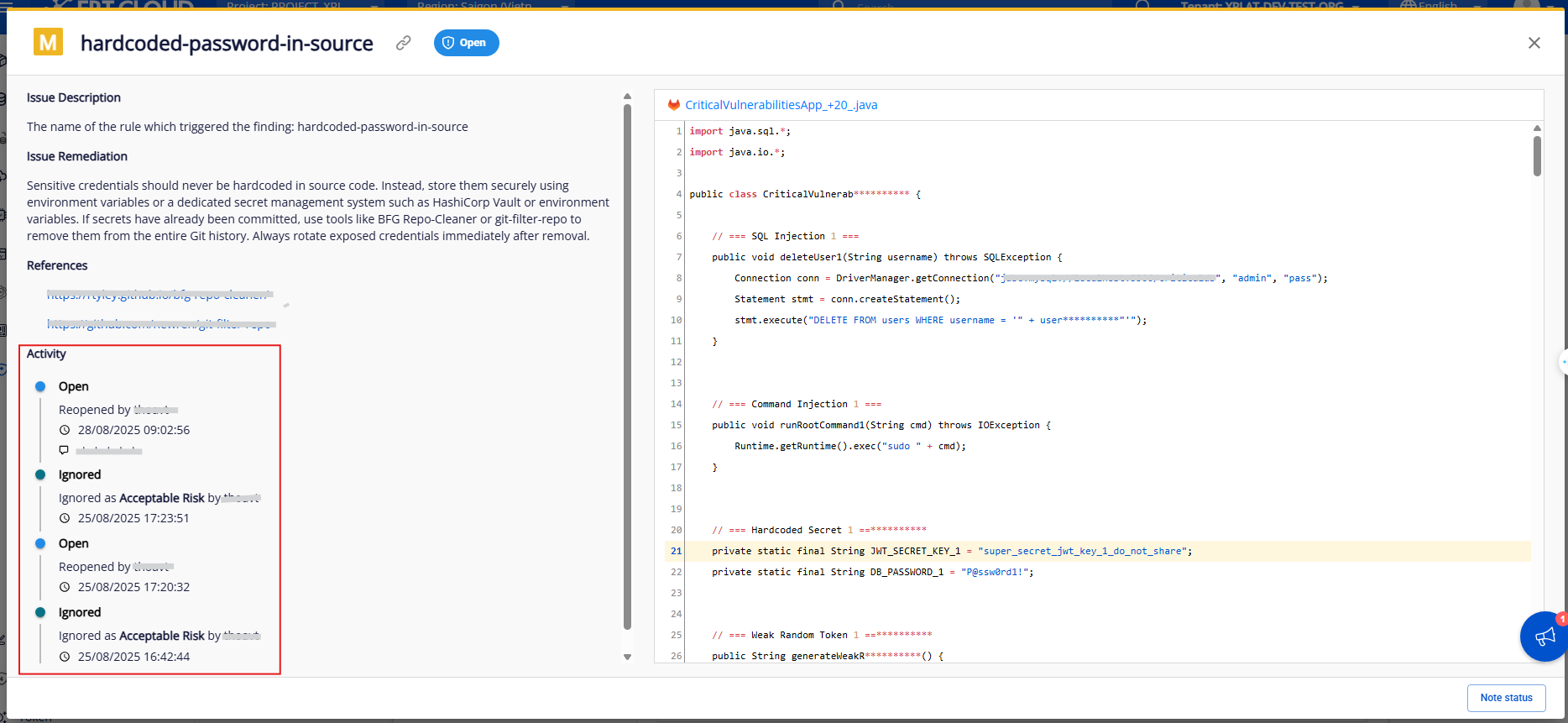
Step 3: To track the issue's status change history, view the Activity section.