Network Interface
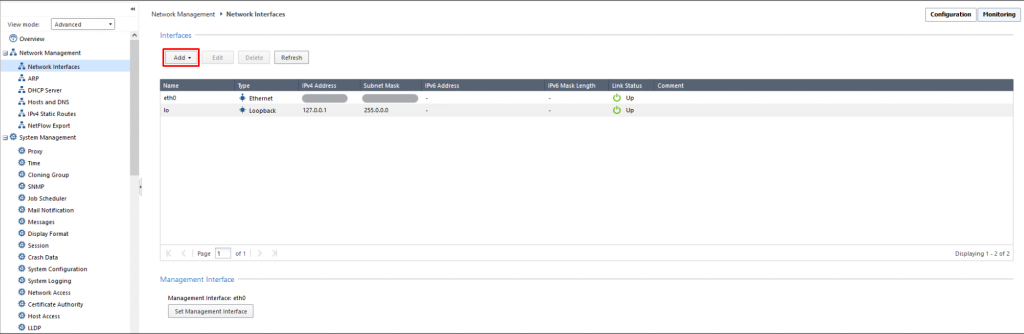
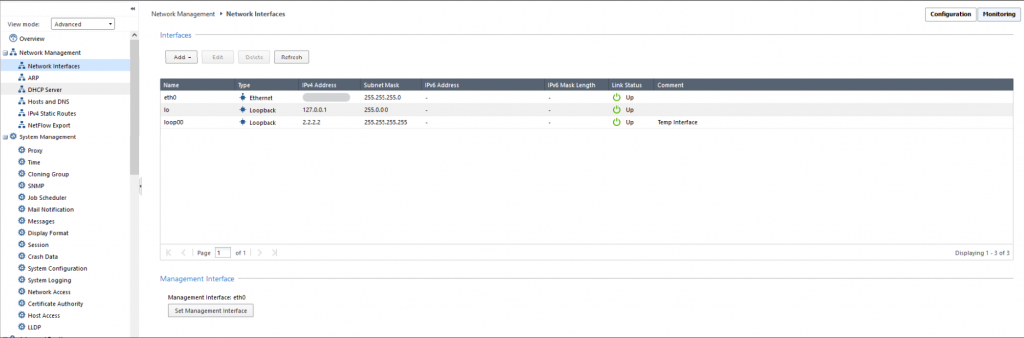
Step 1: In the menu, go to Network Management > select Network Interfaces > select Add.
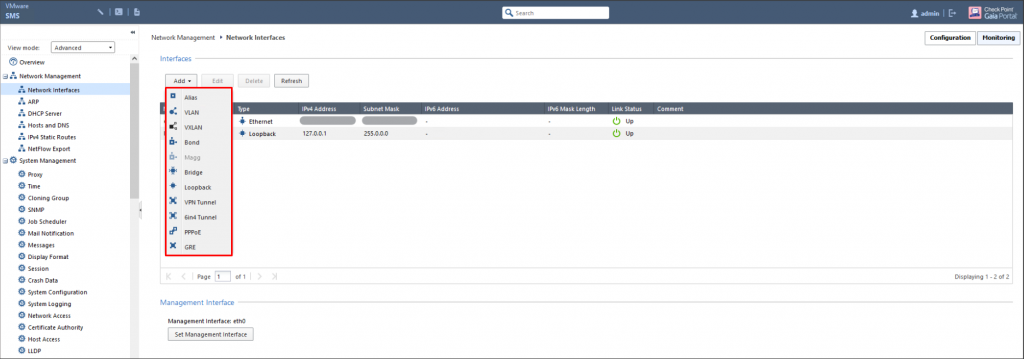
Step 2: Select the type of interface to create.
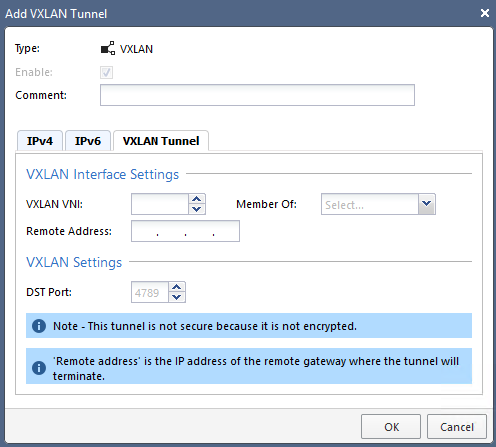
Step 3: Configure the interface according to your network plan.
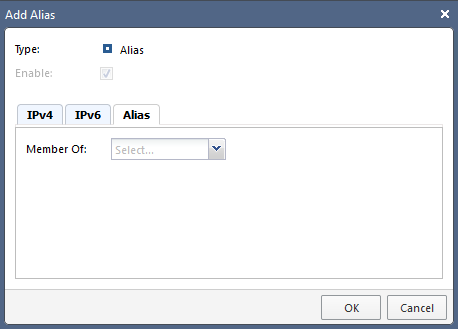
- Alias Interface:

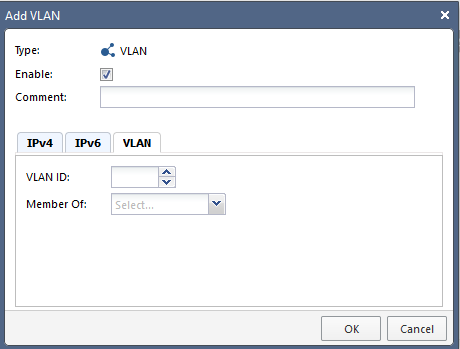
- VLAN Interface:

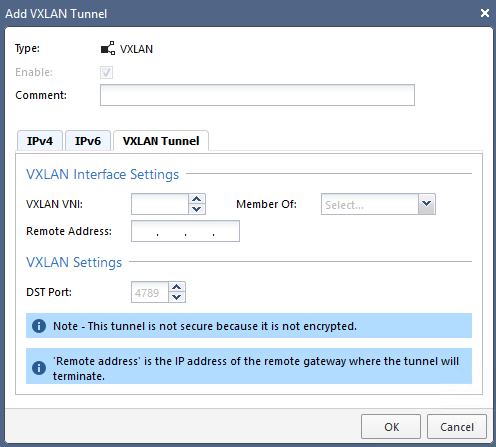
- VXLAN Interface:
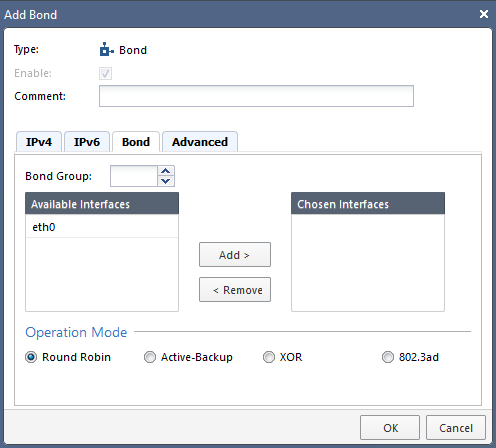
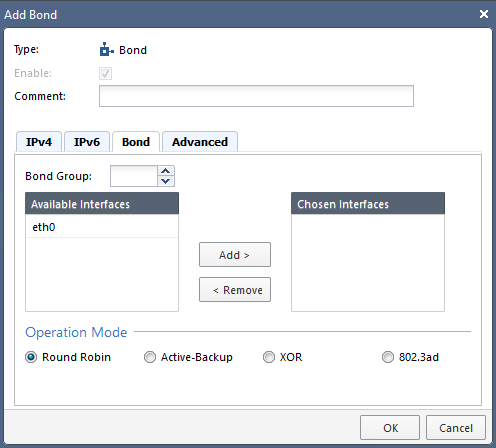
- Bond Interface:
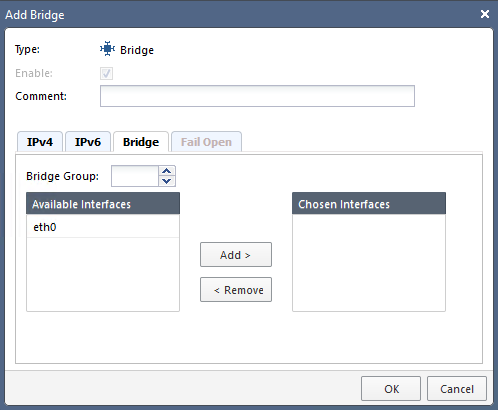
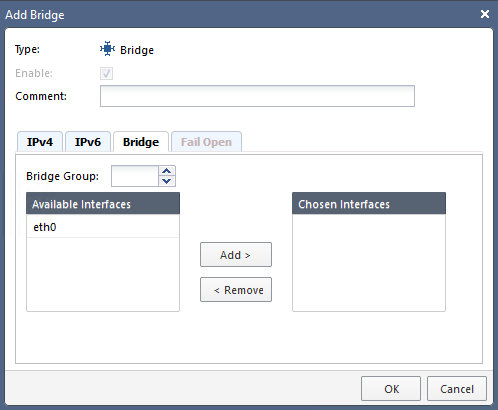
- Bridge Interface:
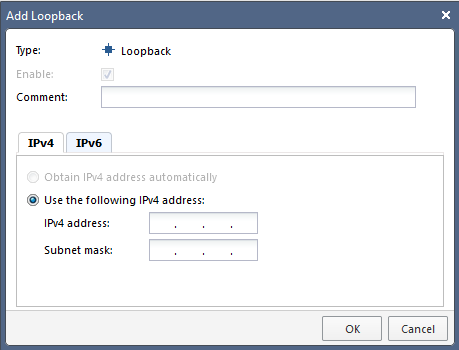
- Loopback Interface:

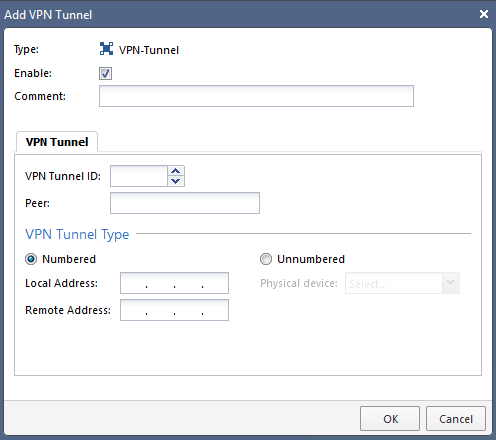
- VPN Tunnel Interface:

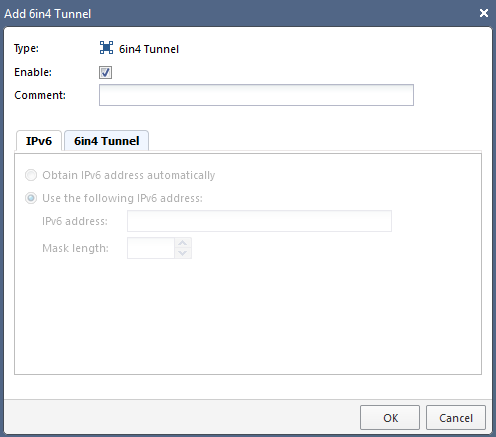
- 6in4 Interface:

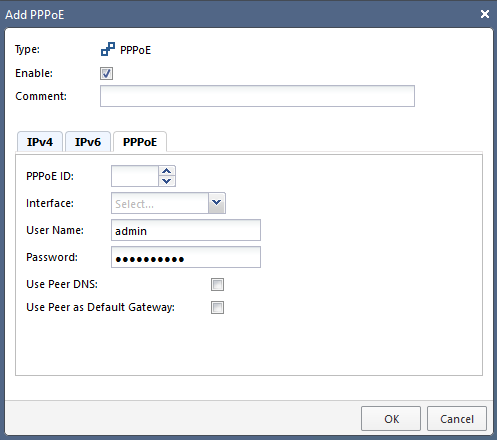
- PPPoE Interface:

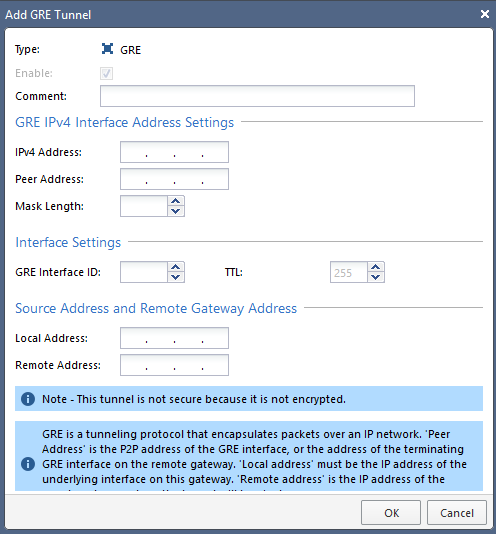
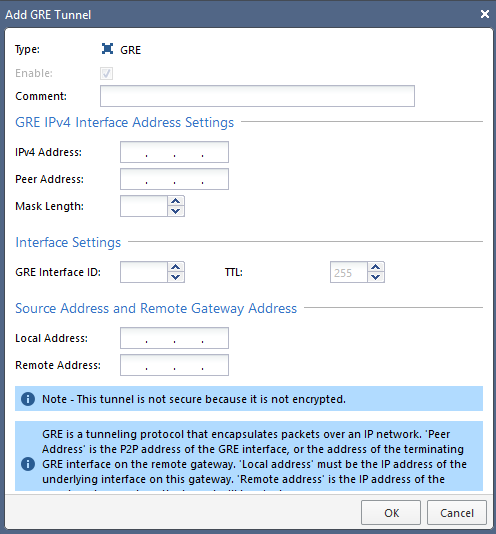
- GRE Interface:
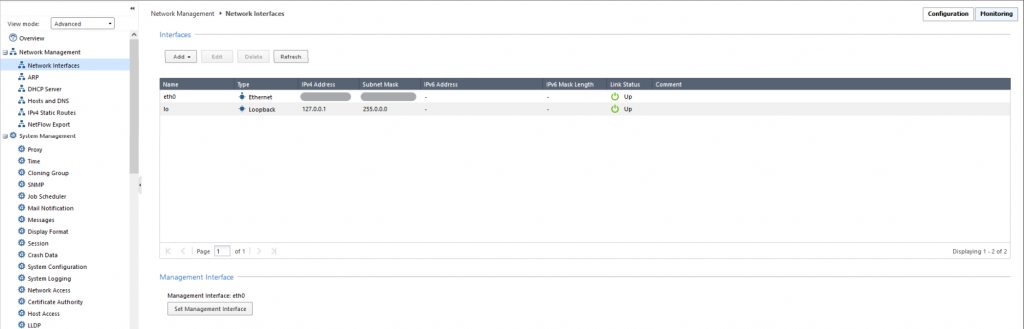
Step 1: In the menu, go to Network Management > select Network Interfaces.
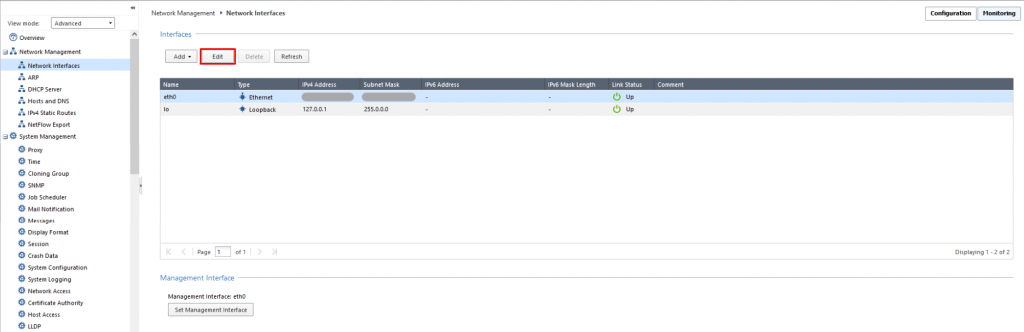
Step 2: Select the interface to edit > click Edit.
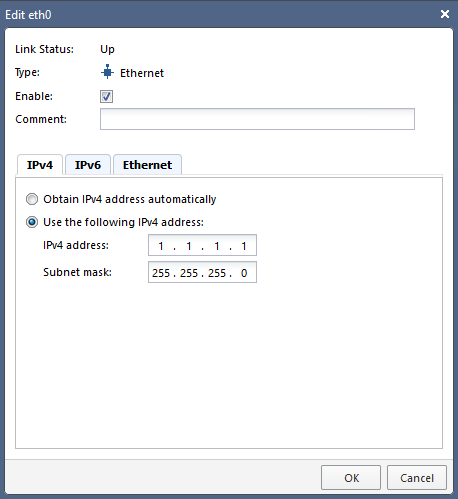
Step 3: Enter the new information > click OK to save.
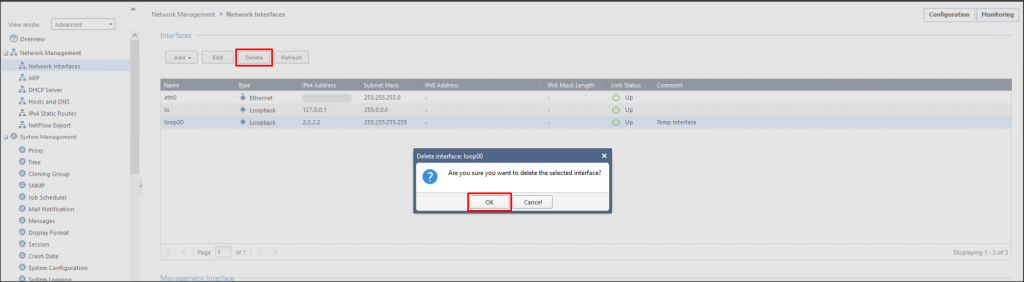
Step 1: In the menu, go to Network Management > select Network Interfaces.
Step 2: Select the interface to delete > click Delete > click OK to confirm.