Static Route
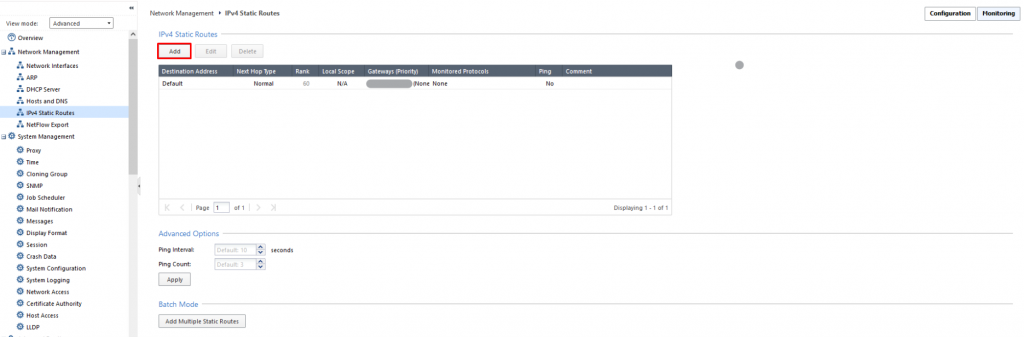
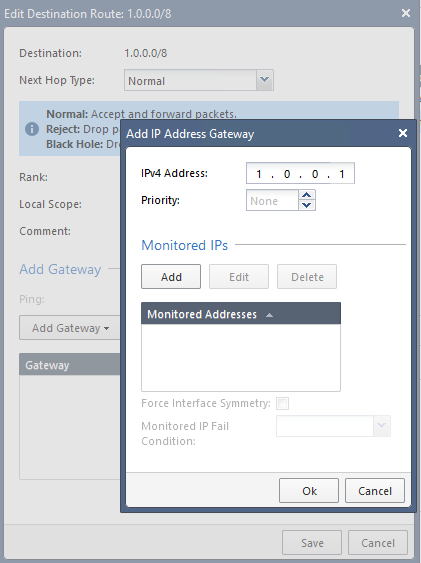
Step 1: In the menu, go to Network Management > select IPv4 Static Routes > Add.
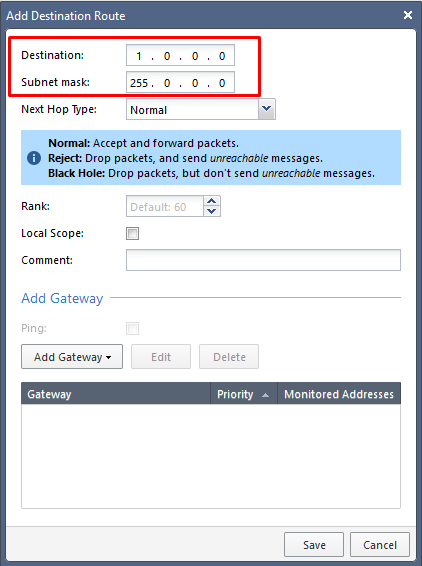
Step 2: Enter the Destination and Subnet mask for the network range to route to.
Step 3: Click Add Gateway to enter the next-hop address.
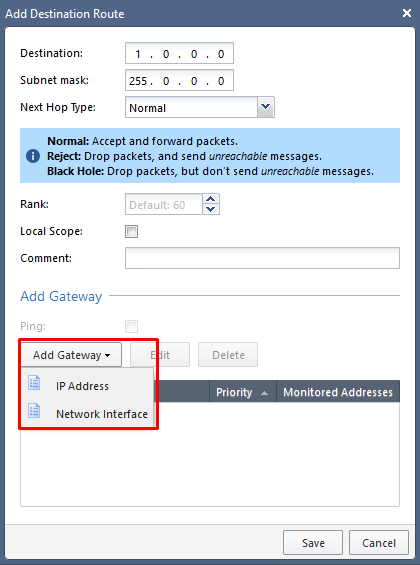
You can route to an IP Address or out through an Interface.
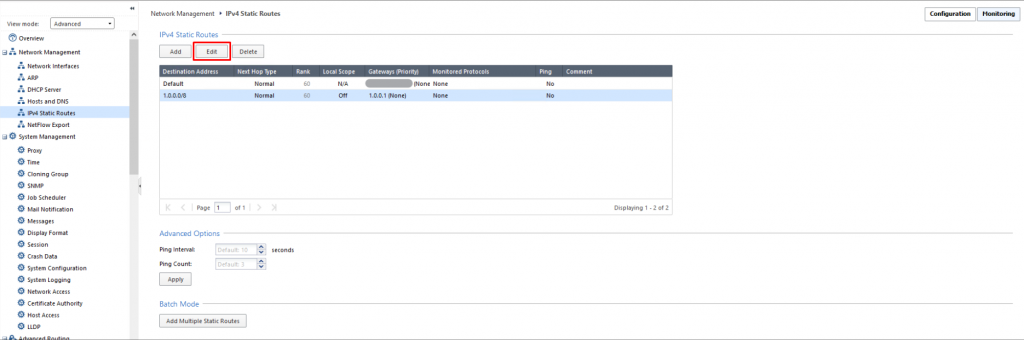
Step 1: In the menu, go to Network Management > select IPv4 Static Routes > select the route to edit > Edit.
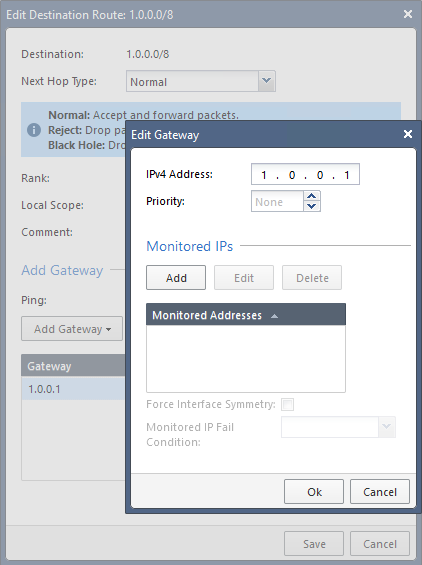
Step 2: Enter the new Gateway parameters.
note
The destination subnet cannot be edited. If needed, delete the route and create a new one.
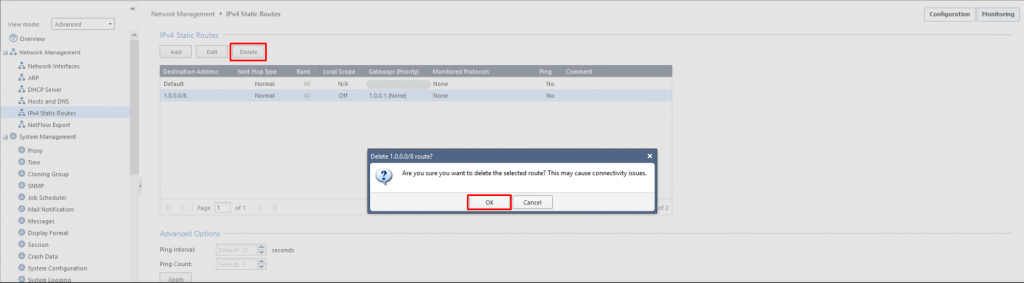
Step 1: In the menu, go to Network Management > select IPv4 Static Routes.
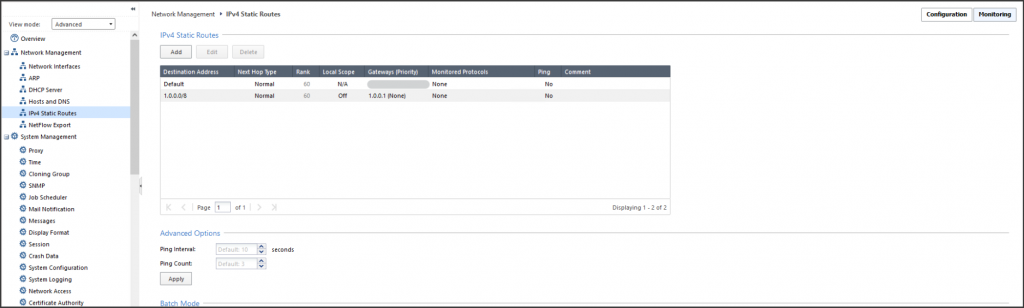
Step 2: Select the route to delete > click Delete > click OK to confirm.