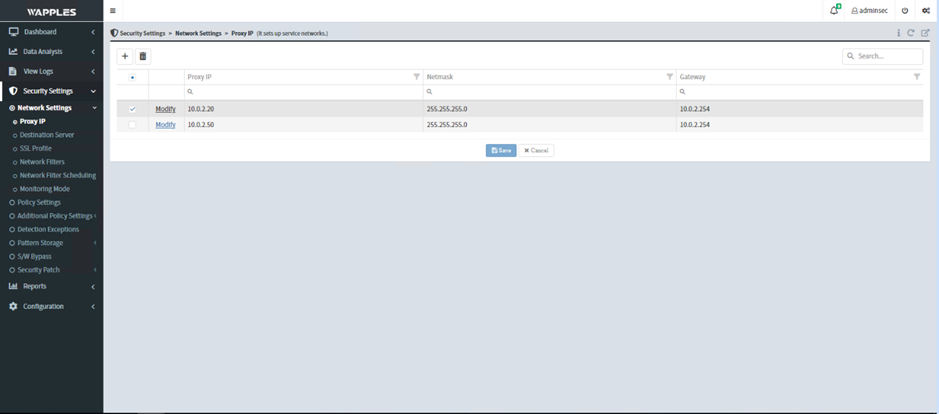
Proxy IP
This feature configures proxy IP addresses to set up private IP services within the cloud.
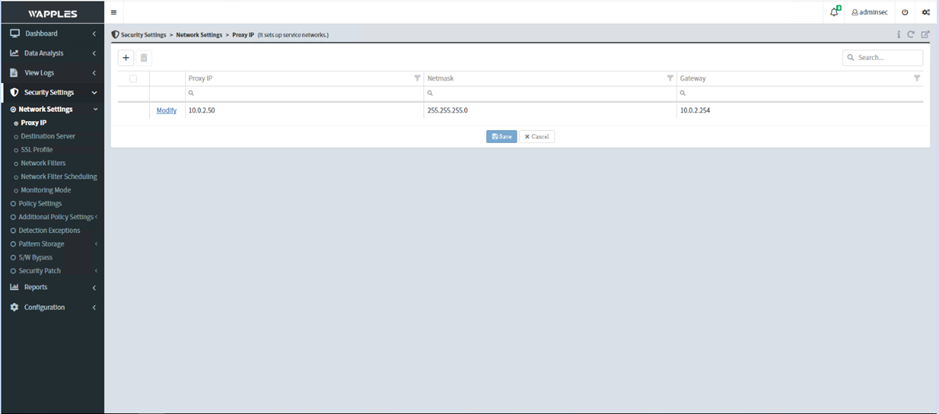
Available operations include adding, editing, and deleting proxy IPs.
1. Add a Proxy IP
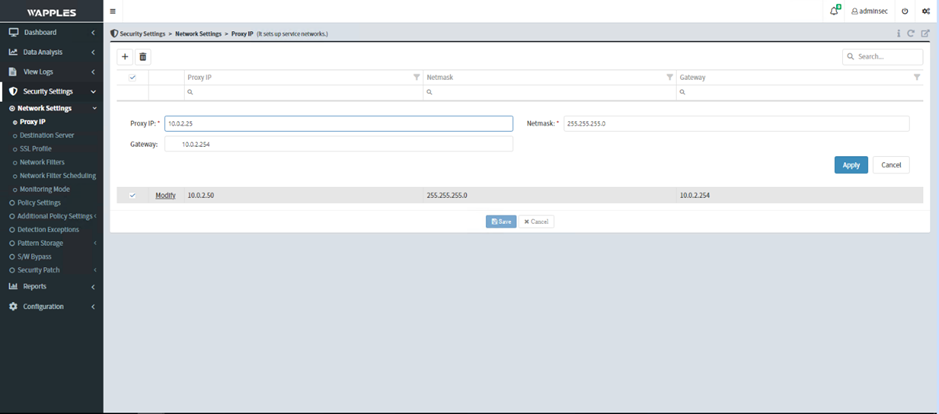
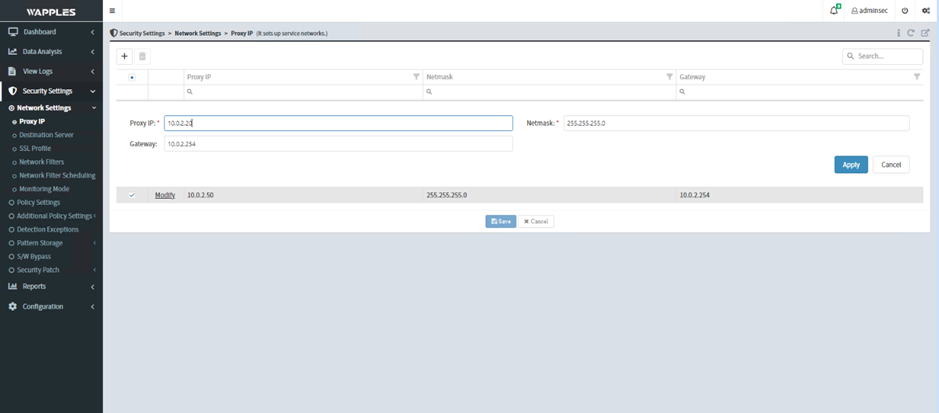
- On the Security Settings / Network Settings / Proxy IP page, click the + icon to add a Proxy IP
- Enter the required values to configure the IP as shown, then click Apply
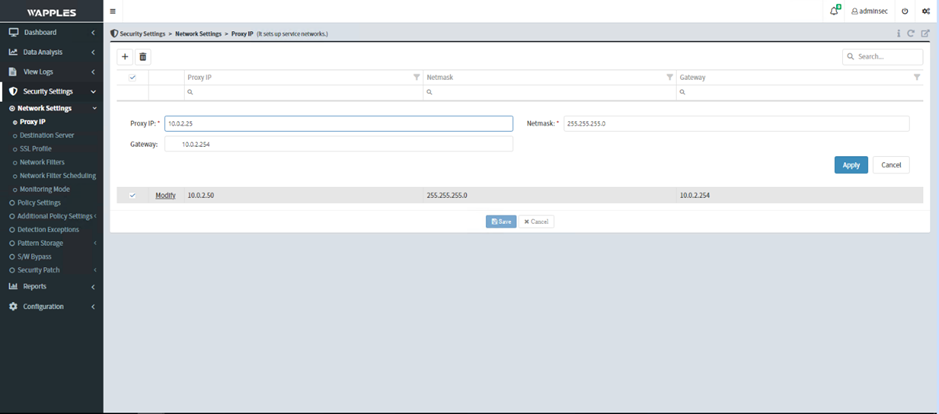
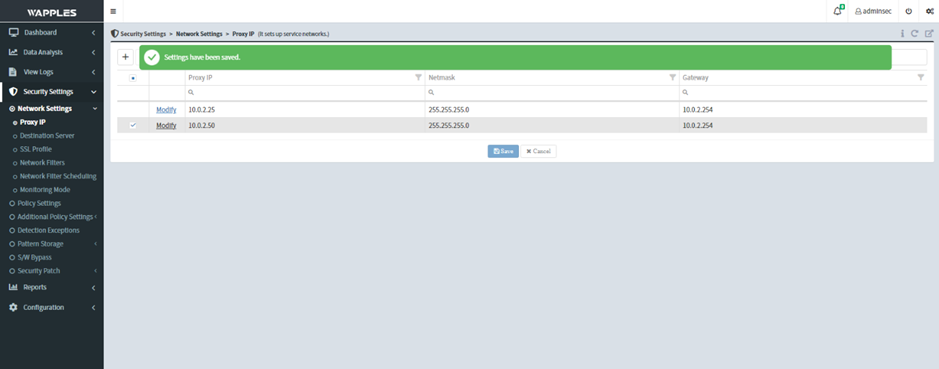
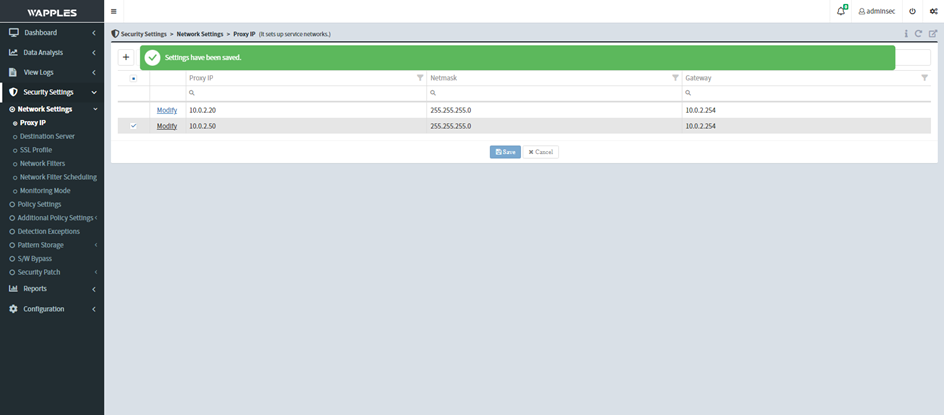
- Click Save to save the changes
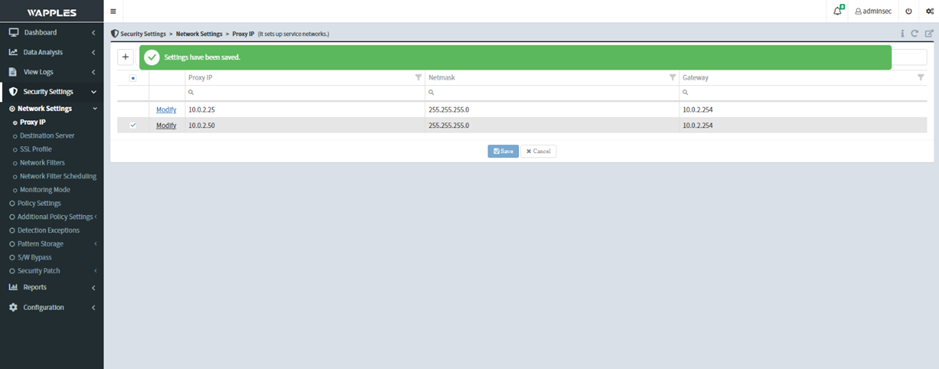
2. Edit a Proxy IP
- On the Security Settings / Network Settings / Proxy IP page, click Modify
- Make the necessary changes:
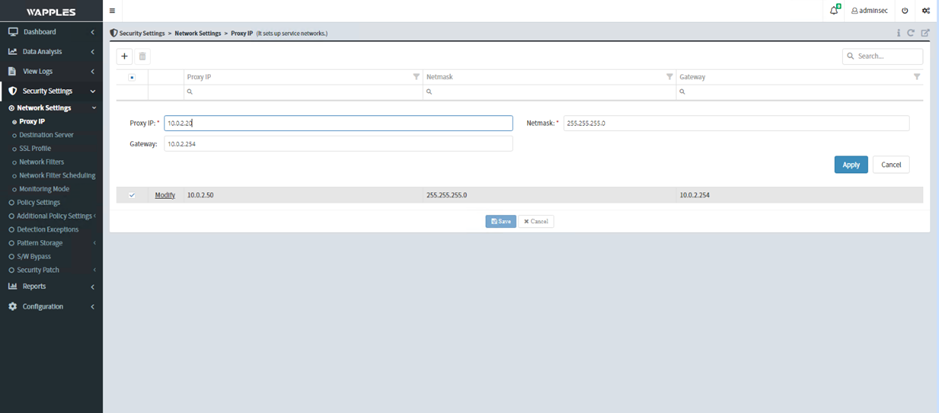
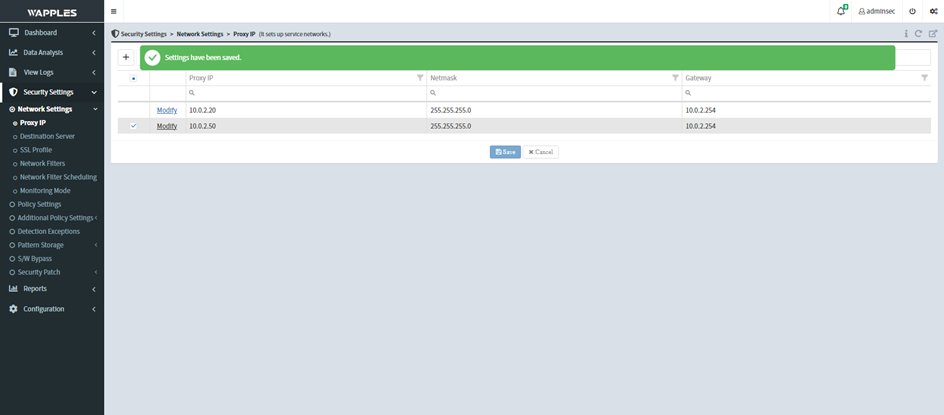
- Click Apply then Save to save the settings
3. Delete a Proxy IP
- On the Security Settings / Network Settings / Proxy IP page, select the IP to delete
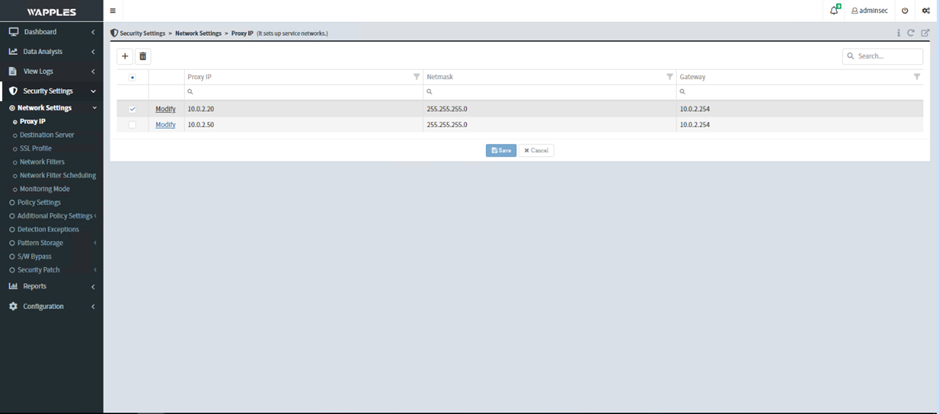
- Click the trash icon to delete the selected IP, then click Save to apply the changes