Change password
After an IAM user registers and successfully logs in to the FPT Portal, it is recommended to change the password to keep the account secure.
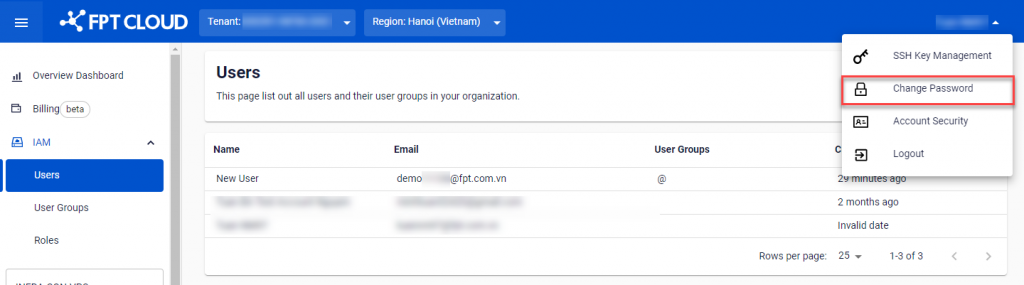
- Click on the account name area in the upper right corner of the FPT Portal, then select Change Password.
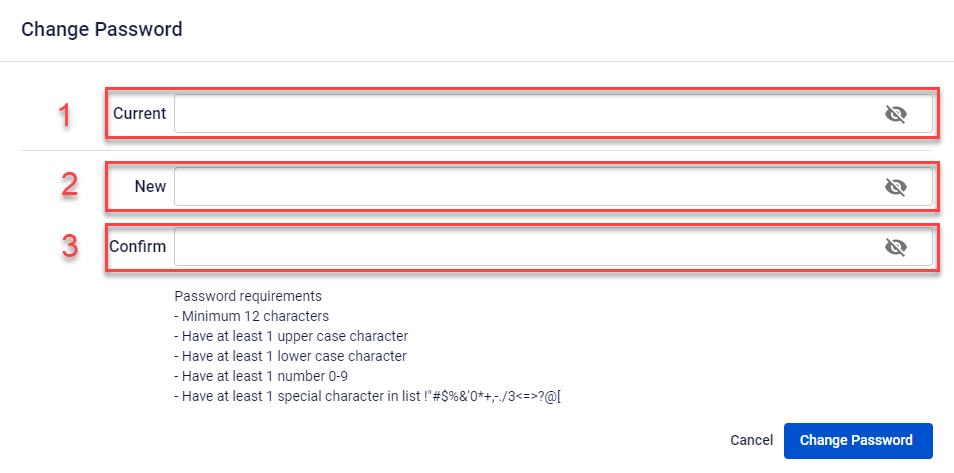
- In the Change Password dialog, enter the required information:
- Current: Enter the current password.
- New: Enter the new password.
- Confirm: Confirm the new password.
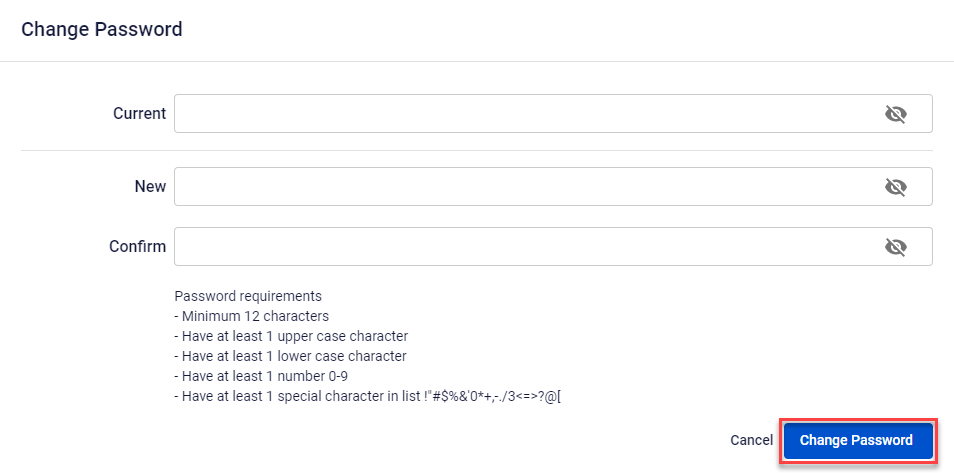
- Click Change Password. The system verifies, processes, and displays the result.