Invite new IAM users
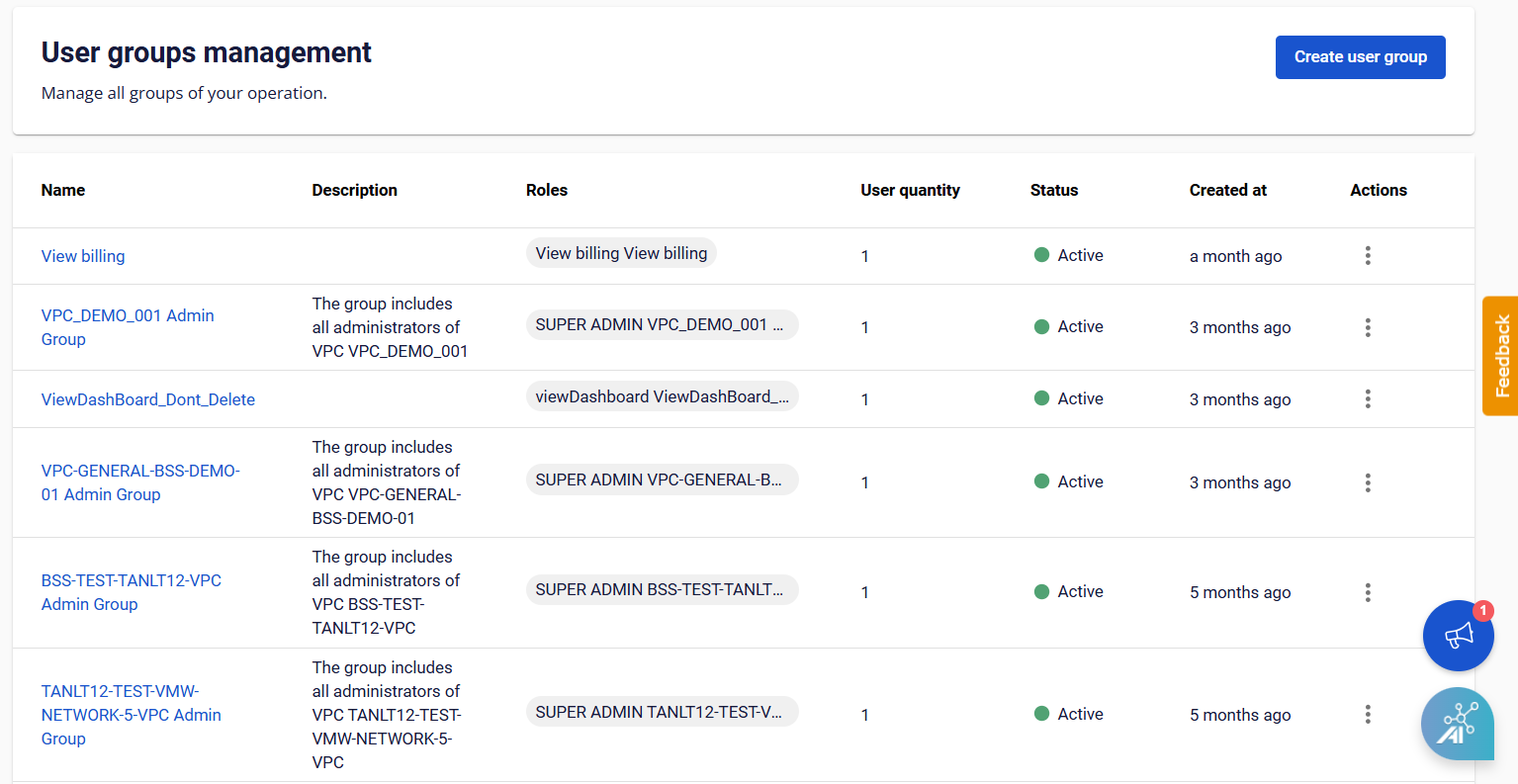
- Select IAM > Users, then click Invite users.
- In the Invite User dialog, enter the required information:
- Users: Enter the exact email address to invite. The system will send a verification email to this address.
- User group: Select the User Group to assign to the user (required).
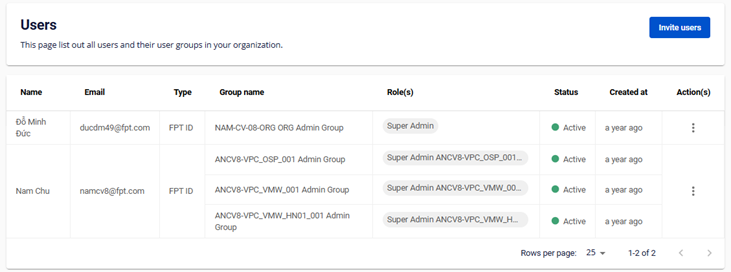
- Click Invite. The system verifies the account and invites the new user into the VPC, then displays the result.
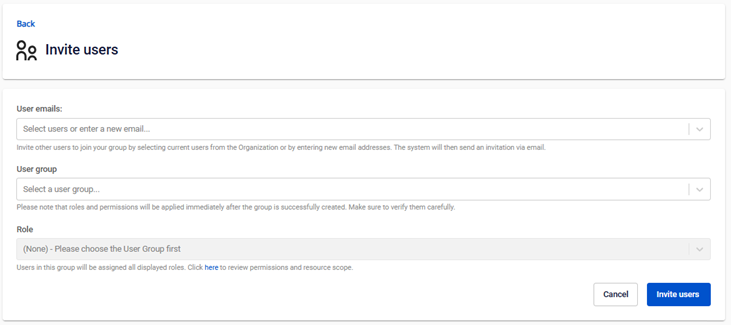
After a successful invitation, the new user will appear on the User Management page with their Name, Email, and User Groups.