Download detailed reconciliation file
To download the detailed reconciliation data as an Excel file:
-
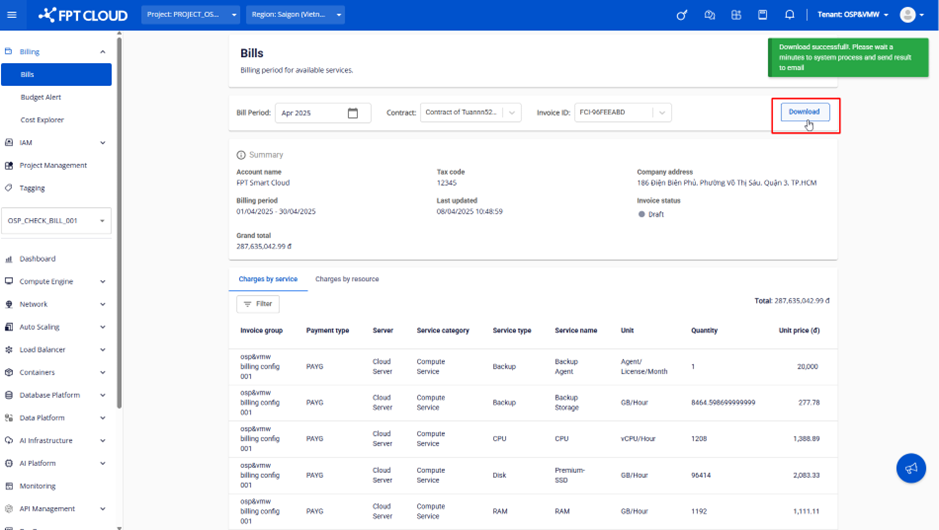
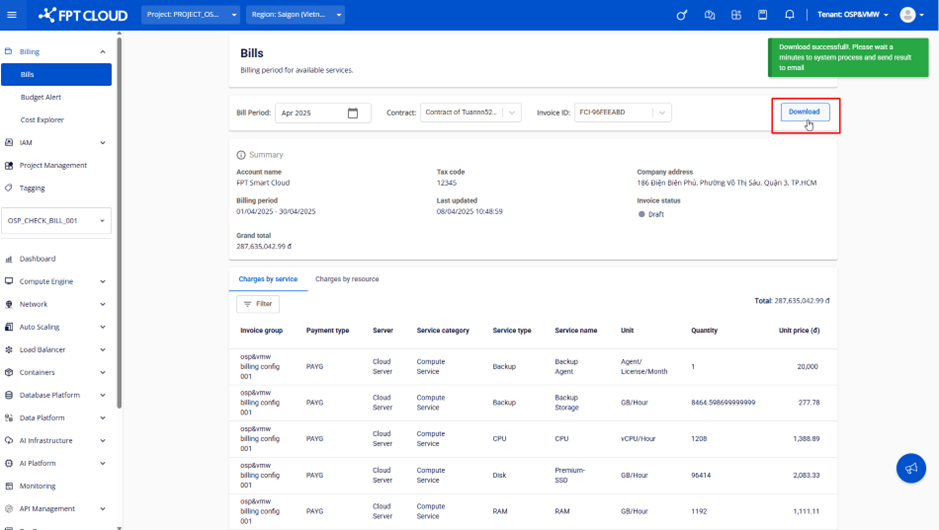
After selecting the billing period, contract, and reconciliation entry, click the Download button.
-
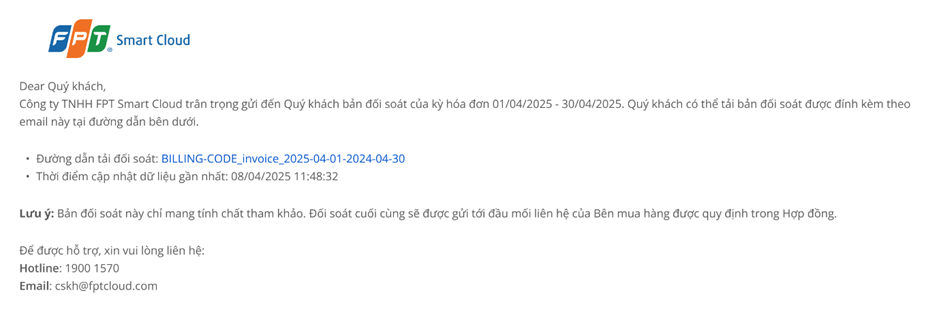
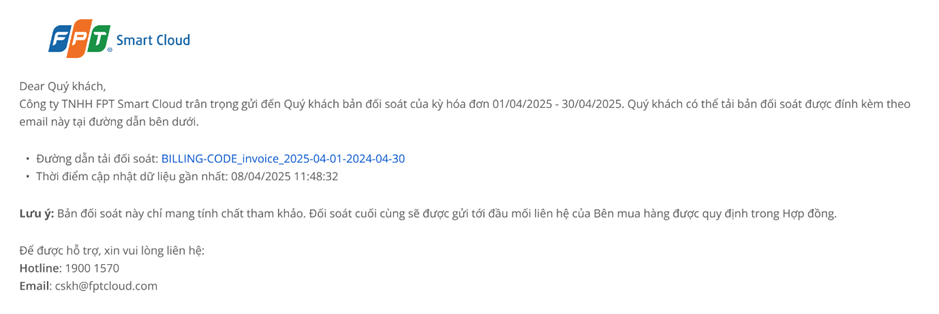
The reconciliation file will be sent to your email address (the email associated with the logged-in account) within 15–20 minutes.
warning
The system accepts Download requests at a rate of once every 15 minutes. Please do not click Download multiple times within a 15-minute window.