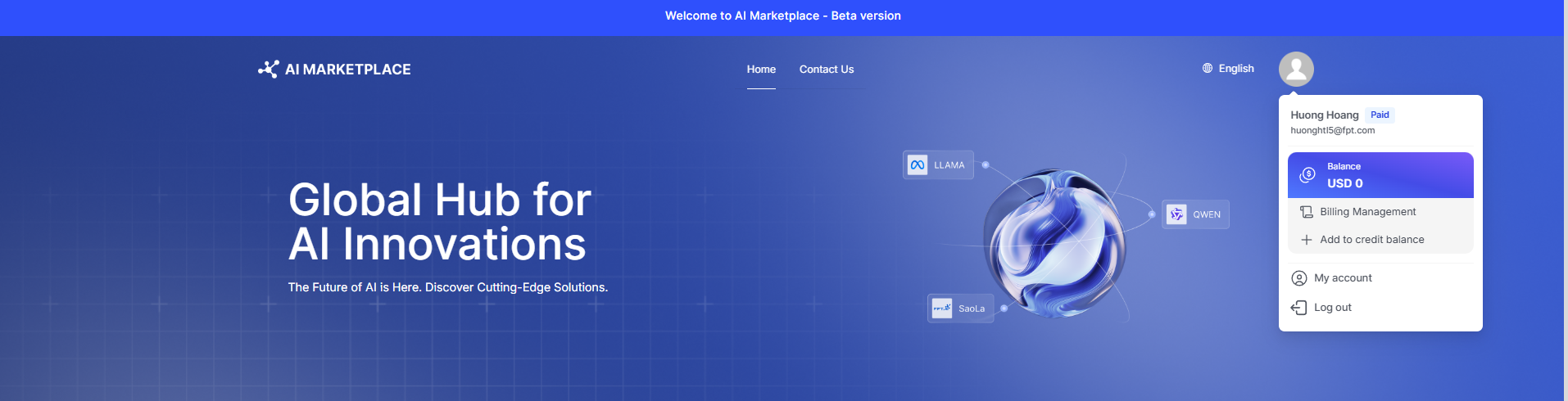
Navigate to the My account dropdown and click Add to credit balance or Buy credit to start using API to access your billing information and settings.
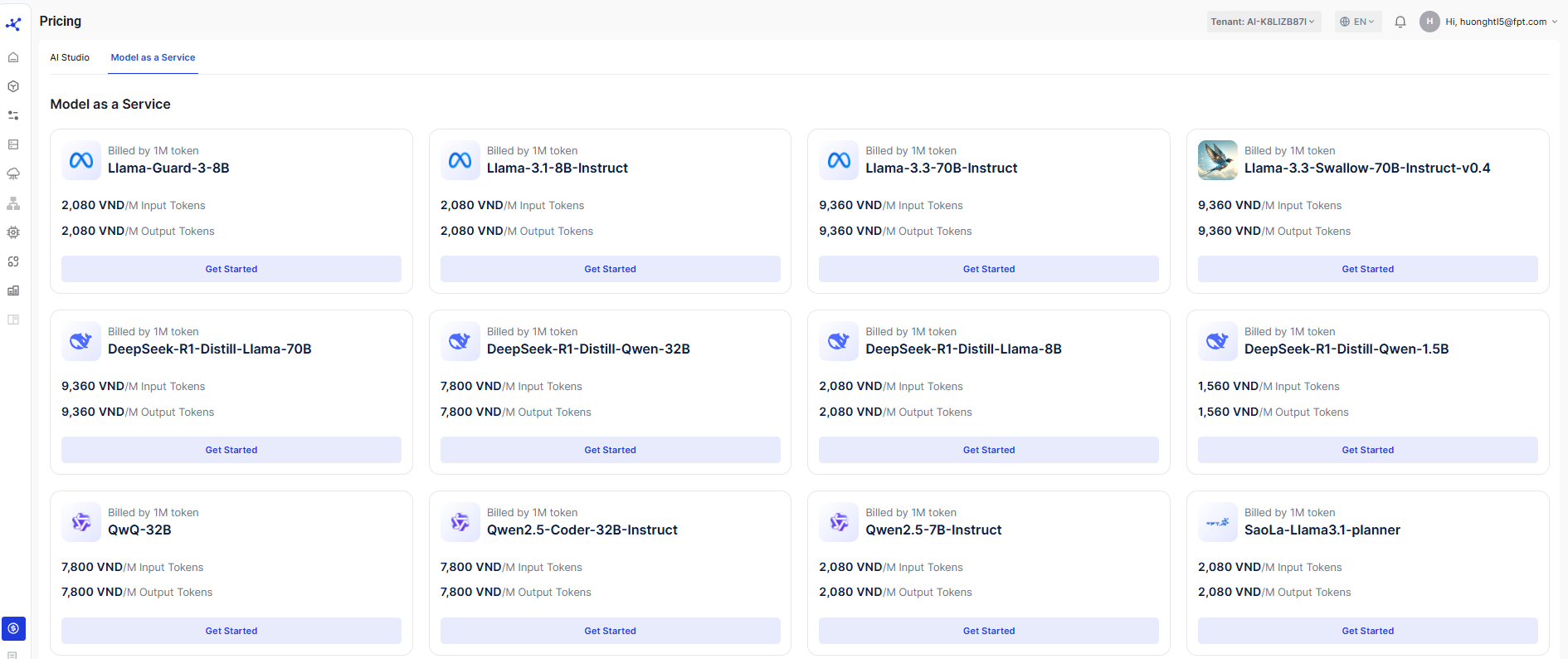
You can view the pricing for AI Marketplace — Model as a service.
To buy credit, click the Purchase button. You can choose to top up with a recommended amount such as 1,500,000 VND or 2,500,000 VND, or enter your desired amount. The minimum transaction is 26,000 VND. Then click Purchase.
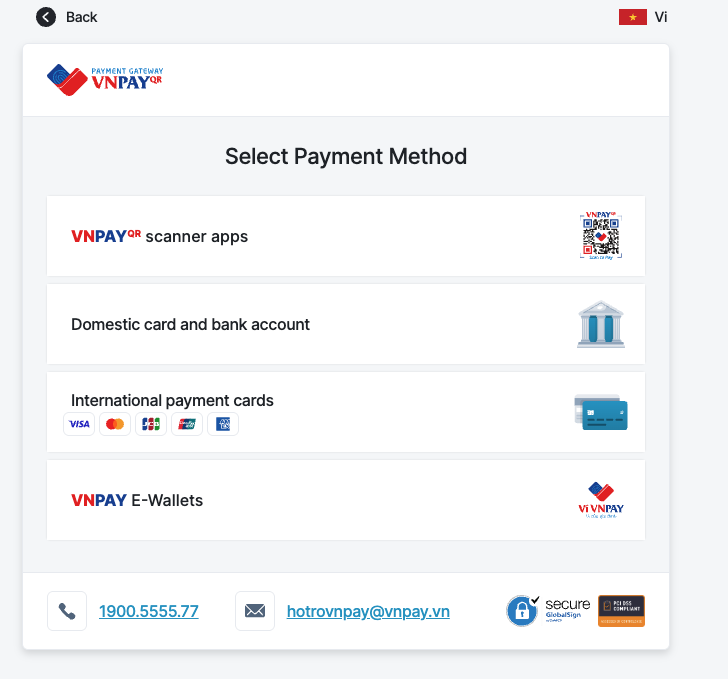
You will be redirected to VNPay to complete the transaction using your preferred payment method: VNPayQR or international payment cards.
After a top-up, check Credit History to view your top-up transaction history.