Power on/off virtual machine
You can power off or power on a virtual machine directly from the FPT Cloud Portal dashboard — the same as operating a physical server.
warning
When a virtual machine is powered off, costs still apply because resources have been allocated and reserved.
Power on/off virtual machine
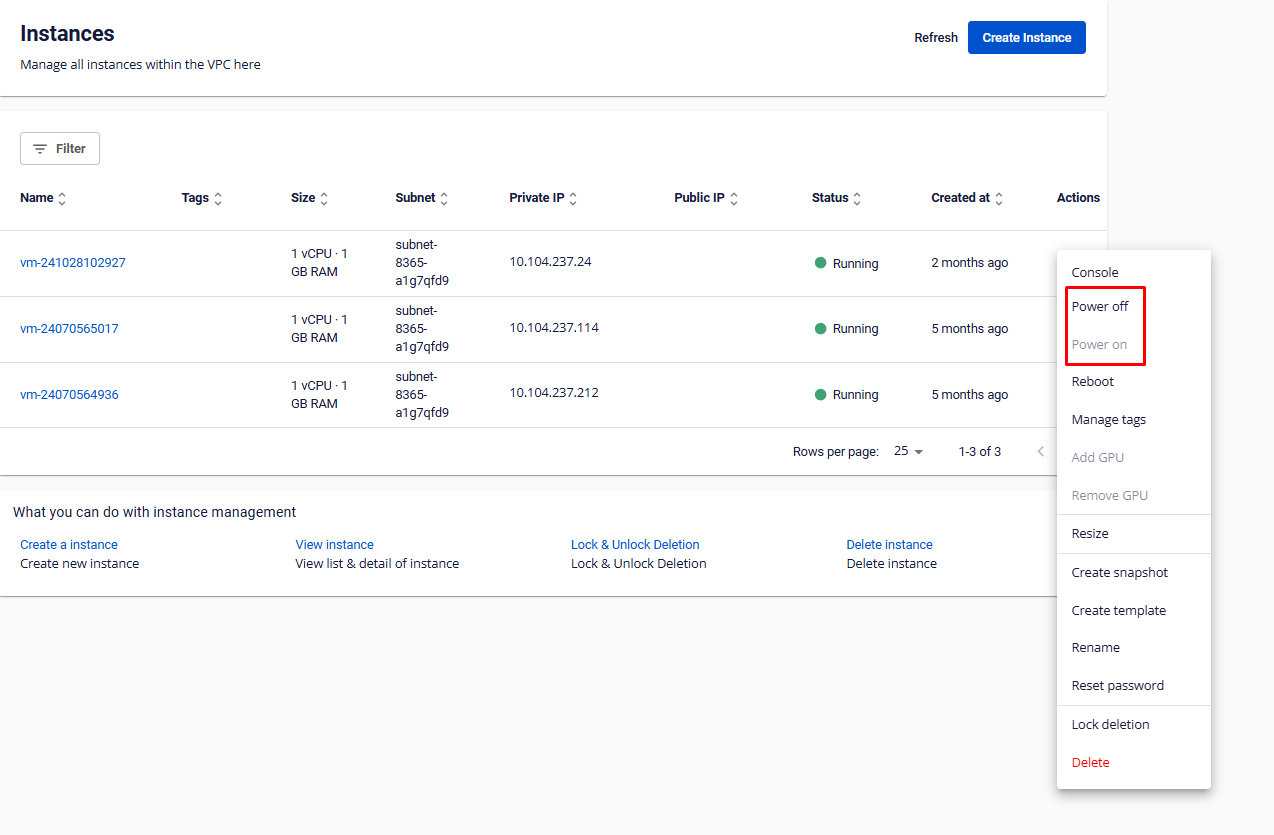
- In the Instance Management dashboard, select Action → Power.
- Select the action:
- Power Off: Powers off the virtual machine (when it is running).
- Power On: Powers on the virtual machine (when it is off).