Delete a virtual machine
When you no longer need a virtual machine, you can delete it from the system to avoid incurring additional costs.
danger
Deleting a virtual machine permanently removes all data and cannot be undone. Make sure the virtual machine is in Unlock Deletion state before proceeding.
Delete a virtual machine
-
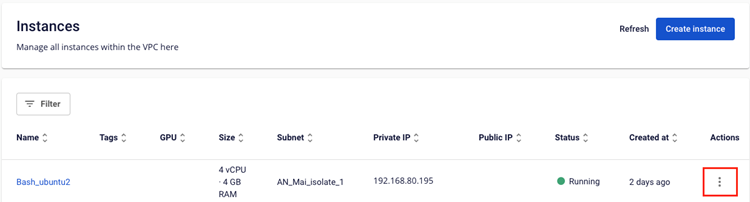
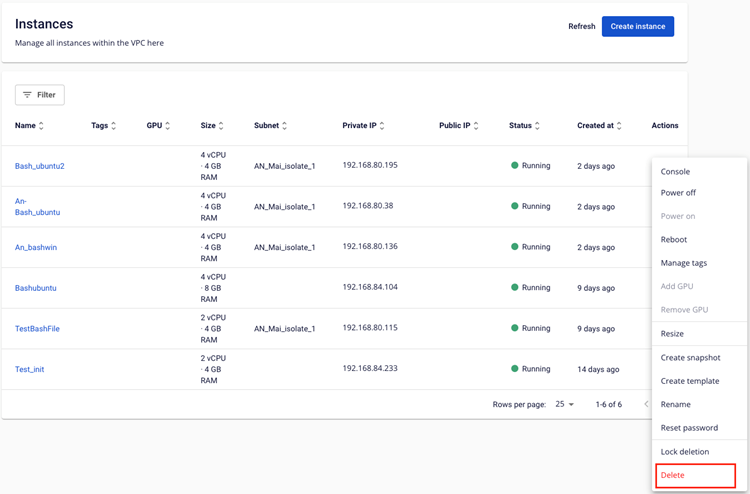
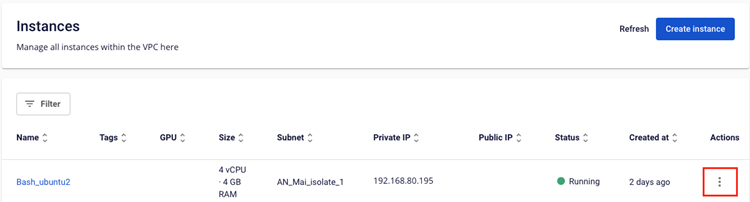
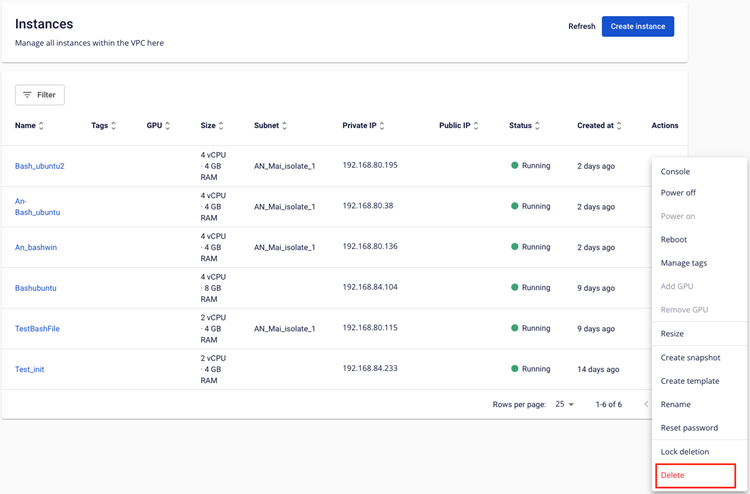
In the Instance Management dashboard, select Actions → Delete.
-
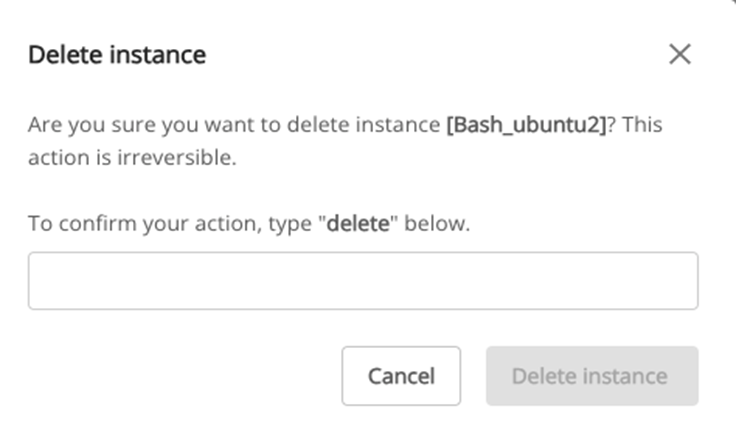
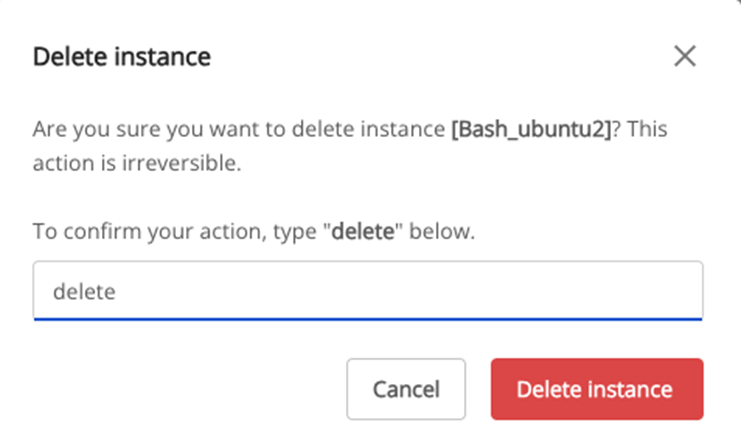
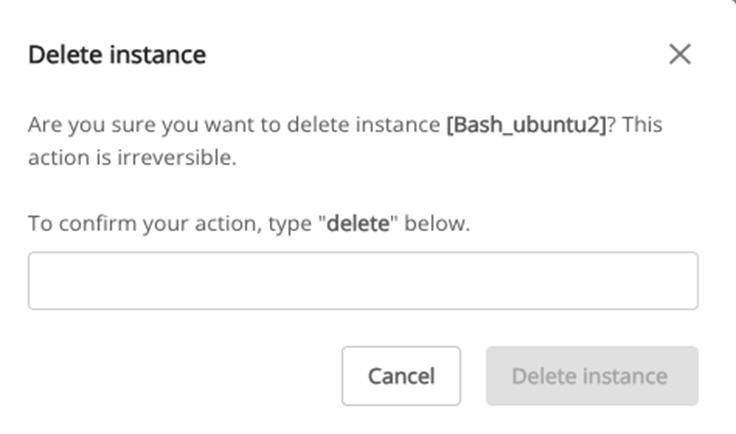
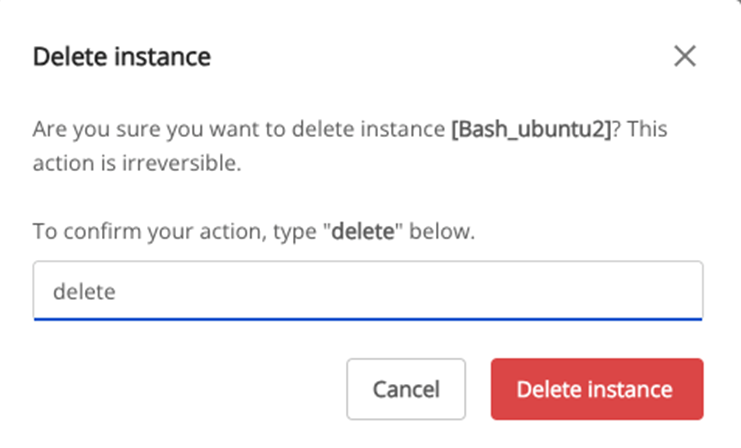
A confirmation dialog displays the virtual machine name. Type delete to confirm.
-
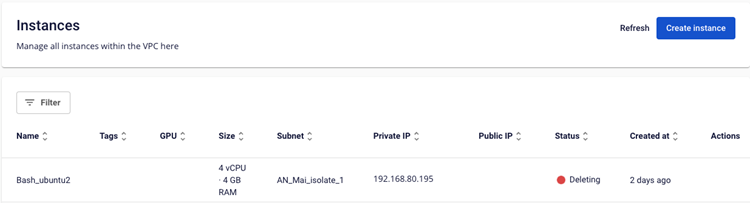
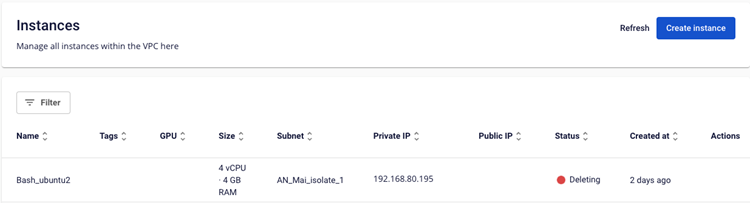
The system deletes the virtual machine and reclaims its resources.