Set static IP on Ubuntu Server
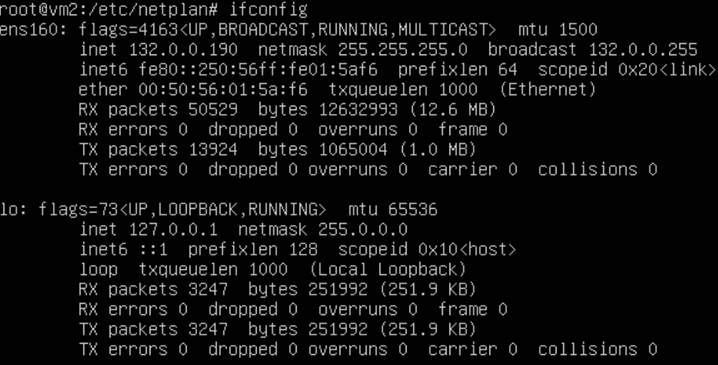
Step 1: Check the current state
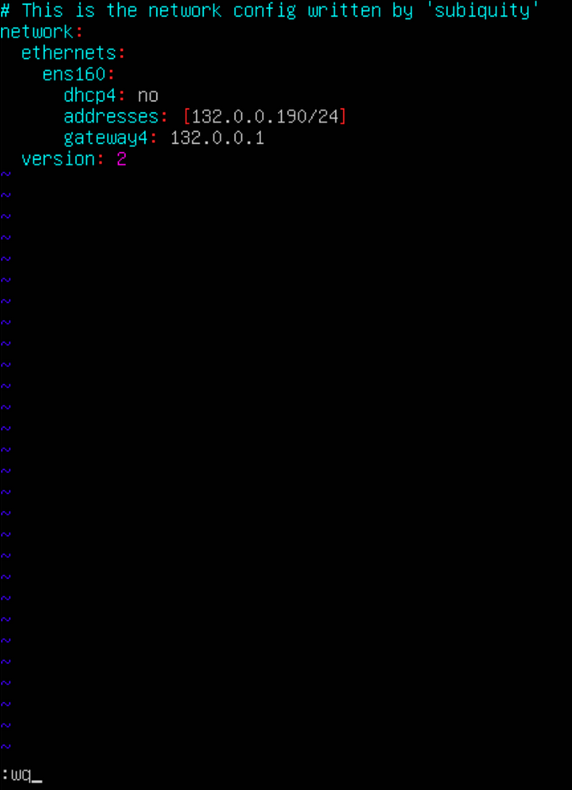
After editing the NIC, the NIC IP is 132.0.0.190.
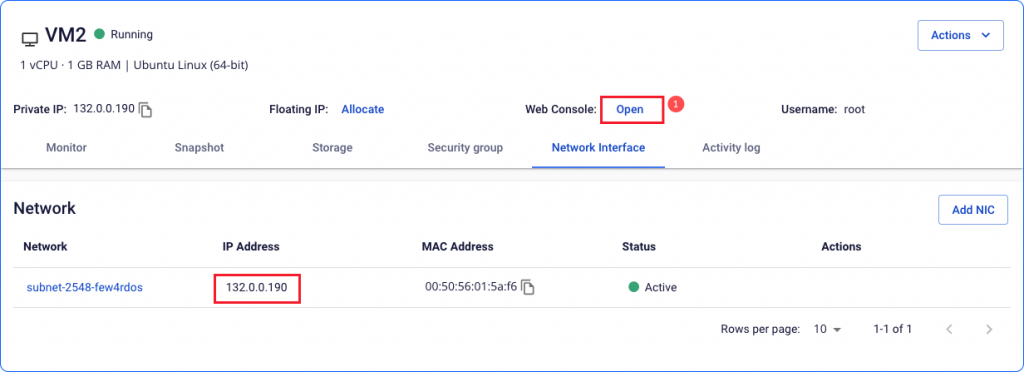
- Open Console and sign in to the instance.
- Run
ifconfigto view the current IP address.
Step 2: Open the network configuration file
Open the file 00-installer-config.yaml with:
vi /etc/netplan/00-installer-config.yaml

Press i to enter Insert mode.
Step 3: Update the configuration values
Edit the IP address, gateway, and DNS to match the new configuration.
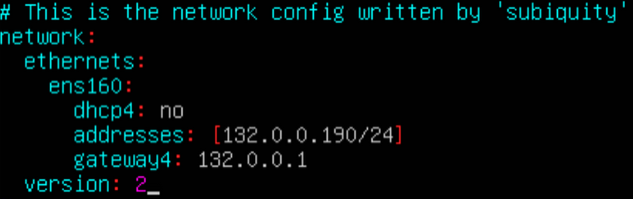
Press Esc, type :wq, then press Enter to save and exit.
Step 4: Apply the changes
Run the following command to apply the new network configuration:
sudo netplan apply

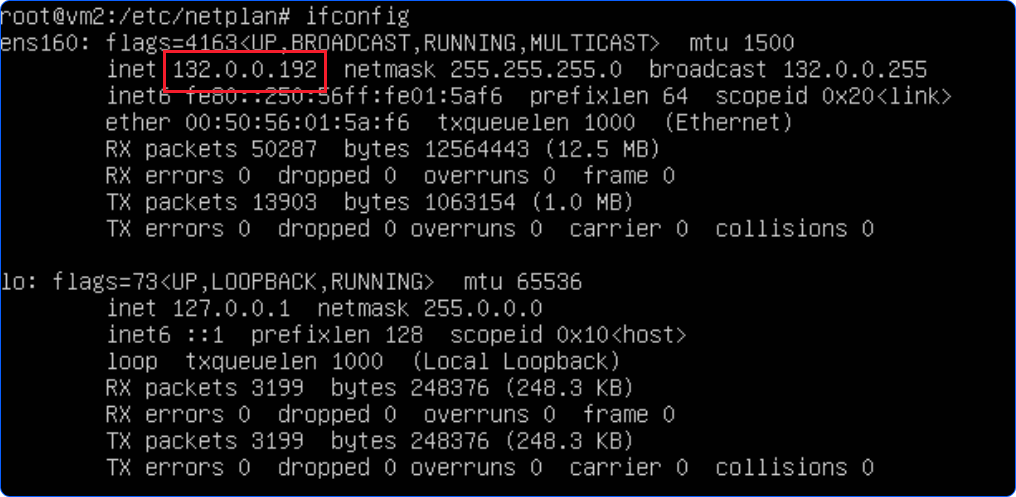
Step 5: Verify the new IP address
Run ifconfig again to confirm the IP address has been updated.