Add Instance to Instance Group
When creating a new virtual machine, you can attach it to an Instance Group to apply Affinity or Anti-Affinity policies.
note
Each Instance Group contains up to 10 Instances.
-
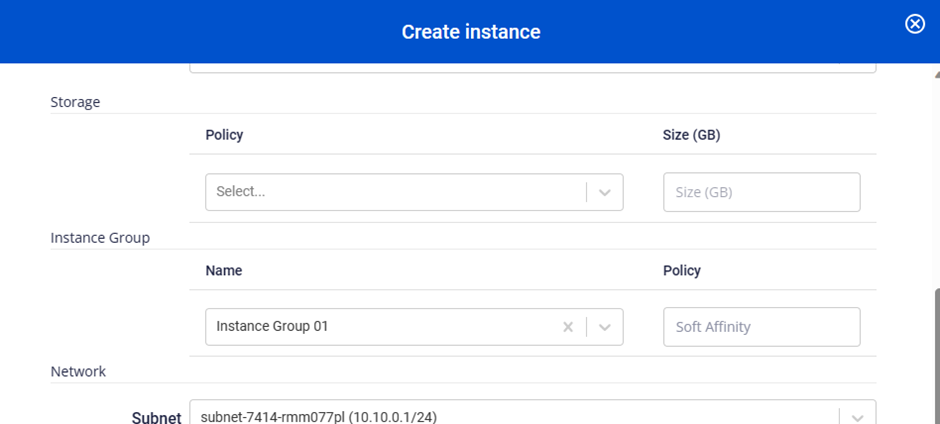
On the Create Instance screen, in the Instance Group section, select the name of the Instance Group you want to attach.
-
Click Create Instance.
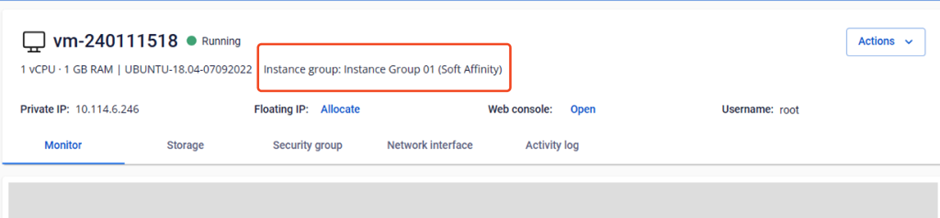
The Instance Group information is shown on the Instance Detail page.