Create an Instance Group
You can create a new Instance Group with either a Soft Affinity or Soft Anti-Affinity policy.
warning
An Instance Group cannot be edited after creation. If you need to make changes, delete the existing group and create a new one.
-
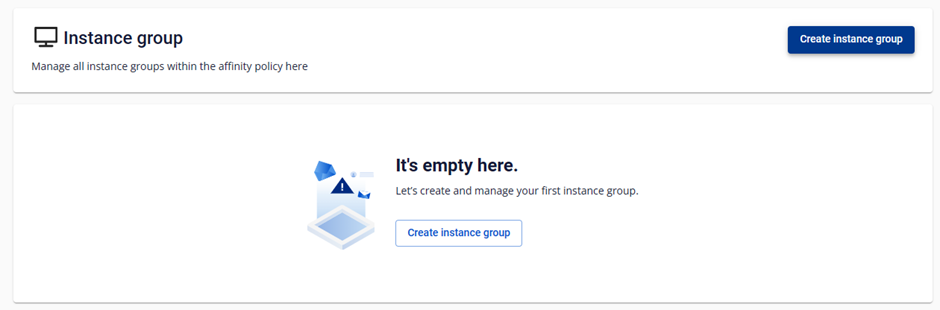
Select Compute Engine → Instance Group → Create Instance Group.
-
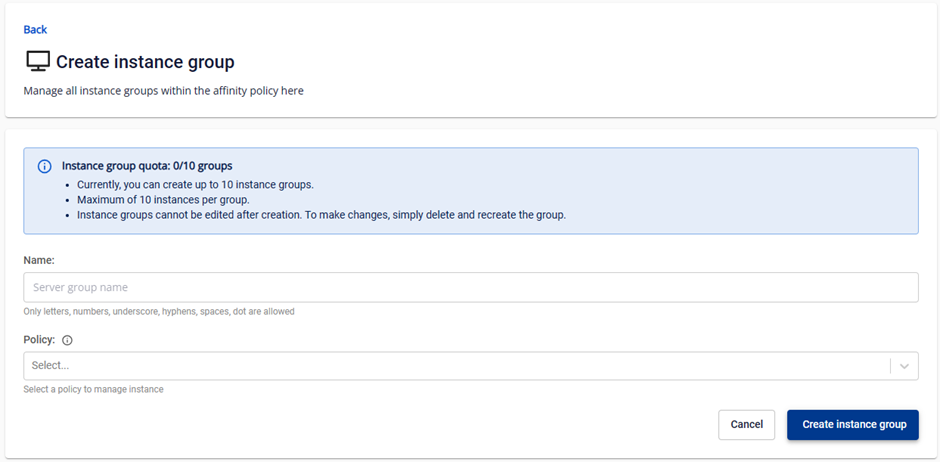
Fill in the details:
- Name: name of the Instance Group.
- Policy: choose Soft Affinity or Soft Anti-Affinity.
-
Click Create Instance Group.
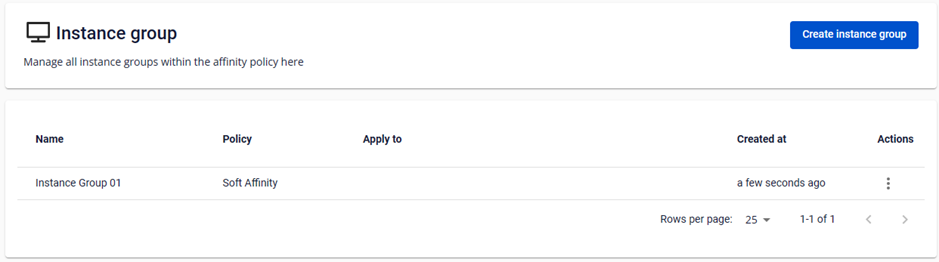
The new Instance Group appears in the Instance Group Management list.