Delete an Instance Group
danger
This action cannot be undone. Deleting an Instance Group will also detach it from all assigned Instances.
-
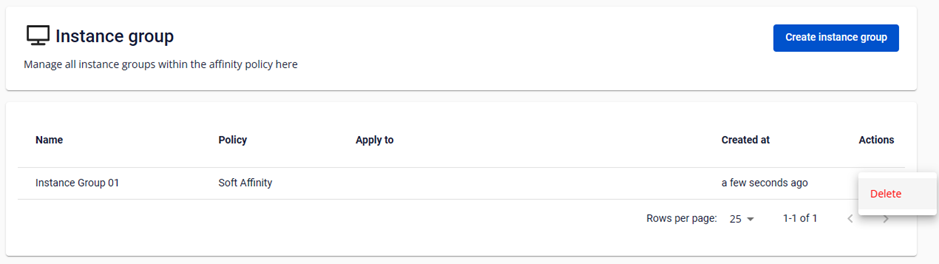
On the Instance Group Management table, click Delete in the Action column.
-
A confirmation dialog appears. Type
deleteand click Delete Instance Group.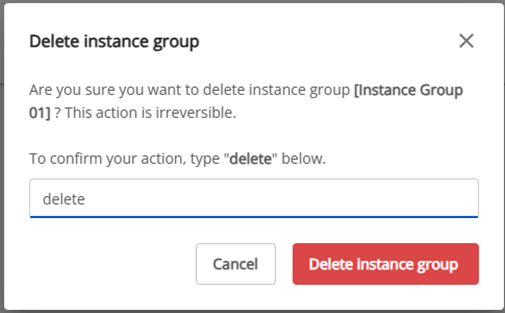
The Instance Group is permanently deleted. All previously assigned Instances are released.