Create a template from a virtual machine
Creating a template from a pre-configured virtual machine lets you deploy multiple virtual machines with the same environment quickly.
Create a template
-
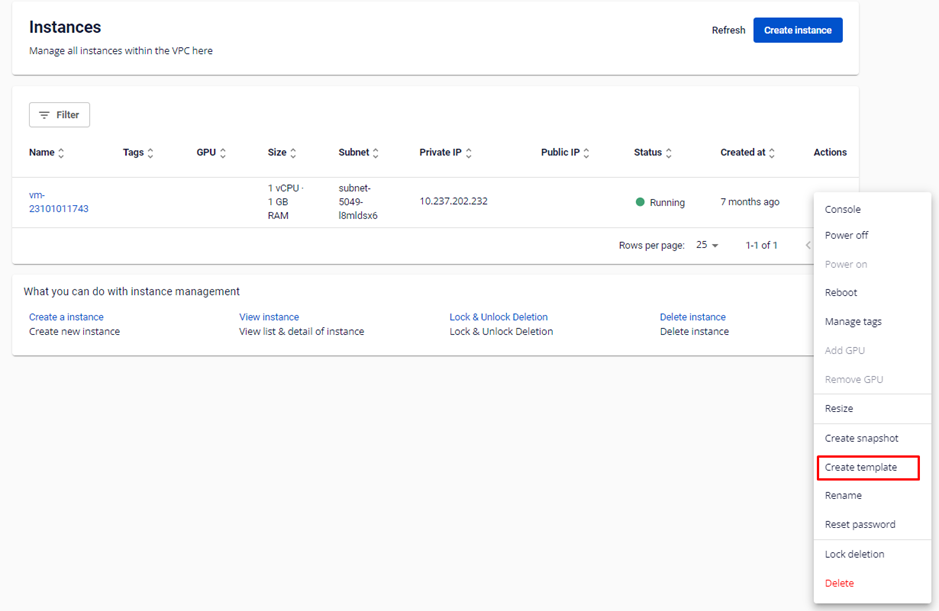
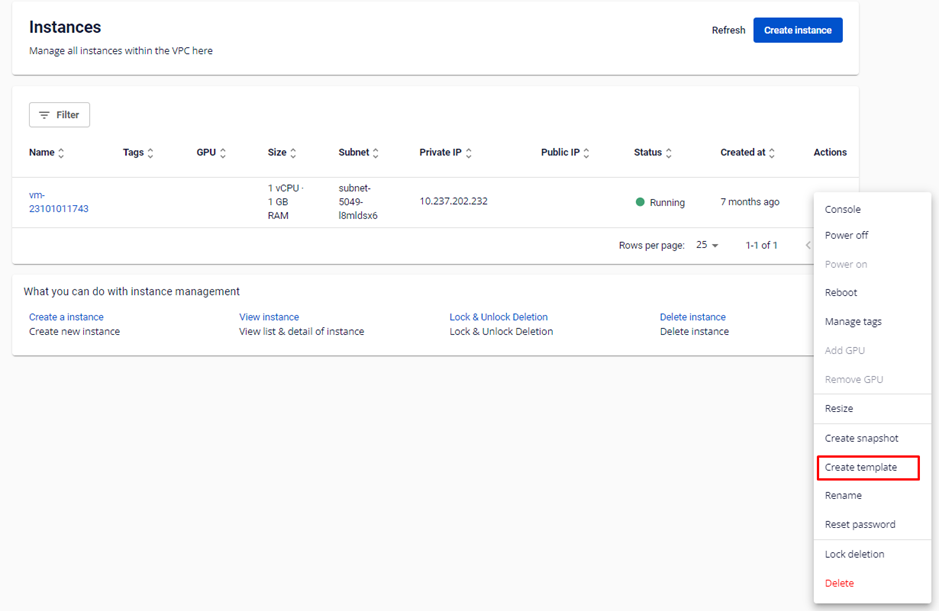
In Instance Management, select Actions → Create Template.
-
Fill in the template details, then click Create template.
-
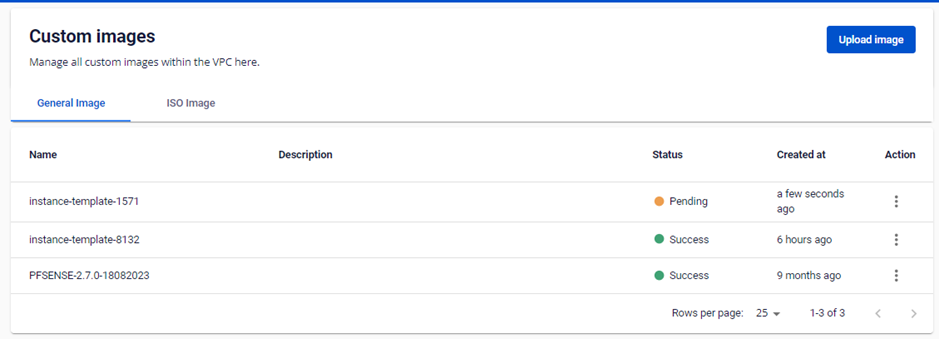
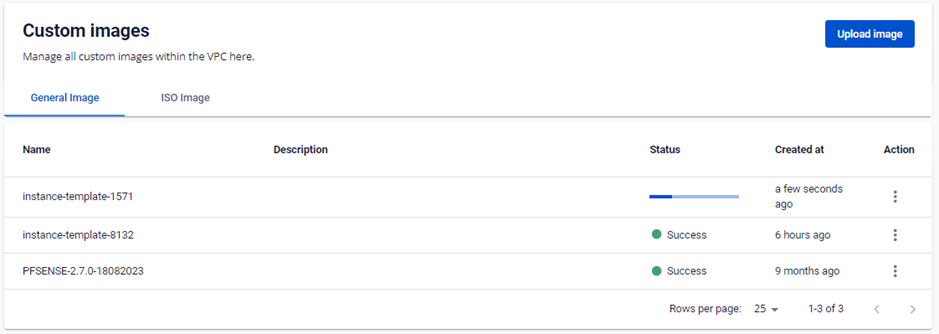
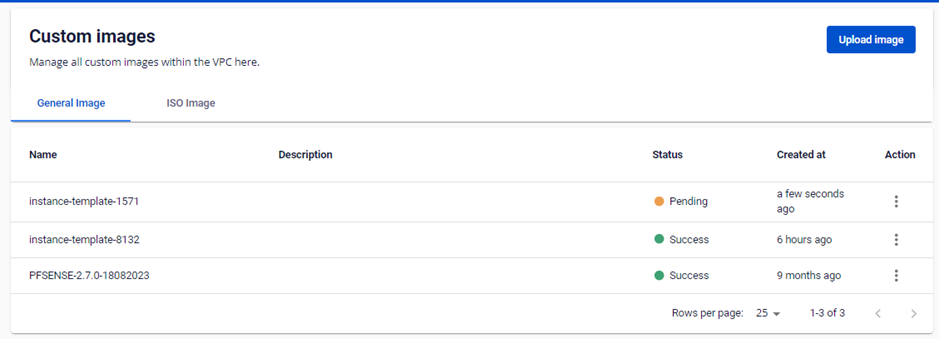
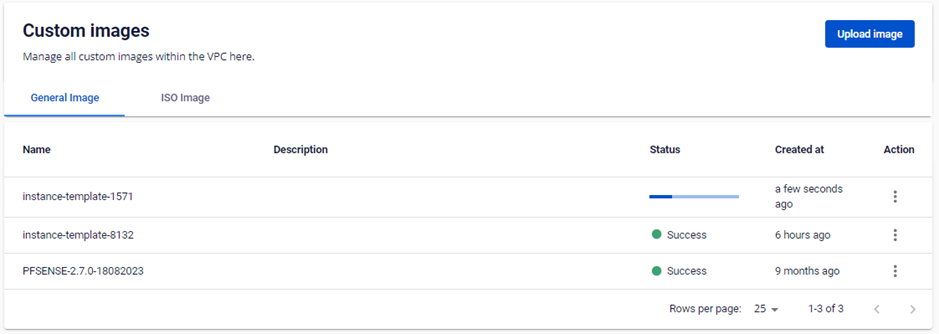
The system redirects you to the Custom Images page to monitor the progress.