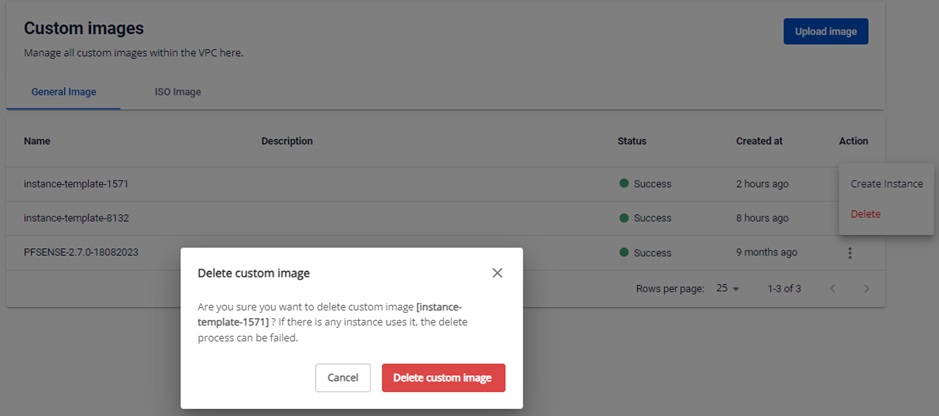
Delete a template
When you no longer need a template, you can delete it to free up resources.
danger
Deleted templates cannot be recovered.
Delete a template
-
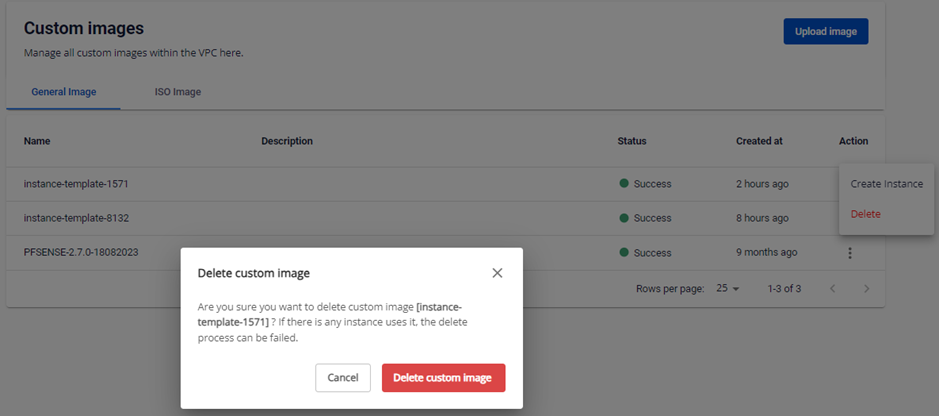
On the Custom Images page, select Actions → Delete custom image on the template you want to delete.
-
Confirm the deletion in the dialog box.