View JupyterHub Details
Step 1: In the menu bar, select Data Platform > Workspace Management > Workspace name
Step 2: In the My service section, select JupyterHub
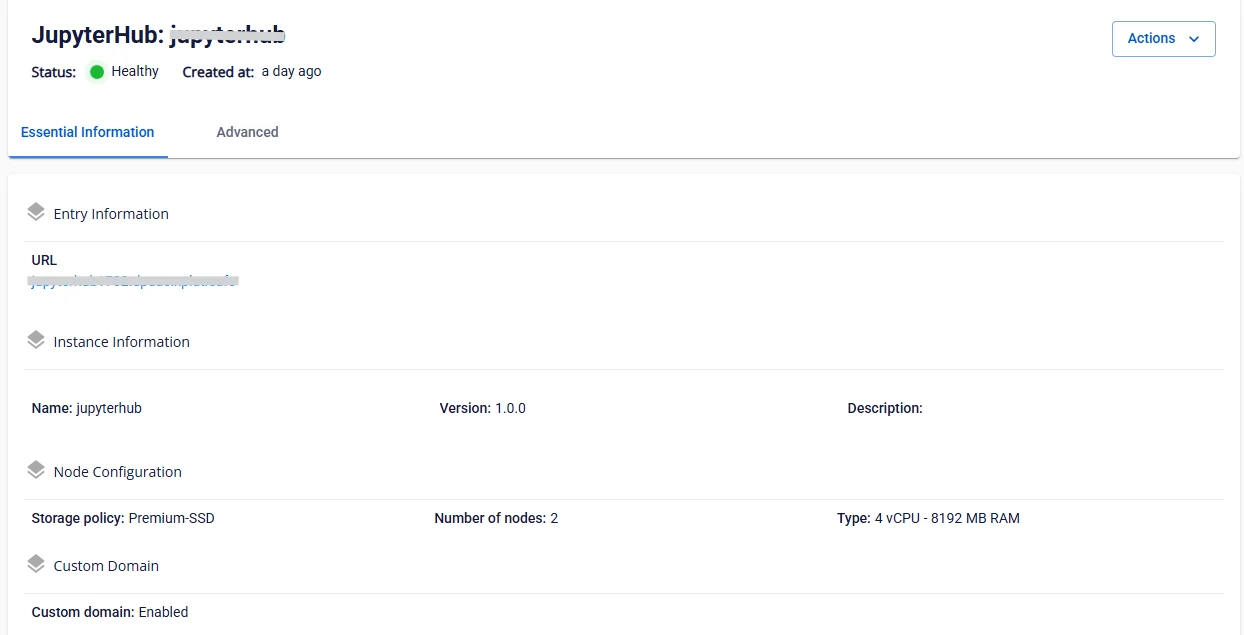
- Tab Essential information
Displays detailed information and configuration details of JupyterHub
-
Guide to accessing JupyterHub and creating an admin account
-
Open a browser and navigate to the provided JupyterHub URL.
-
On the displayed page, click the Create User button.
-
Enter the login name (Username = admin) and password (Password) as required.
-
Confirm the information and complete the account creation.
-
Use the newly created account to log in to JupyterHub and start using it.
-
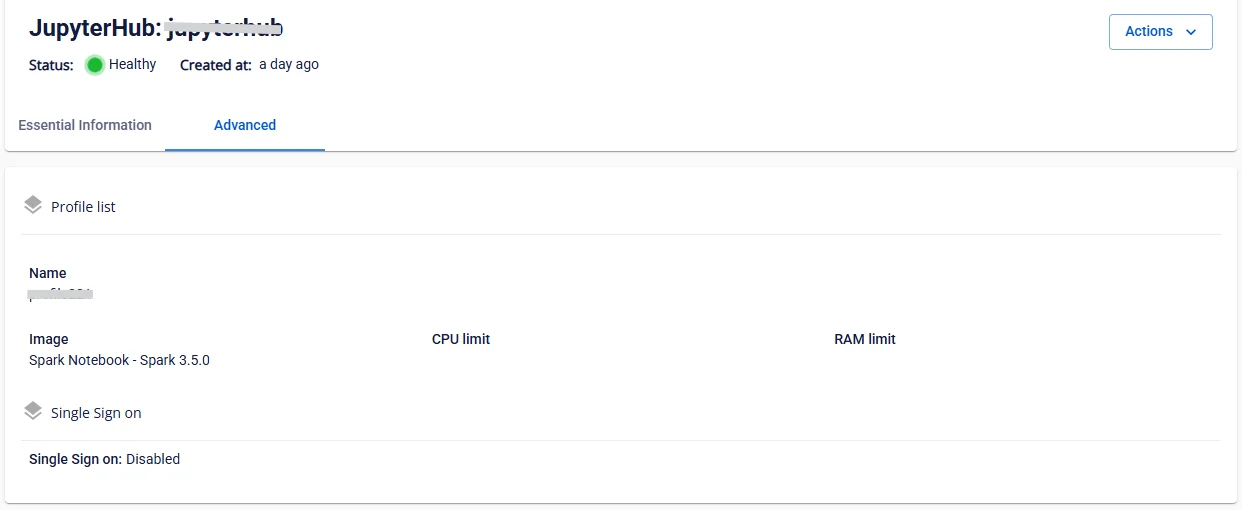
- Tab Advanced
Displays Profile list and SSO information