Delete workspace
Pre-condition: All services created within the Workspace must be deleted first.
To delete a workspace, follow these steps:
Step 1. In the menu bar, select Data Platform > Workspace Management > click on a workspace name
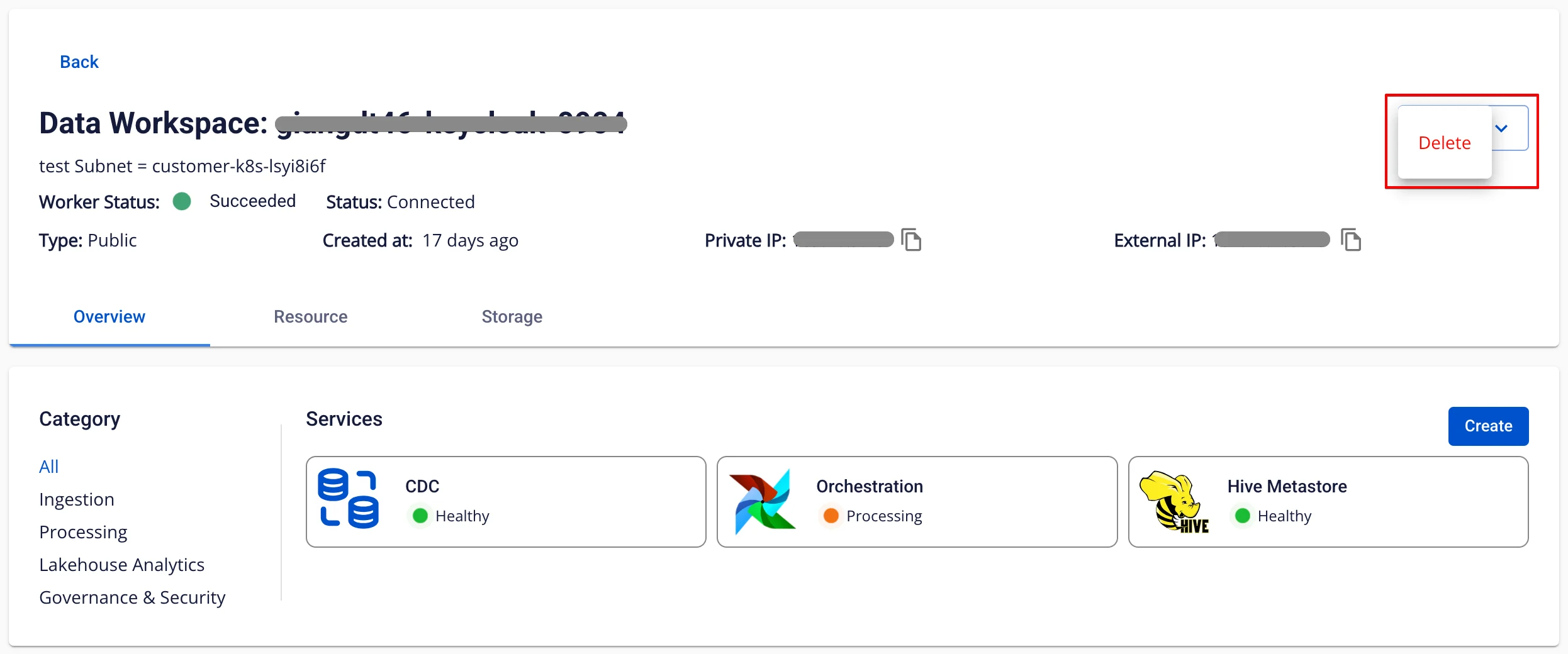
Step 2. On the workspace detail screen, click Action > select Delete
Step 3. The Delete Data Workspace Cluster dialog box appears. Enter delete > click Confirm to complete the workspace deletion.
