Connect a Kubernetes cluster to ArgoCD
To deploy applications via ArgoCD, connect the Kubernetes cluster where the application will run. FPT Cloud supports adding clusters through the Portal interface instead of using the ArgoCD CLI.
- In the Cluster Managements menu, click Connect a Cluster.
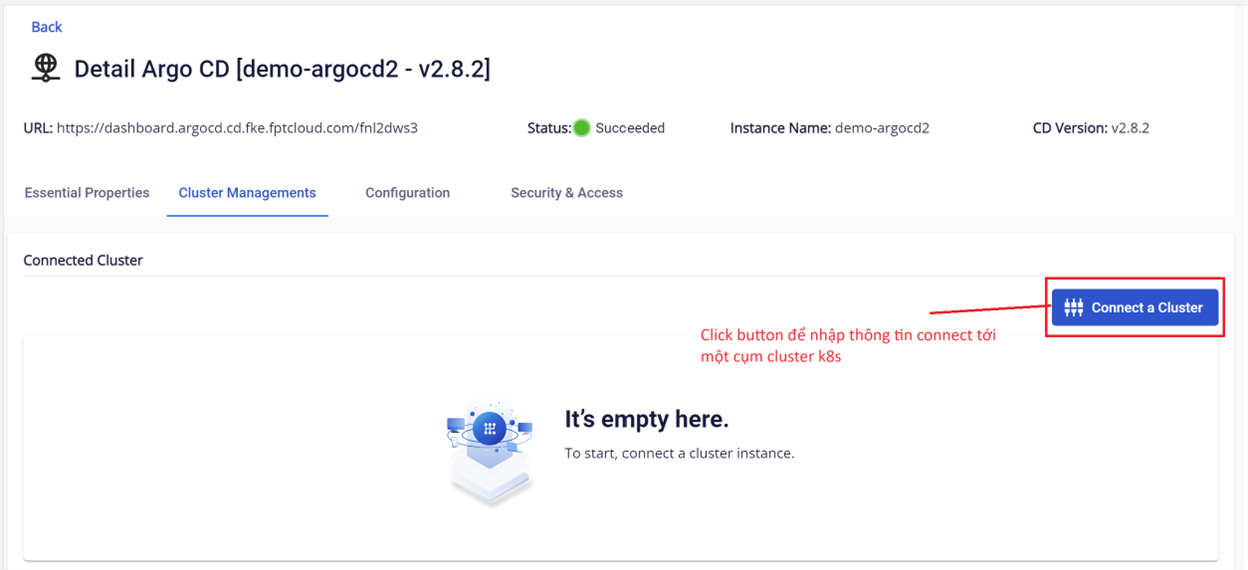
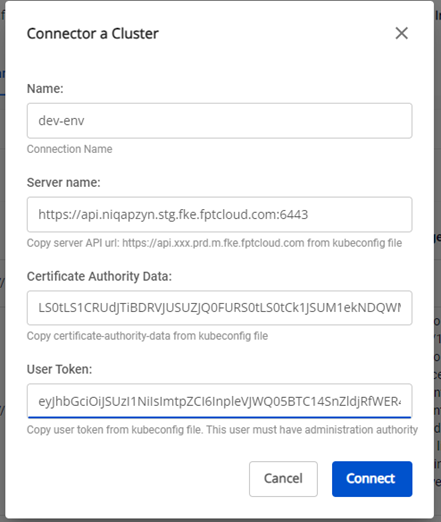
- Enter the connection information for the Kubernetes cluster. This information is obtained from the kubeconfig file.
note
The information used to connect the Kubernetes cluster must have admin permissions.
- Cluster Name (required): Cluster name, e.g.:
dev-env,prod-env,staging-env - Server (required): API server URL, obtained from the kubeconfig file. E.g.:
https://api.xxxxx.fke.fptcloud.com:6443 - CA Data (required): Value of the
certificate-authority-datafield in the kubeconfig file - Bearer Token (required): Value of the
tokenfield in the kubeconfig file
-
Click Connector to complete the connection.
-
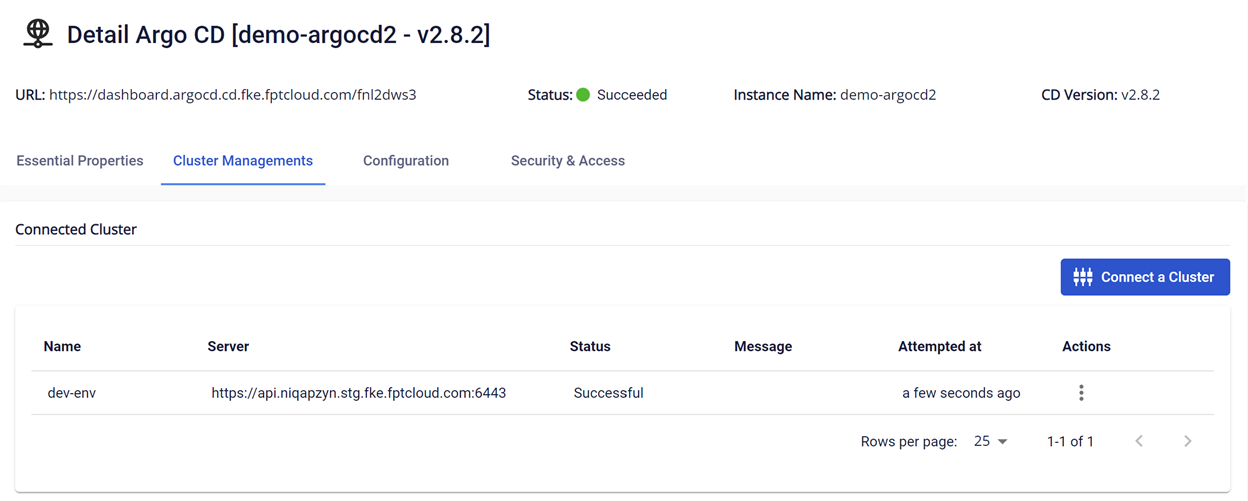
Verify the connected cluster information:
- Information on the Portal:
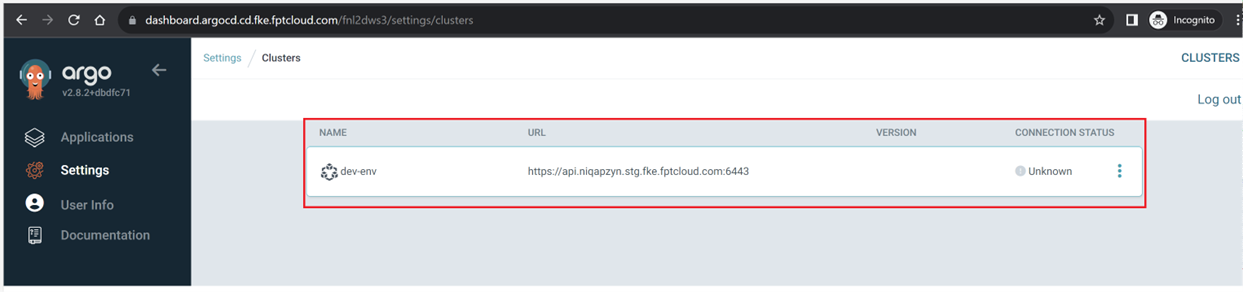
- Check on the ArgoCD instance: go to Settings > Clusters:
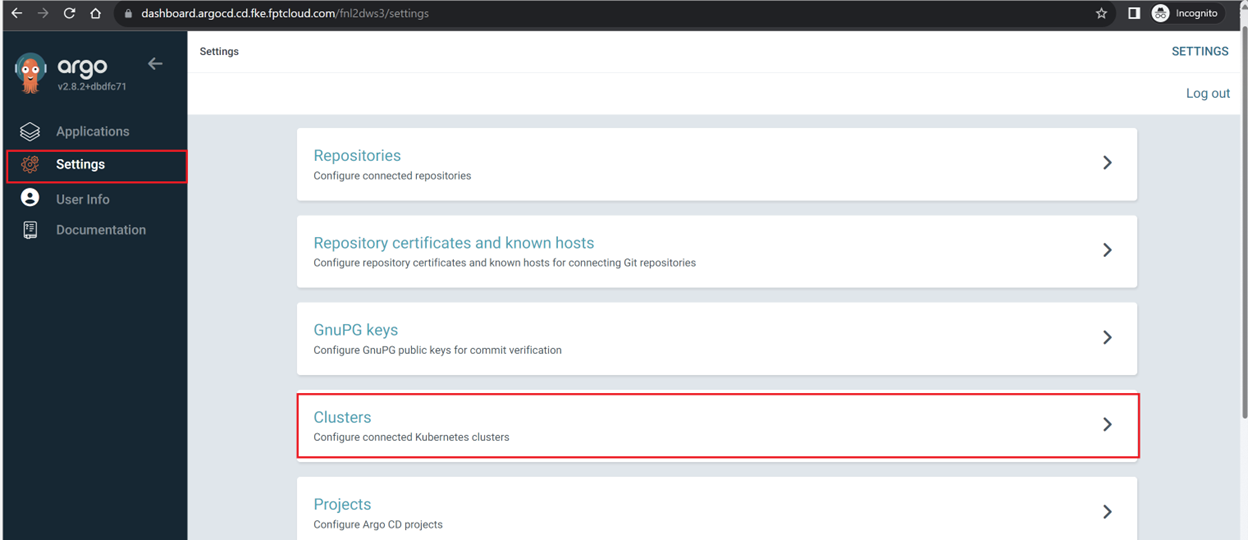
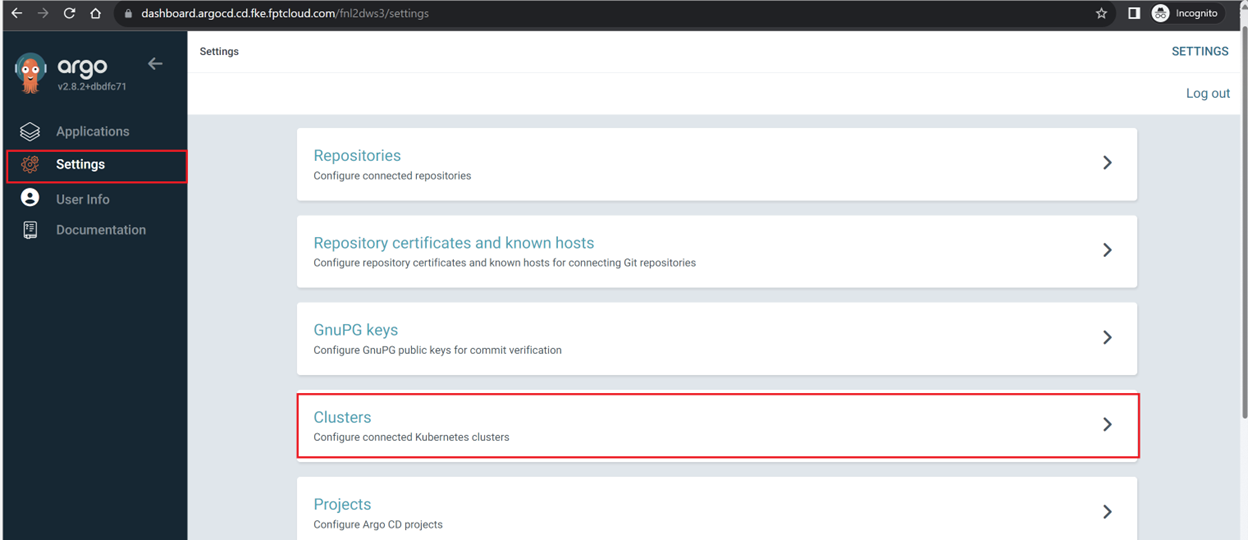
- Cluster information has been configured in the ArgoCD instance: