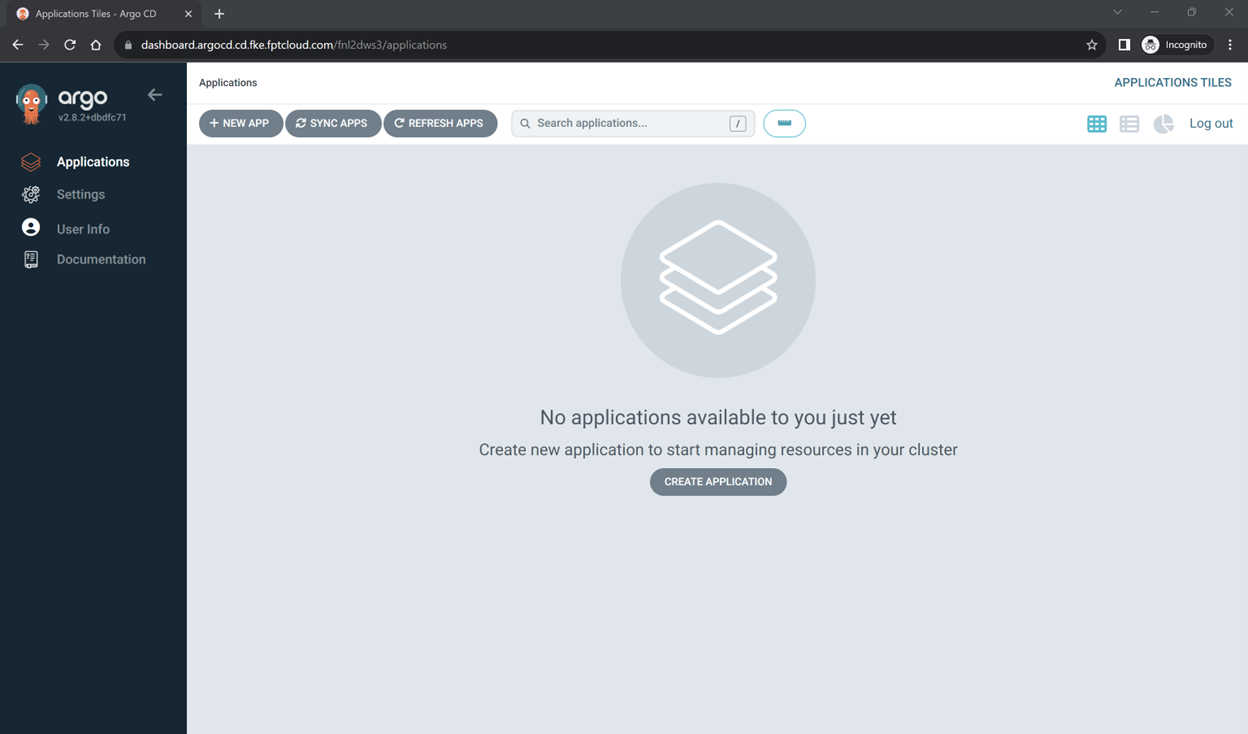
View ArgoCD instance details and log in
View instance details
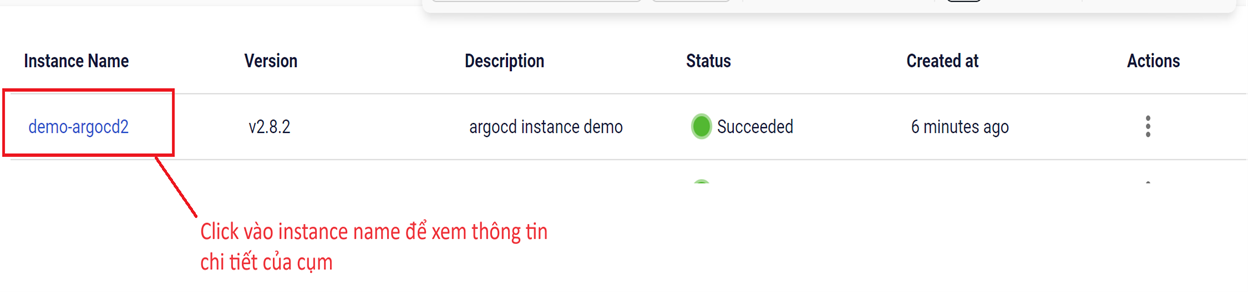
- Click the Instance Name to view the details of the instance.
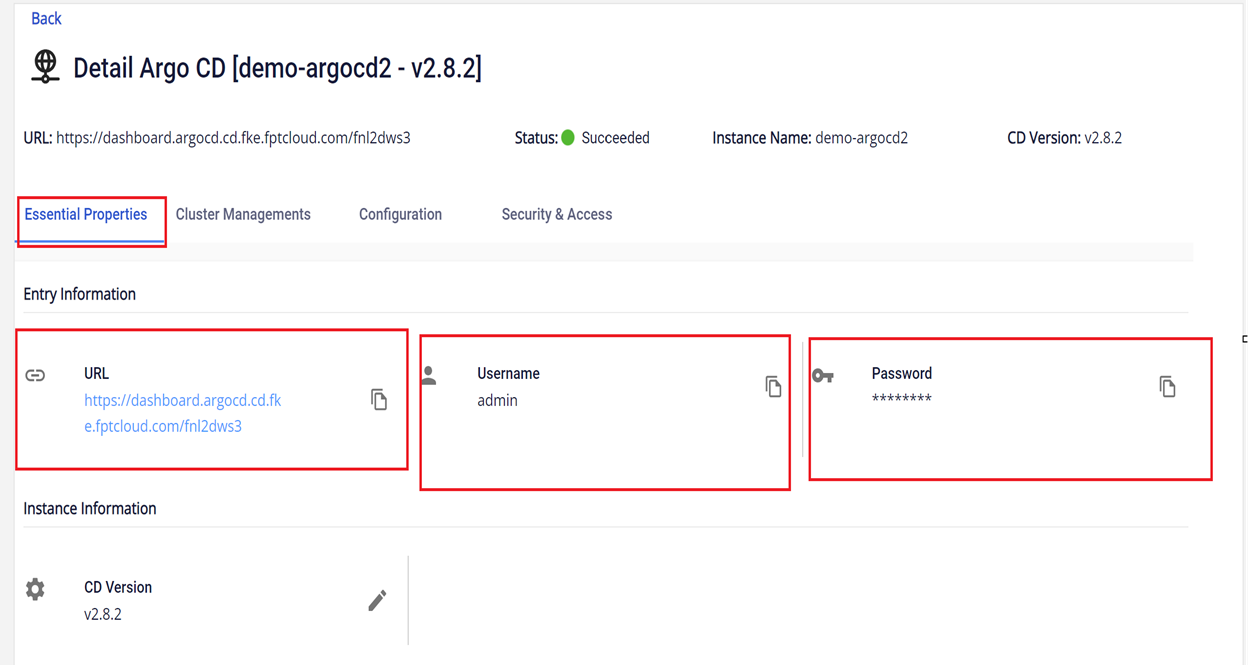
The screen displays detailed information for accessing the ArgoCD cluster, including the URL, username, and login password.
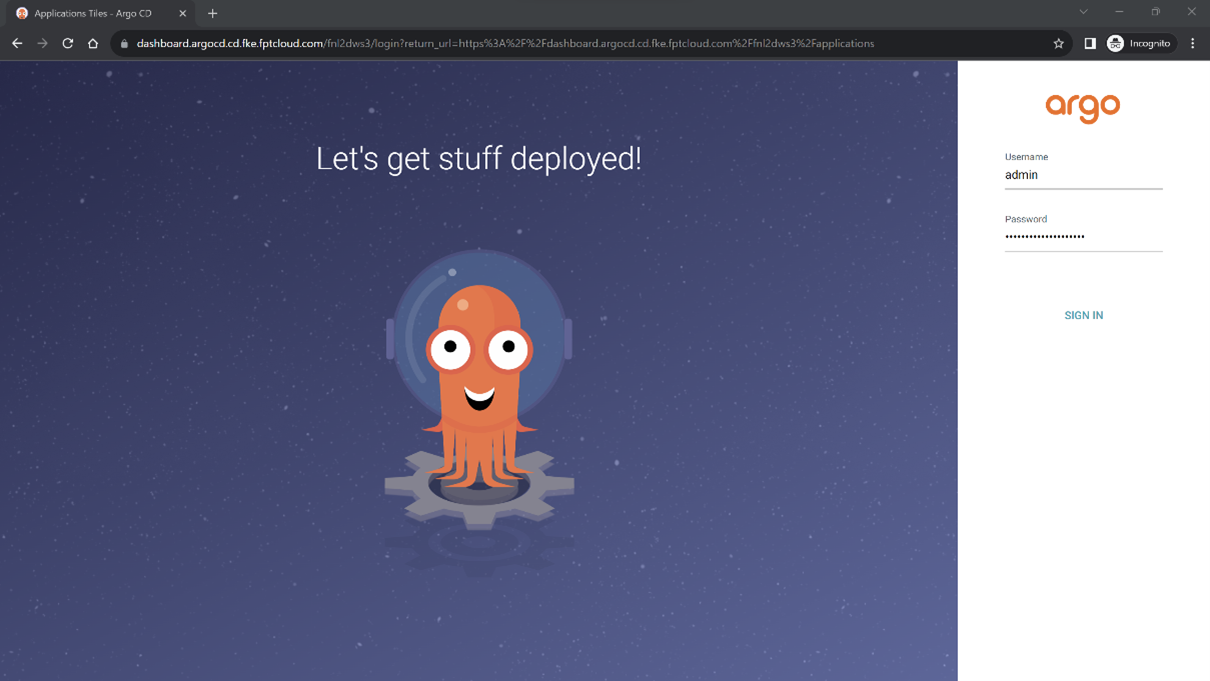
Log in to the ArgoCD cluster
- On the Essential Properties screen, copy the URL and access the application:
- URL: obtained from the Essential Properties screen
- Username: obtained from the Essential Properties screen
- Password: obtained from the Essential Properties screen
The interface after successful login: