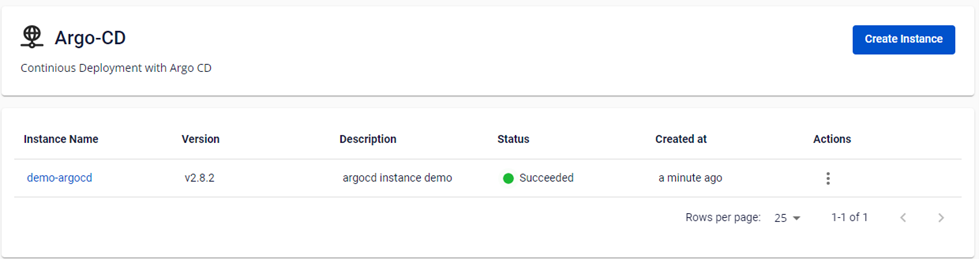
Create a new FPT ArgoCD instance
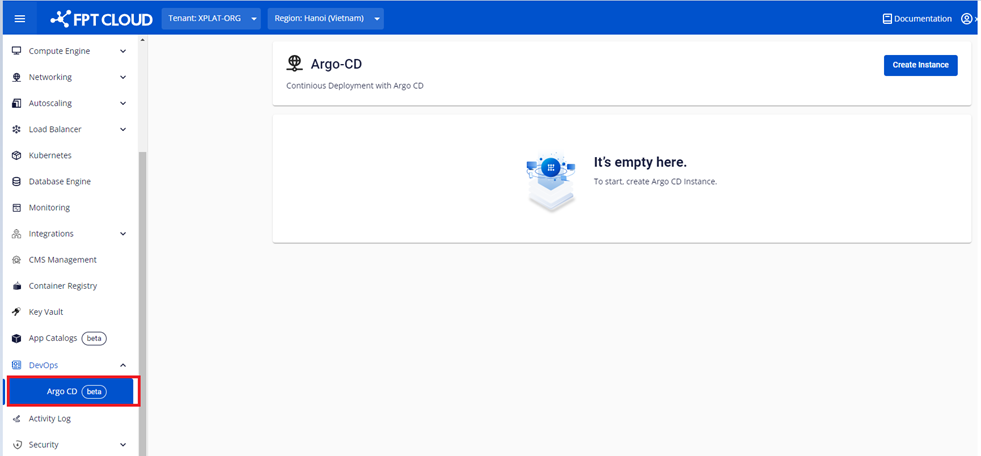
- On the FPT Portal menu, select Argo CD.
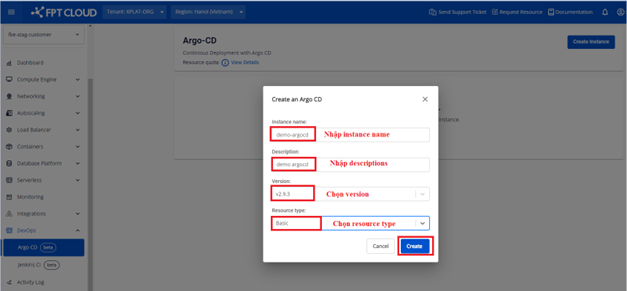
- Click Create Instance and enter the required information to create the ArgoCD instance.
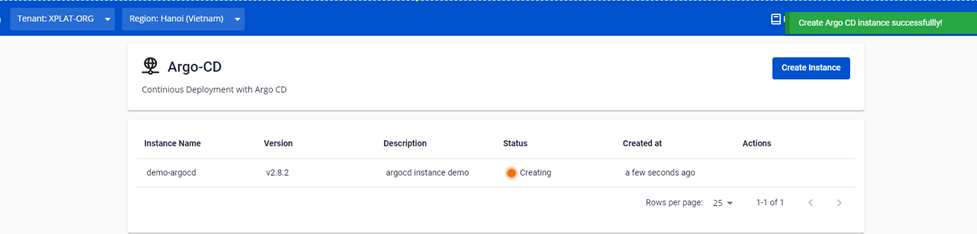
- Click Create Instance. The system creates the ArgoCD instance and displays the processing status.
After successful creation, the instance status changes to Succeeded. You can access the ArgoCD cluster using the URL and account/password that were created.