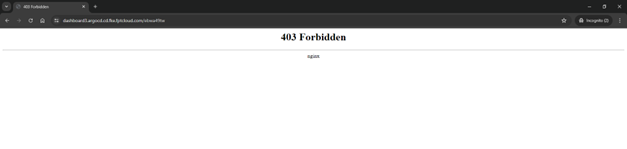
Configure IP whitelist
FPT Cloud supports configuring an IP whitelist to control access to the ArgoCD URL via the Portal interface.
- Go to the Security & Access > Whitelist IP screen.
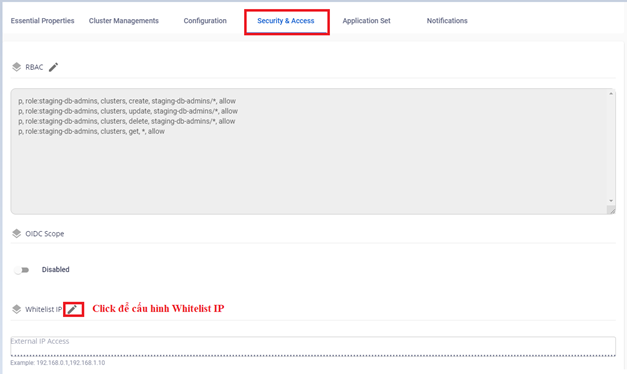
- Enter the IP addresses allowed to access ArgoCD.
note
Separate IPs with a comma (,).
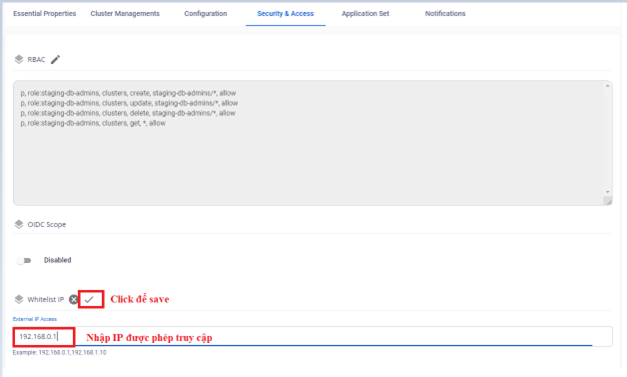
- The result after configuration:
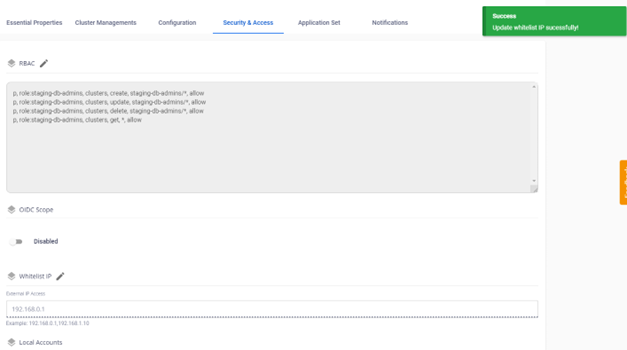
- Verify the result: accessing ArgoCD from an IP not on the whitelist returns a 403 error.