Delete Router
To delete a Router, follow the steps below:
Step 1: In the menu bar, select Integration > Event Gateway.
Step 2: In the Event Gateway list, select an Event Gateway > select the Security tab.
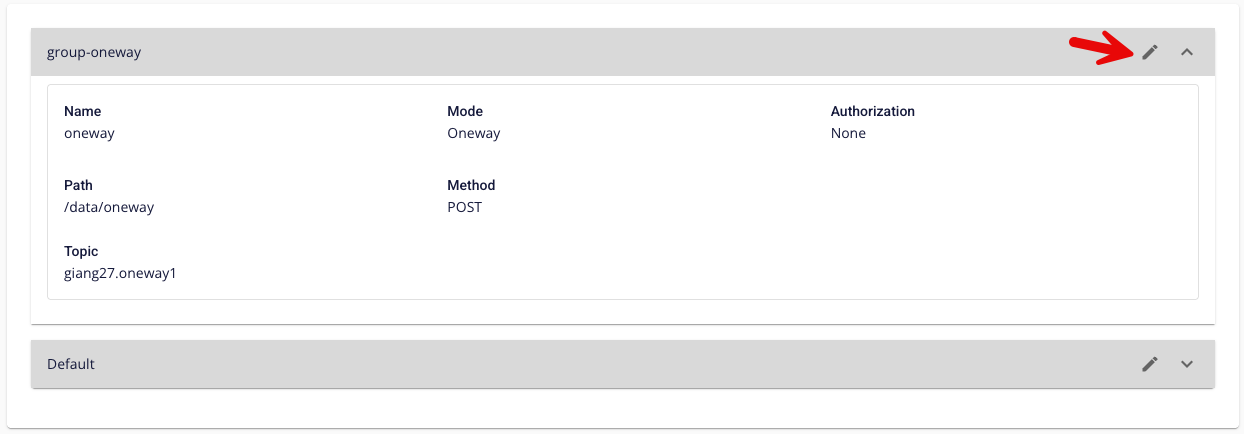
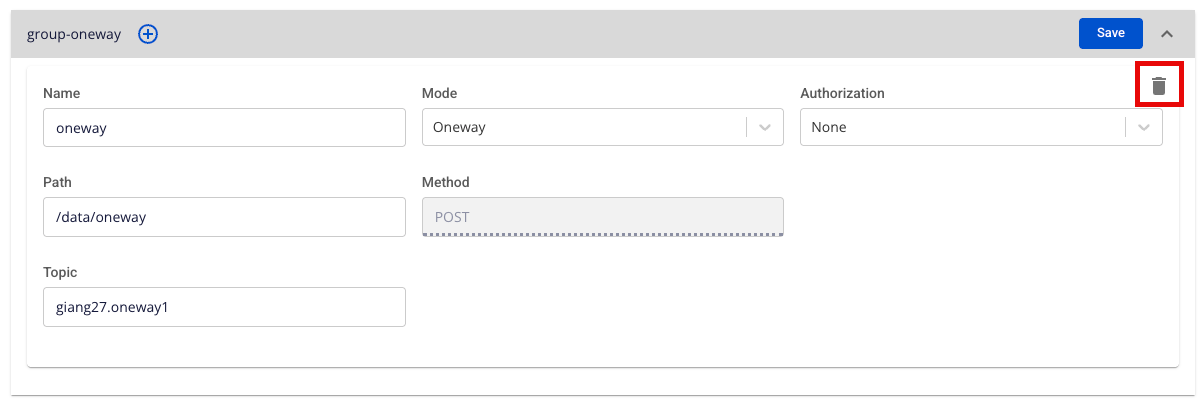
Step 3: In the Router list, click Edit on the Group containing the Router to delete > click the Delete icon on the Router to remove.
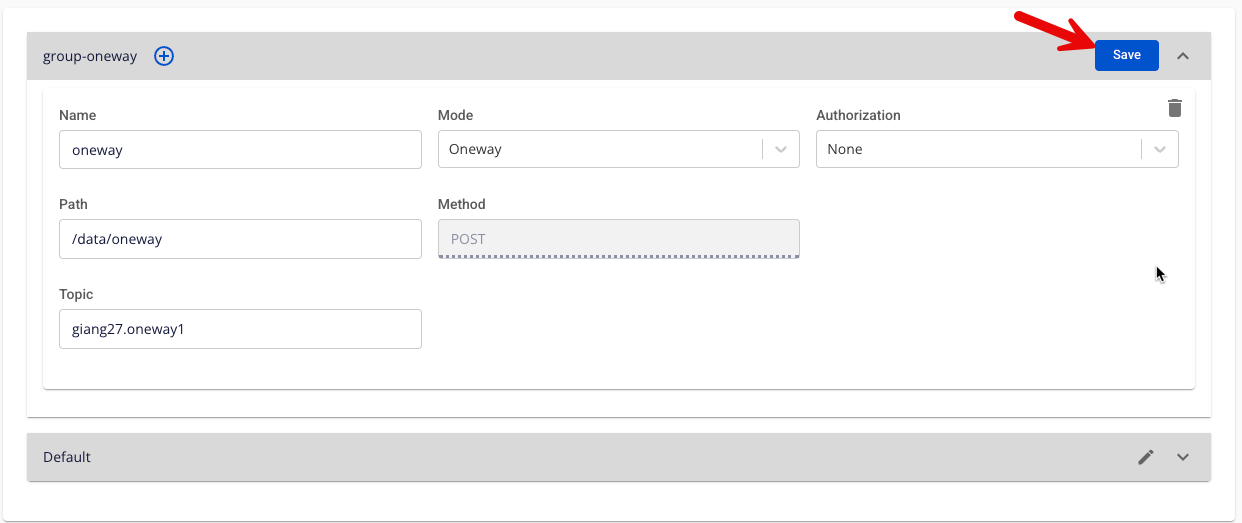
Step 4: After completing the deletion, click Save to save the changes.