Monitor applications
Step 1: Log in to FPT Cloud Portal at https://console.fptcloud.com.
Step 2: In the FPT Cloud Portal menu, click Monitoring.
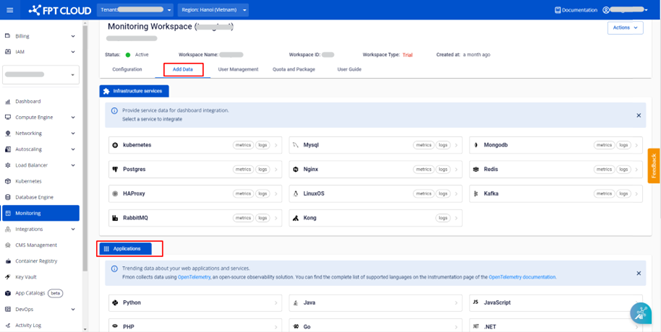
Step 3: Click into a workspace, then navigate to the Add Data tab.
Step 4: In the Applications section, a list of supported programming languages is displayed. Click a language and follow the on-screen instructions.
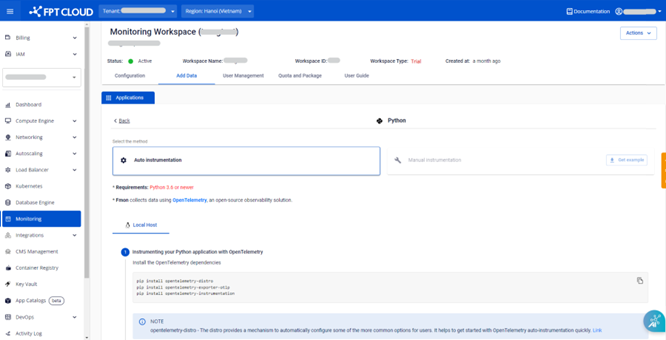
For example, clicking Python displays the integration guide. Follow the steps shown: