Search and filter incidents
You can search or filter incidents by name, declaration time, severity, status, and label.
Search by name
-
On the incident list screen, enter a keyword in the Search by title bar.

-
Press Enter.

The system returns a list of incidents whose titles contain the search keyword.
Filter by time range
-
On the incident list screen, click the time filter field (default is Last 30 days).

-
Select the desired time range, then click Apply time range.
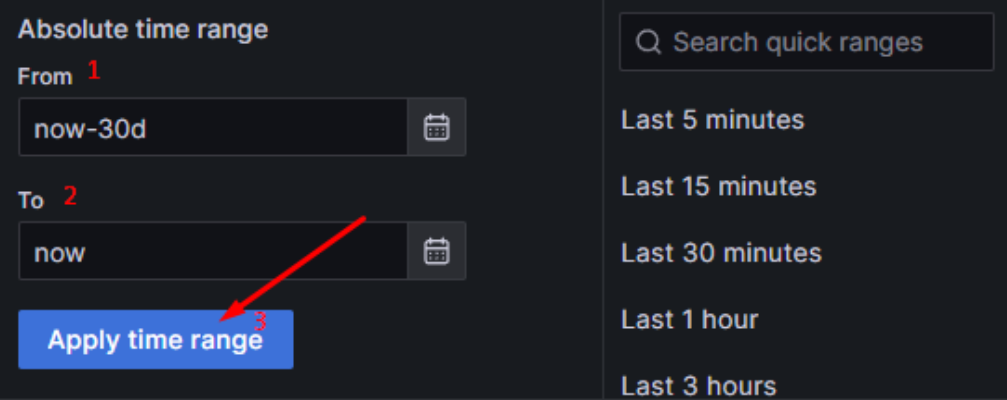

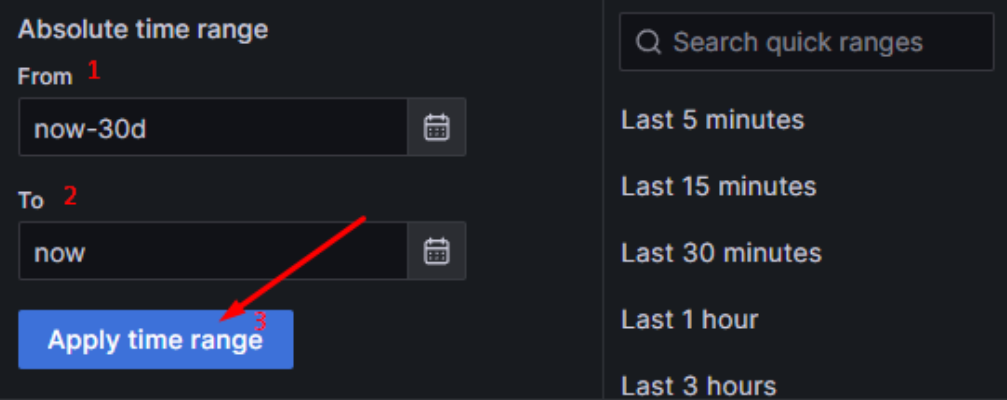
The system returns a list of incidents created within that time range.
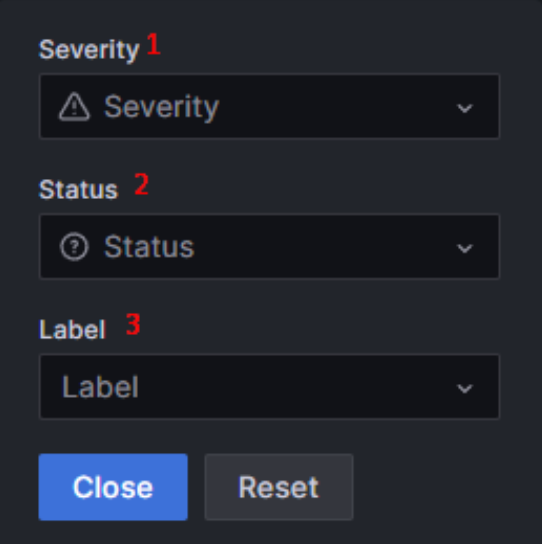
Filter by severity, status, or label
Click Edit Filters and select the desired criteria.
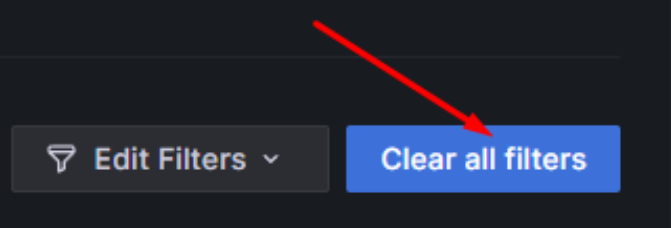
To clear all filters, click Clear all filters. The system will display all incidents.