Microsoft Teams
Integrating Microsoft Teams with Incident Management enables fast incident detection and notification.
To get started, you need a Webhook URL for Microsoft Teams. See instructions for creating a Webhook URL here.
Set up
-
In the Incident Management menu, click Integration, find the Microsoft Teams section, and click Integration.
-
Click Show details, then click Run when an event fires.
-
Enter Name and URL:
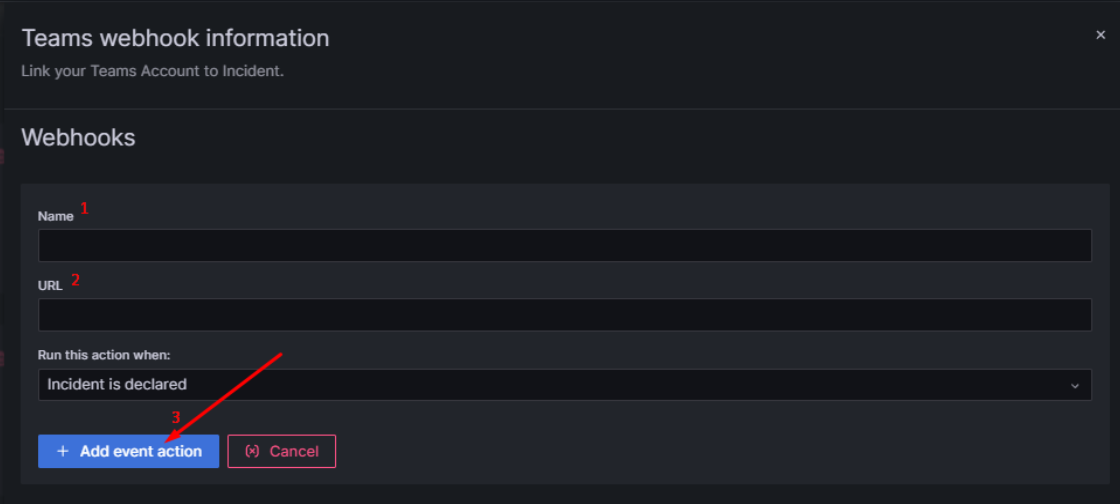
- Name: a name of your choice
- URL: the Webhook URL created above
-
Click Add event action to complete.
note
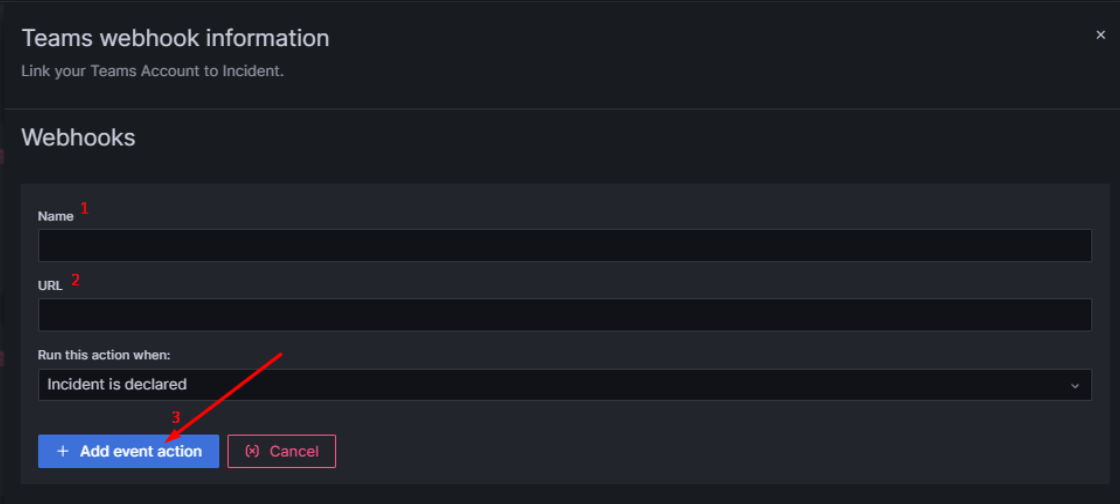
You can create multiple triggers by clicking Run when an event fires again.
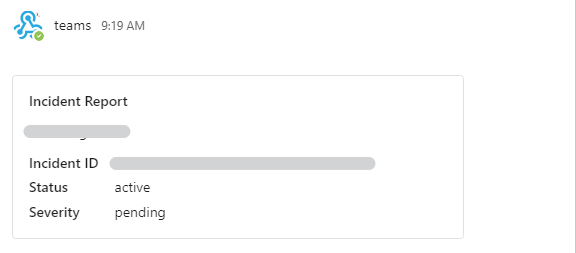
After setup, whenever a new incident is created, the system automatically sends a message via Microsoft Teams with a link to the incident.