Organization management
To start using the organization management features, follow these steps.
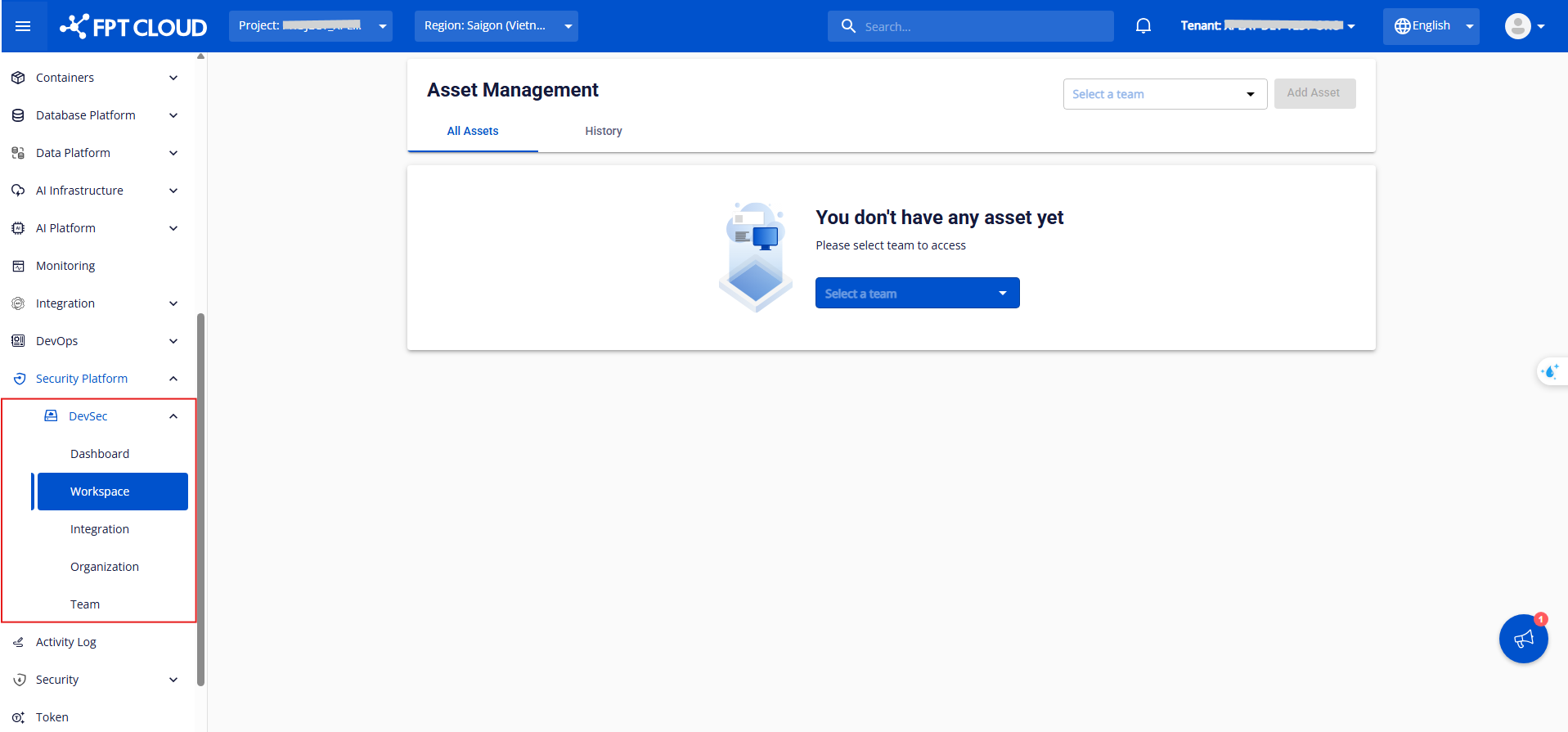
Step 1: In the FPT Portal menu, select Security Platform, then select DevSec.
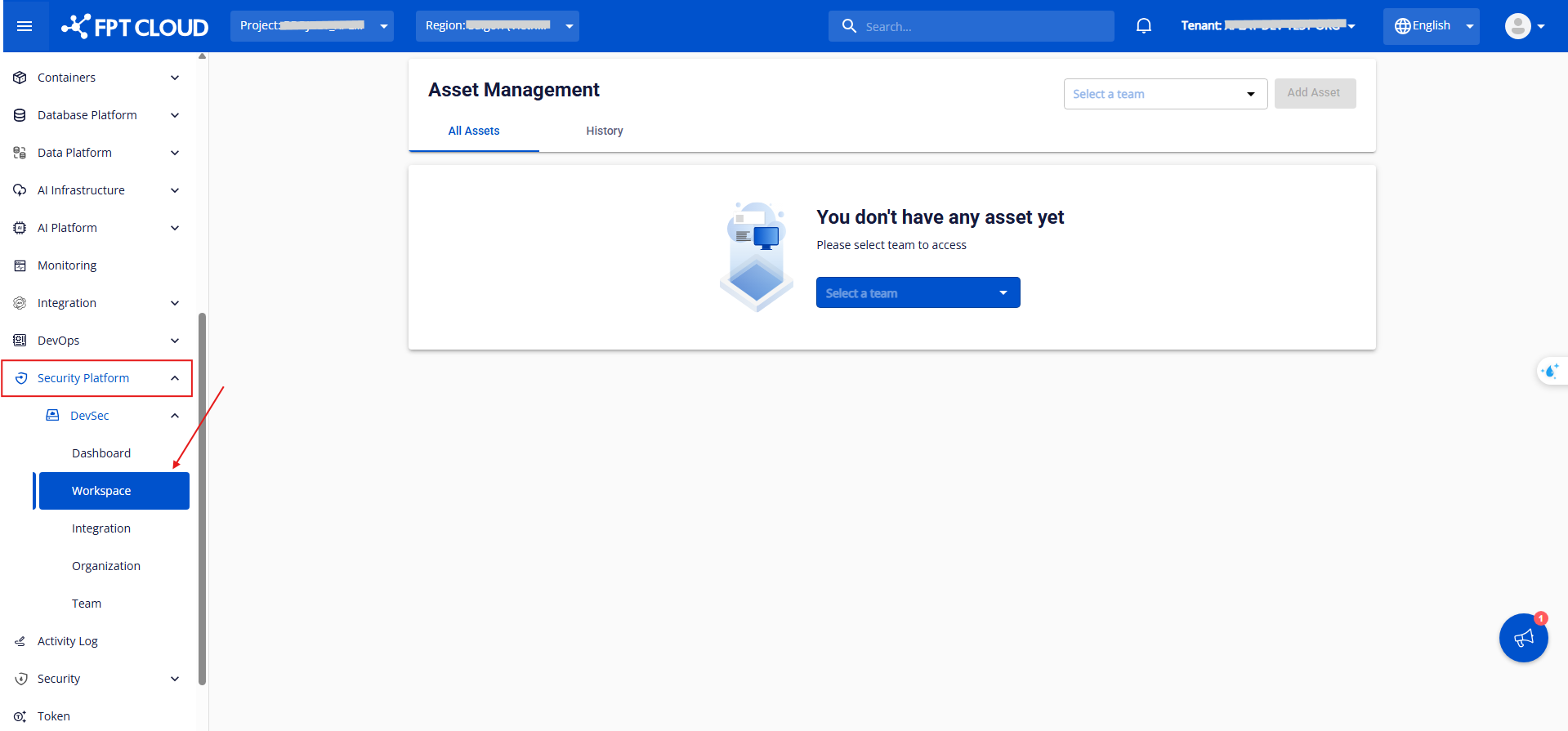
Step 2: The sub-tab displays the following sections: Workspace, Integration, Organization, and Team.
- Workspace - Provides a centralized workspace management system to track the full development lifecycle and monitor the security status of each project.
- Integration - Enables seamless connection with source code management (SCM) systems, ensuring continuity and security throughout the software development process.
- Organization - Provides a quick overview of organization management features, including Member Management, Team Management, Role Management, and general Settings.
- Team - Provides a quick overview of team management features, including Member Management and team Settings.