Manage roles
Only Org Admin has permission to edit.
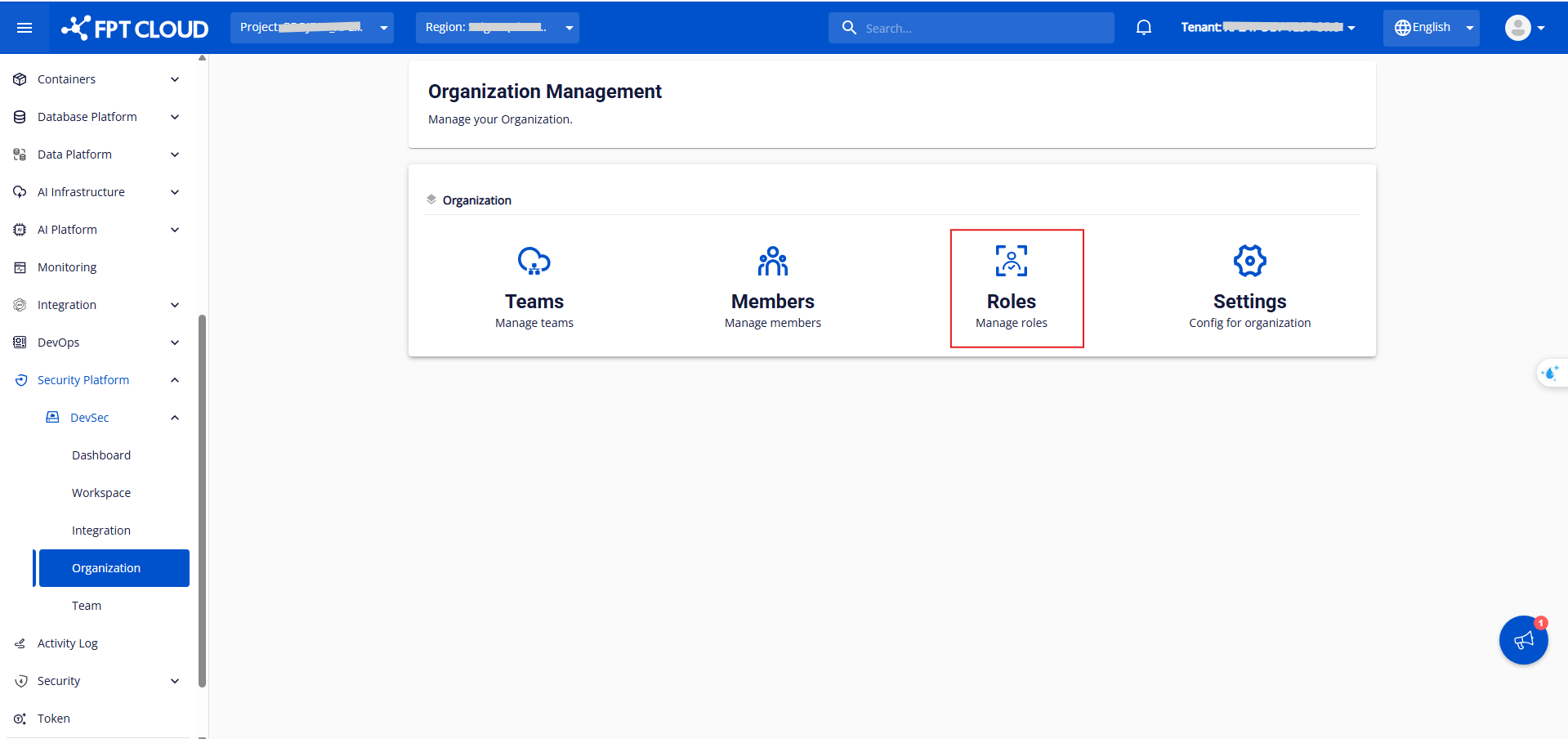
Step 1: Click the Roles tab in Organization to view the list of member roles.
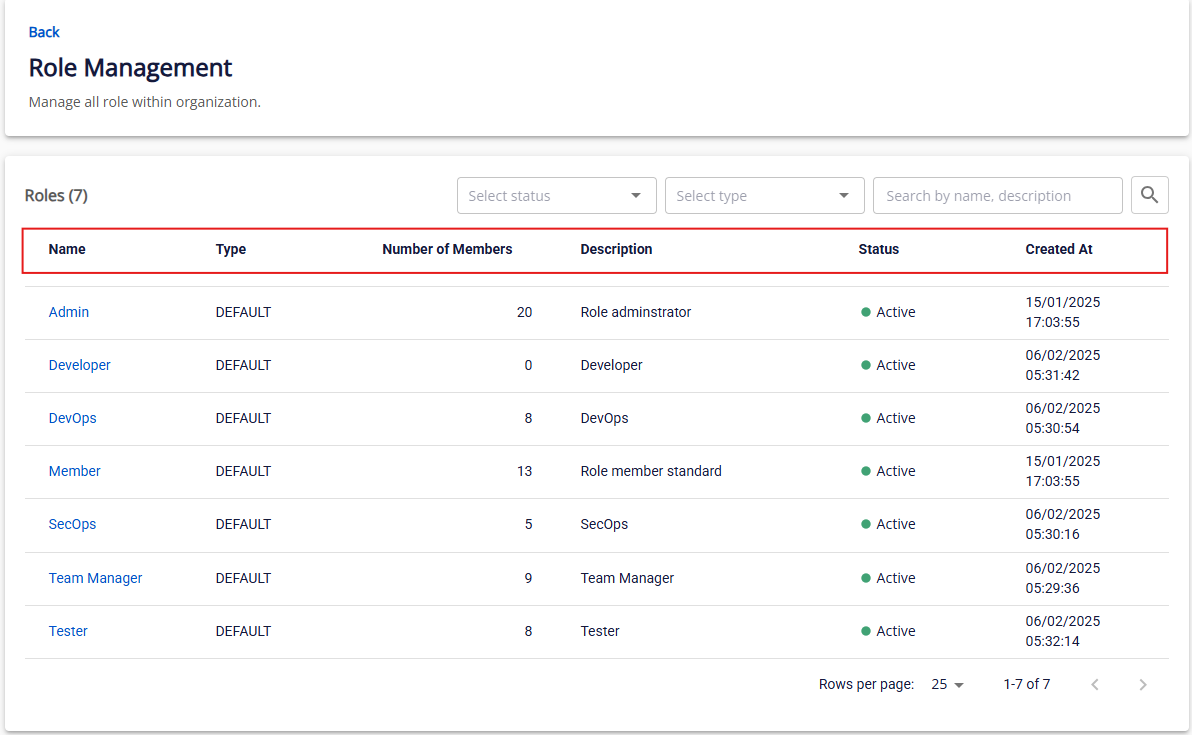
You can view each role's Name, Type, Number of Members, Description, Status, and Created at, and search by any of these fields.
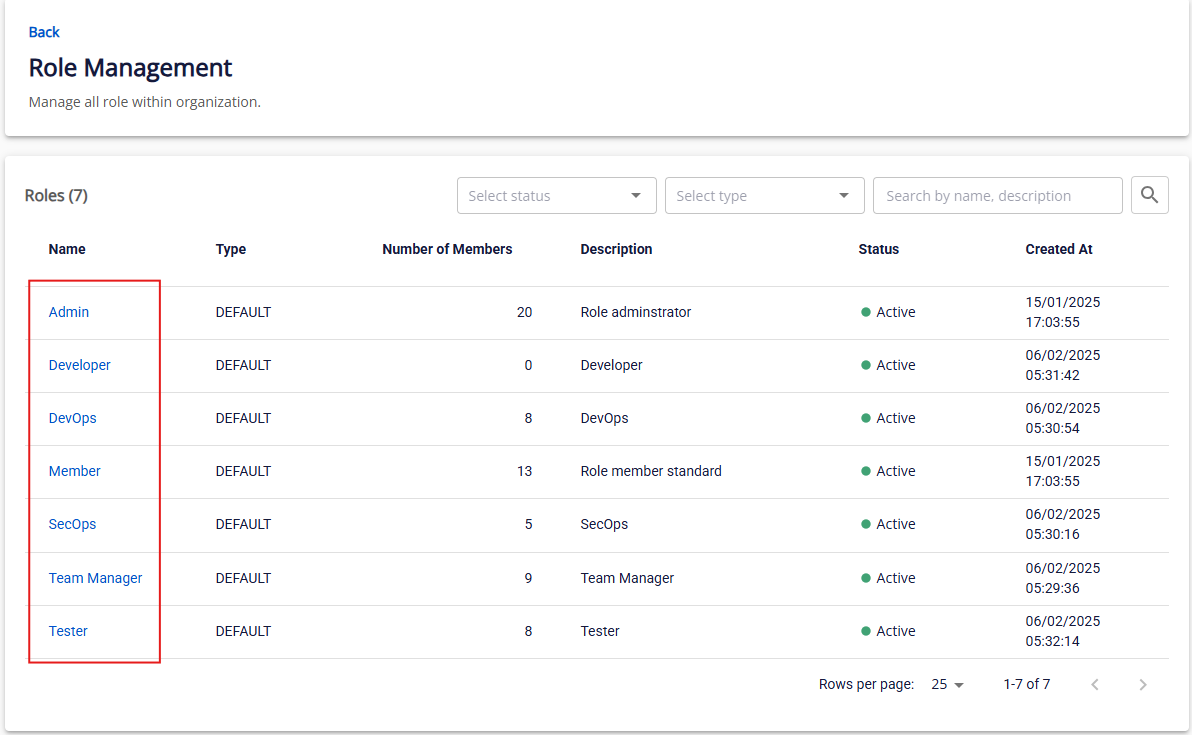
Step 2: Click the Role name hyperlink to view the role's permissions and associated members.
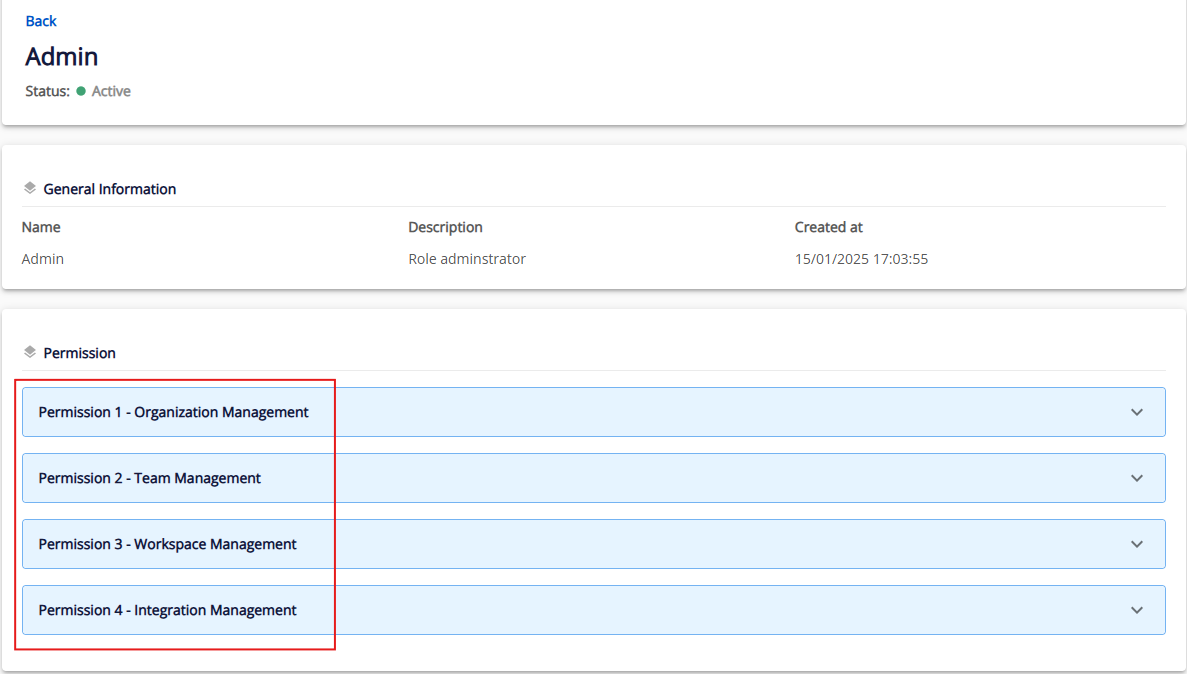
The detail view shows the role's Name, Description, Created at, Status, and Permissions.