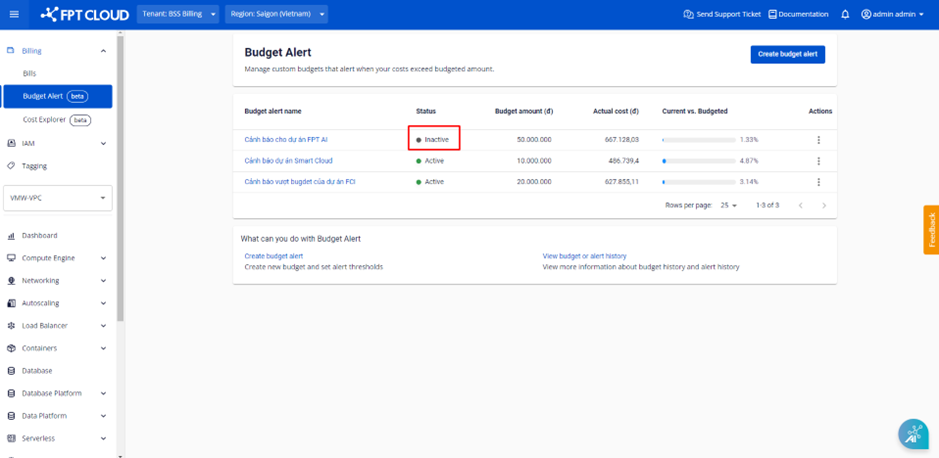
Pause a Budget Alert
When you want to stop receiving alerts temporarily while keeping cost tracking active, you can pause (disable) a Budget Alert.
-
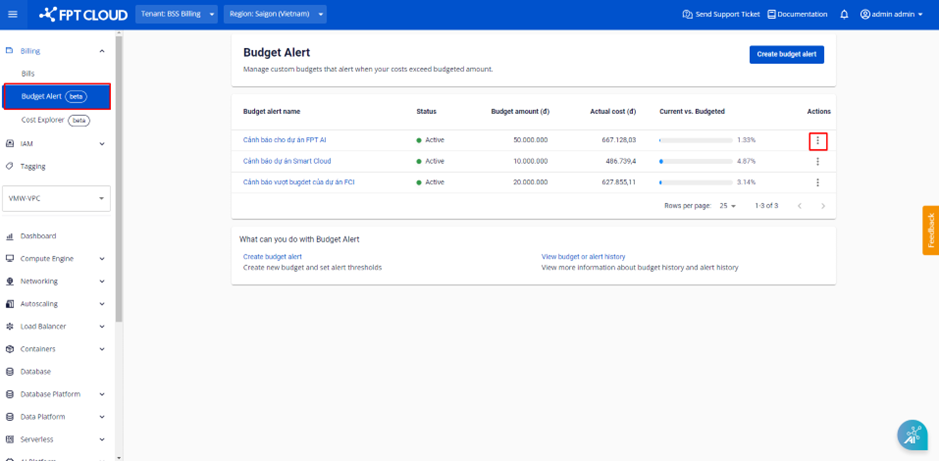
Select Billing → Budget Alert. The system displays the list of existing Budget Alerts. Select Actions on the Budget Alert you want to pause.
-
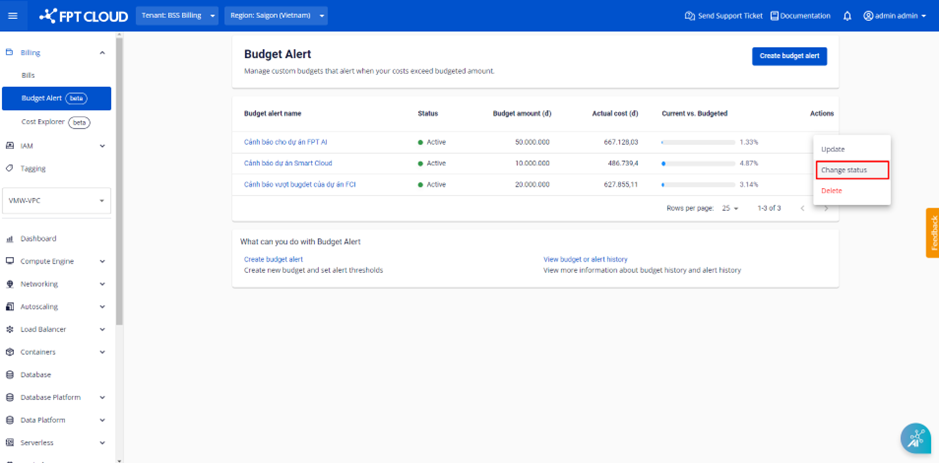
Select Change Status.
-
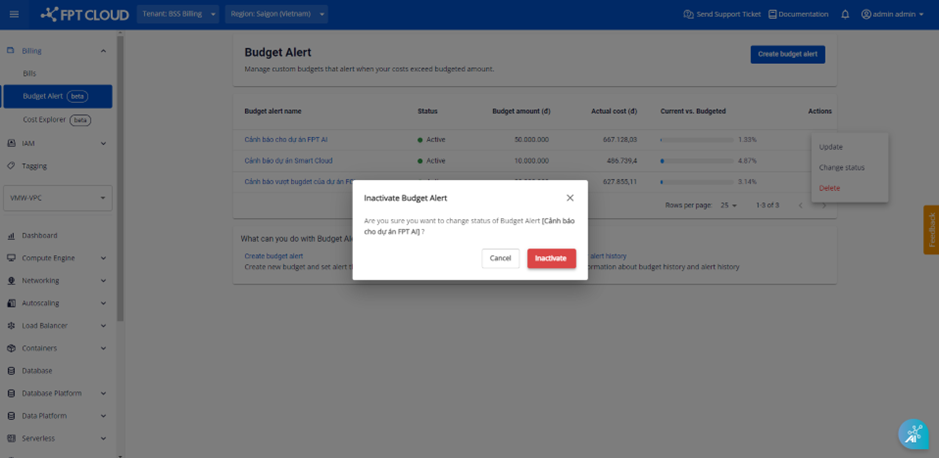
A confirmation dialog appears. Click Inactive.
The Budget Alert status changes to Inactive. The system stops sending alerts but continues calculating costs for the resource group and updates Budget history.