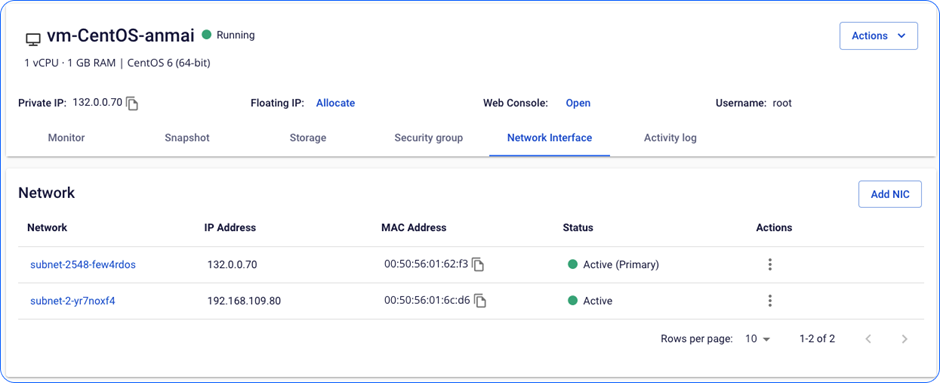
Add a new NIC card
FPT Cloud supports adding new NIC cards easily and flexibly to meet your needs.
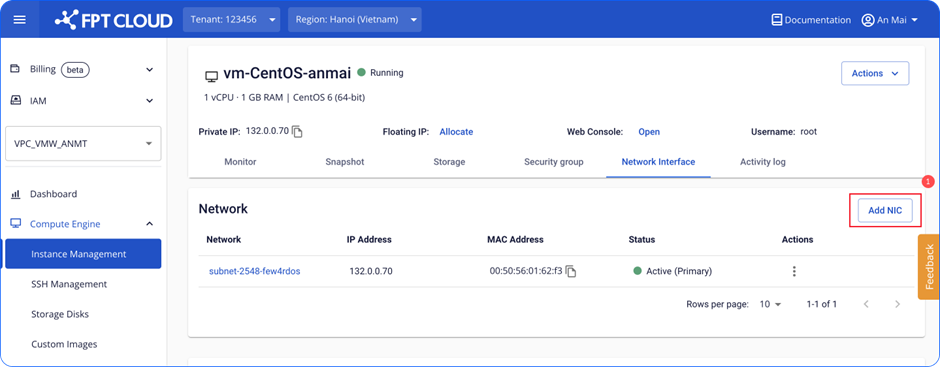
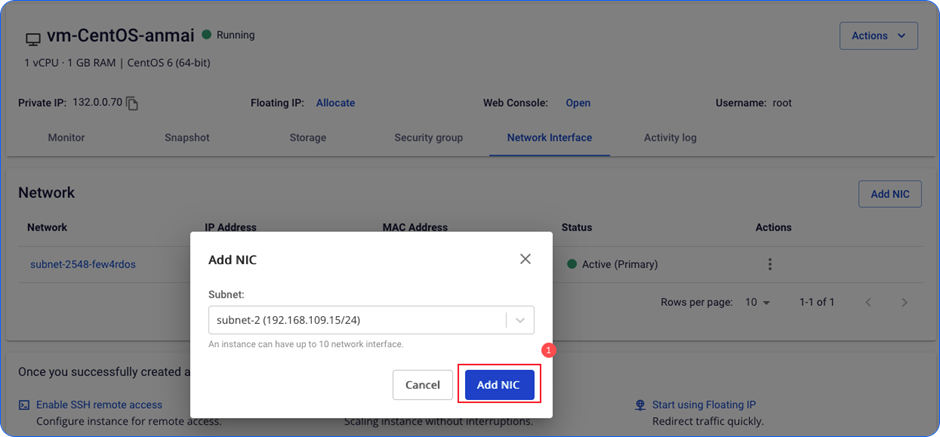
- Click Add NIC.
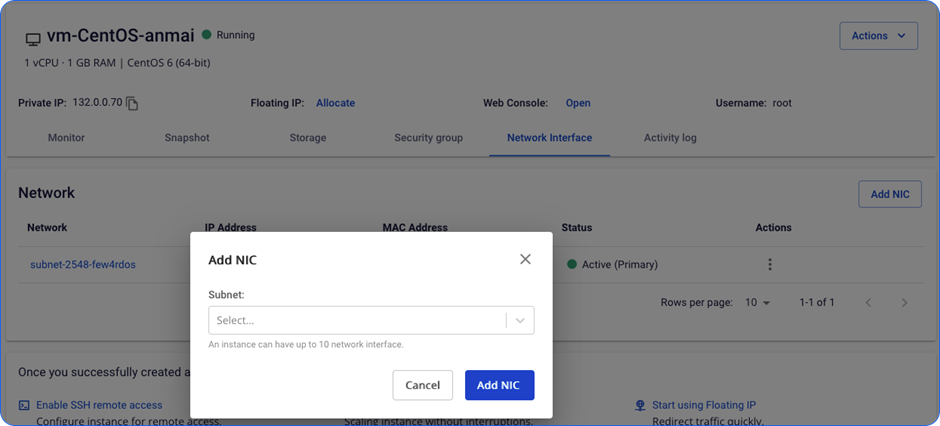
- Select the Subnet you need.
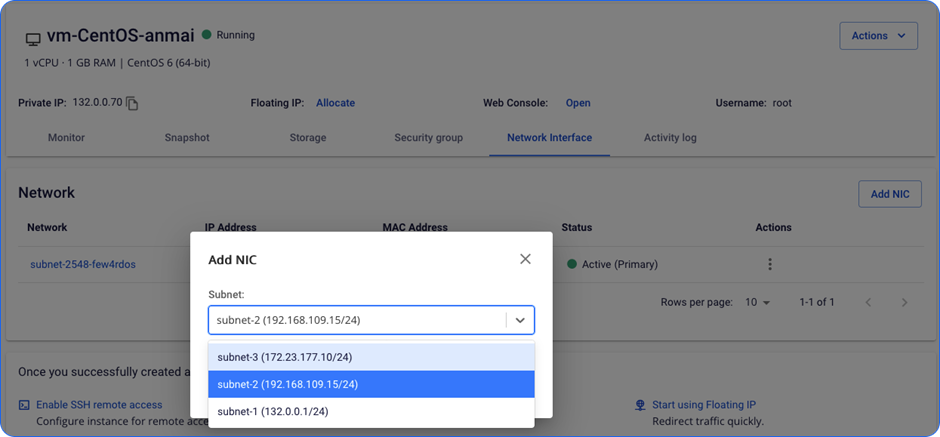
- Wait for the system to process. The system will randomly assign an IP address from the selected Subnet.
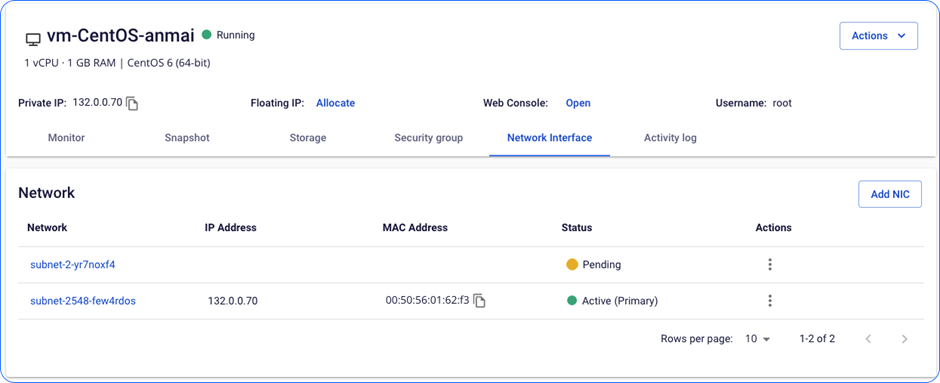
- The card moves to Active status. The Instance can connect to the network through this card.