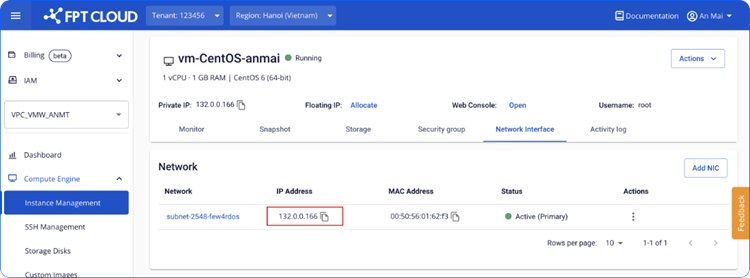
Edit IP address
- Select the NIC card whose IP address you want to change.
warning
This action may affect services such as Kubernetes and Load Balancer. Consider carefully before proceeding. After the change, update the network settings in the operating system configuration file. See: How to change Config file/.
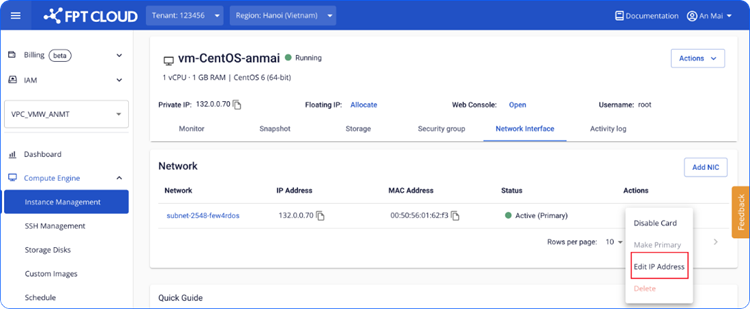
-
Configure the new IP address.
FPT Cloud suggests an IP address from your Subnet. You can keep the suggestion or enter a different IP address as needed.
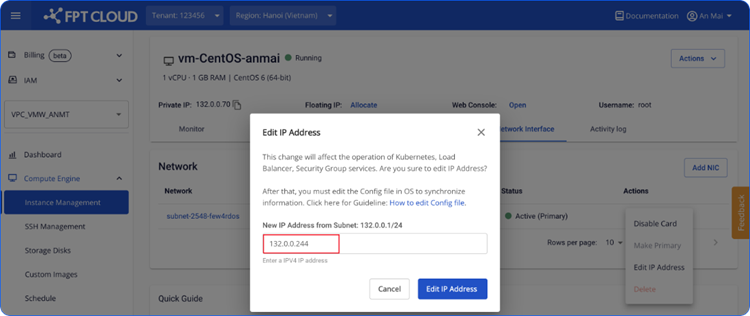
After selecting the IP address, confirm the change.
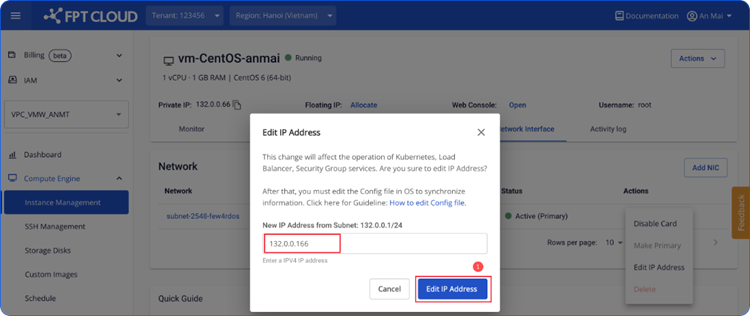
- Wait for the system to process.
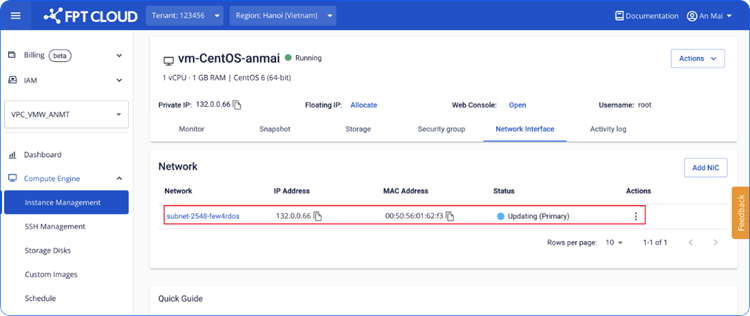
- The card moves to Active status. The Instance can connect to the network with the new IP address.