Delete an agent
To delete an agent you no longer need:
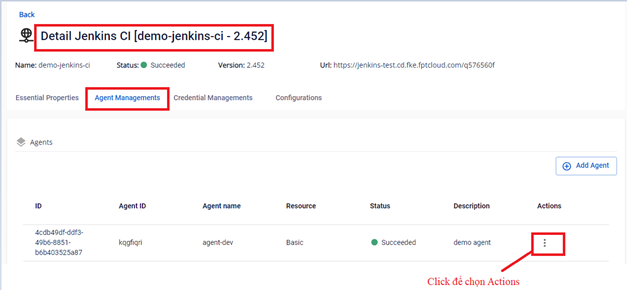
Step 1: In the FPT Portal menu > Jenkins CI > Detail Cluster > Agent Managements > click Actions for the agent to delete.
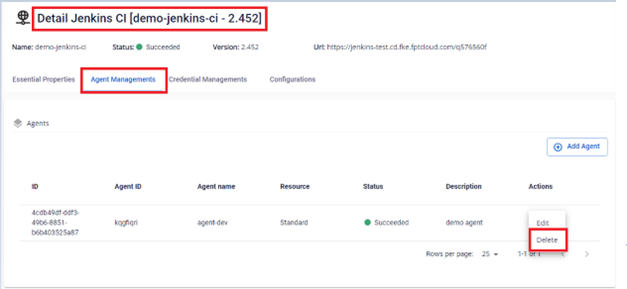
Step 2: Select Delete to remove the agent.
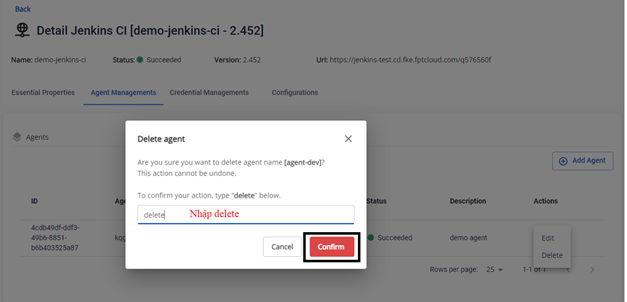
Step 3: In the confirmation dialog, type delete and click Confirm.
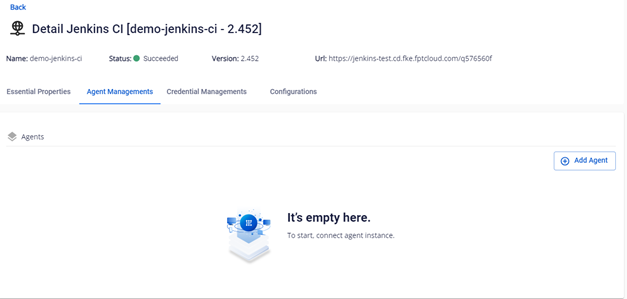
Step 4: Result after deleting the agent. The agent no longer appears on the Portal.
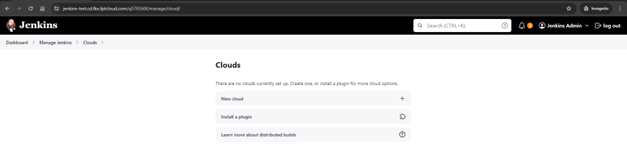
The agent is also removed from Jenkins.