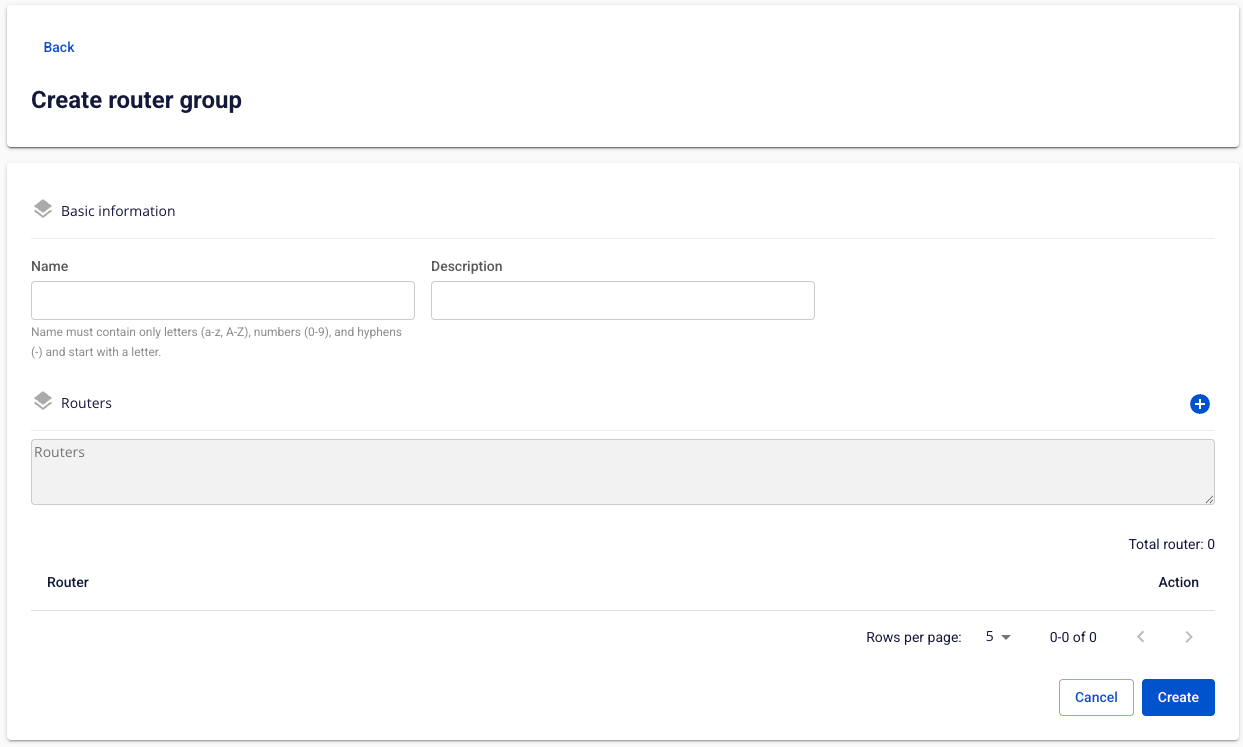
Create Router Group
To create a new Router Group, follow the steps below:
Step 1: In the menu bar, select Integration > Event Gateway.
Step 2: In the Event Gateway list, select an Event Gateway > select the Router group tab.
Step 3: In the Router group list, click Create > the Create router group screen appears.
Step 4: Enter the following information:
- Name (required): Router Group name.
- May contain a–z, A–Z, hyphens (-), underscores (_), and digits; must start with a letter; maximum 30 characters.
- Description (optional): Description.
Step 5: Click Add router to add routers to the group.
Step 6: Click Create to create the new Router Group.