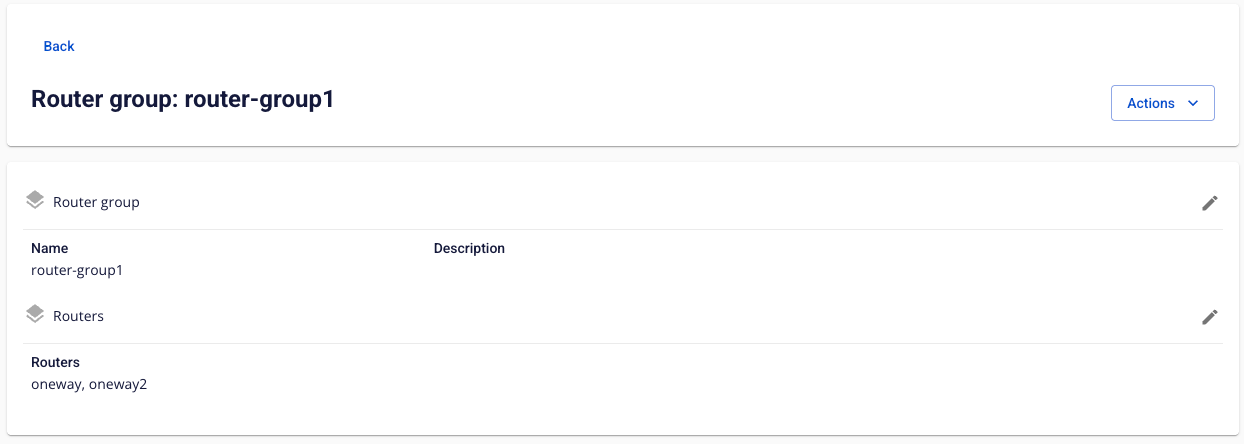
View Router Group Information
To view Router Group information, follow the steps below:
Step 1: In the menu bar, select Integration > Event Gateway.
Step 2: In the Event Gateway list, select an Event Gateway > select the Security tab.
Step 3: In the Router group list, select the Router Group whose details you want to view.