Delete a report
-
Go to Home > Apps > Reporting.
-
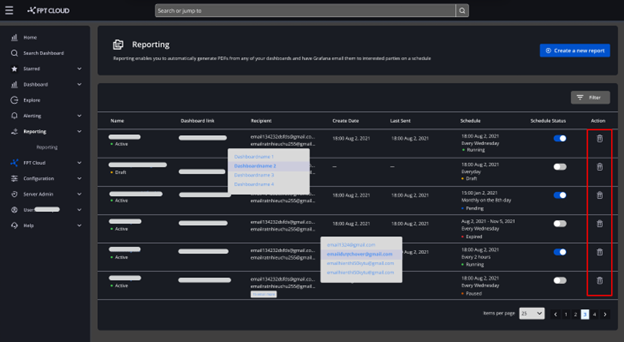
In the report list, click the Trash icon for the report you want to delete.
-
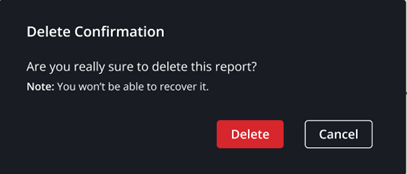
A confirmation dialog appears. Click Delete to confirm, or Cancel to abort.
Go to Home > Apps > Reporting.
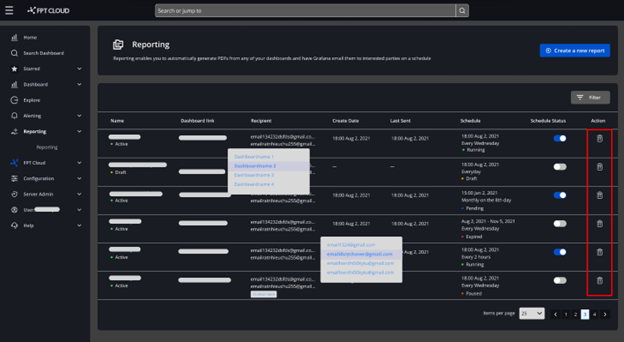
In the report list, click the Trash icon for the report you want to delete.
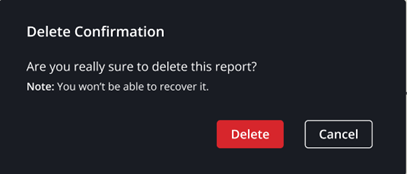
A confirmation dialog appears. Click Delete to confirm, or Cancel to abort.