Monitor service through the Monitoring feature
- On the VPN detail screen, select the Monitoring tab from the horizontal menu.
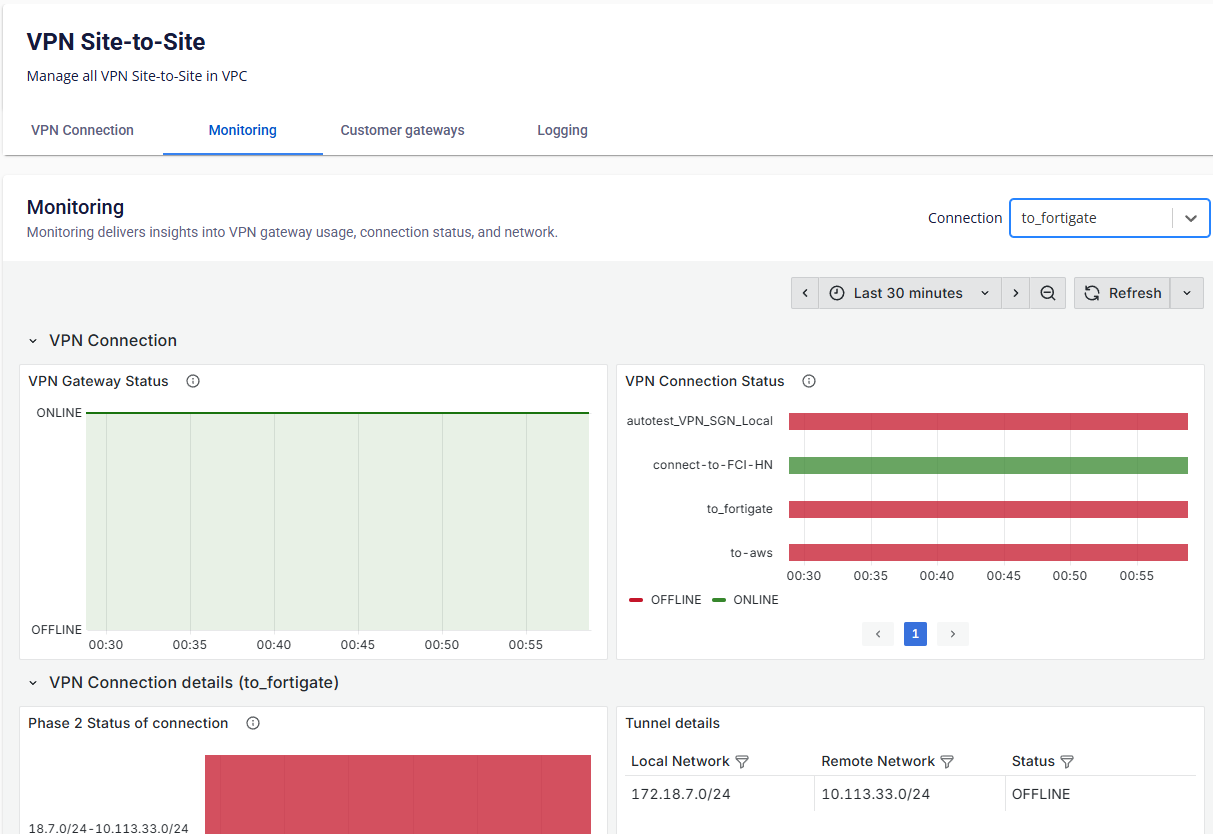
- Monitor Phase 2 of a specific VPN connection by using the Filter option under the Connection section.
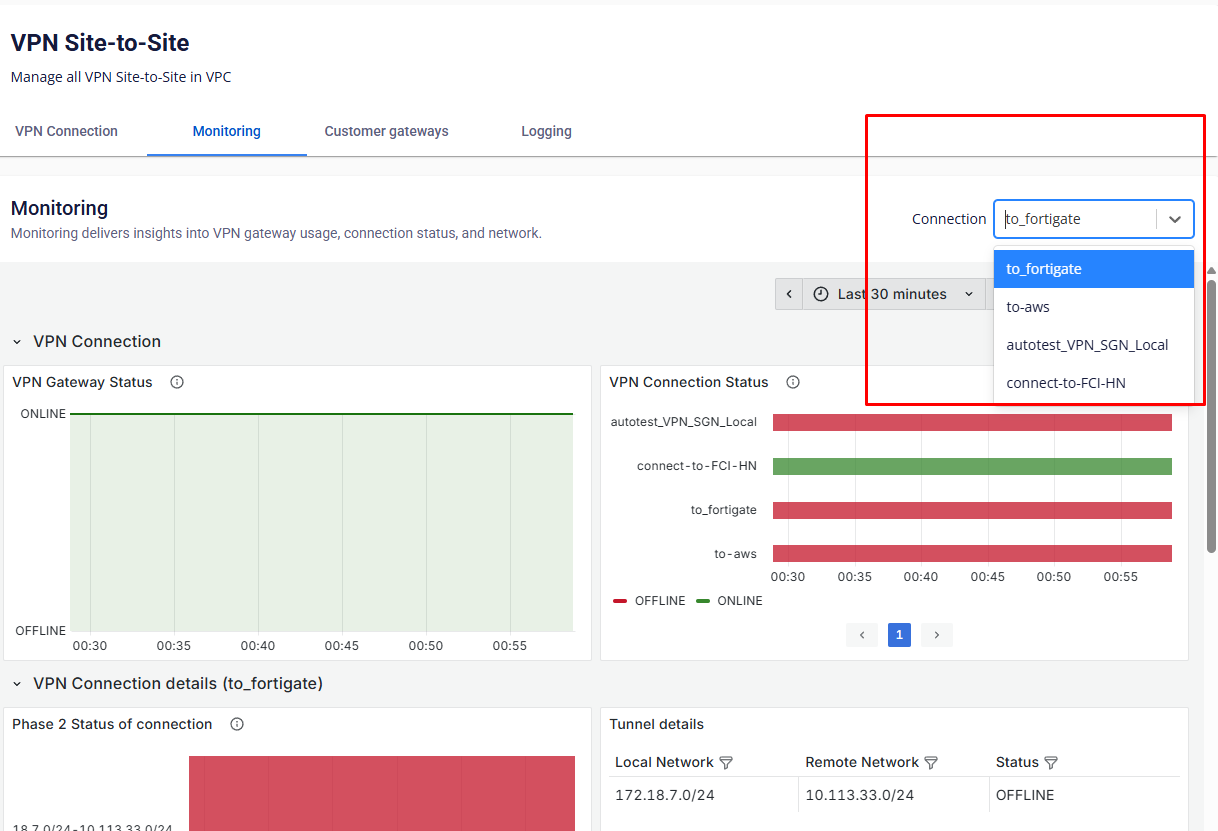
You can view the Phase 2 status of the service, which includes the following information:
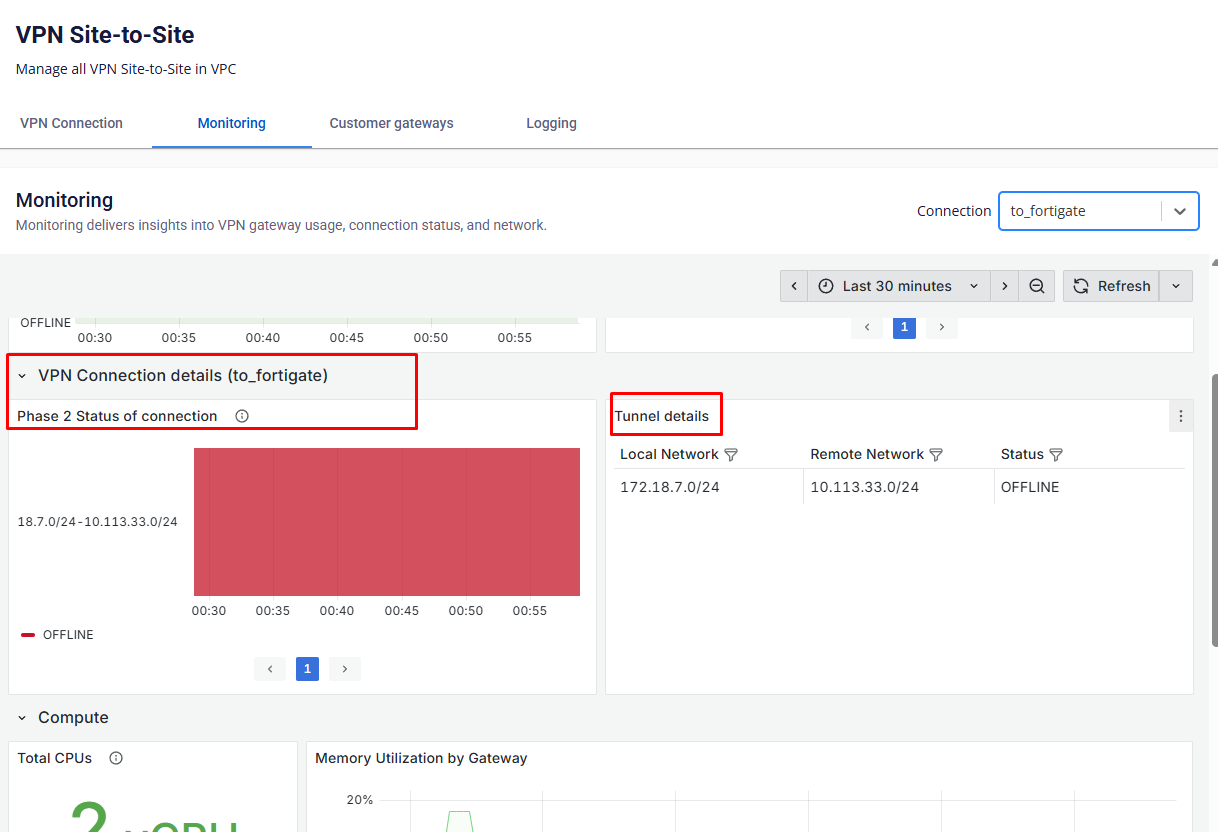
VPN connection details:
| Field name | Description |
|---|---|
| Phase 2 status of connection | Displays the status of the IPSec tunnel (Phase 2). |
You can filter the values for Local network, Remote network, and Status by clicking the filter icon.
| Field name | Description |
|---|---|
| Local Network | Local network subnet range. |
| Remote Network | Remote network subnet range. |
| Status | Current status of the tunnel. |