Delete an instance schedule
warning
This action cannot be performed while the schedule is currently running. Deleted instance schedules cannot be recovered.
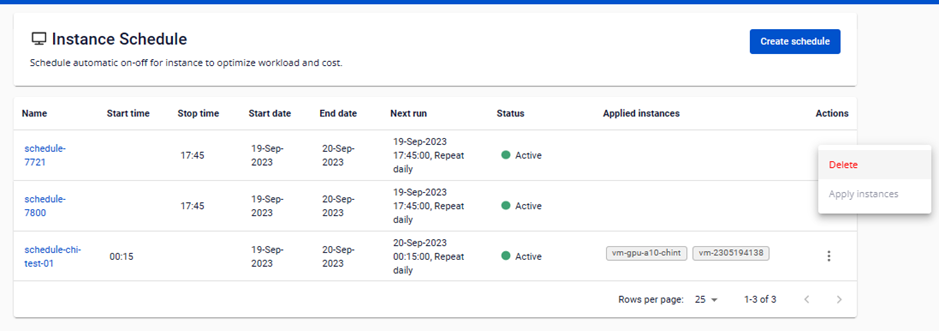
Step 1: On the Instance Schedule Management page, in the Action column, click Delete.
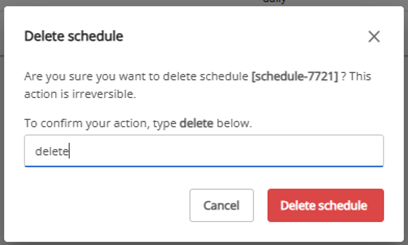
Step 2: A confirmation dialog appears showing the schedule name. Type delete in the confirmation field, then click Delete schedule.
The system permanently removes the schedule. Any virtual machines that were attached to it are released and remain in their current state.