Detach virtual machines from an instance schedule
You can detach virtual machines from a schedule when you no longer need them to follow it. After detaching, the virtual machines remain in their current state until you manually change them.
Step 1: On the Instance Schedule Management page, in the Action column, click Apply instances.
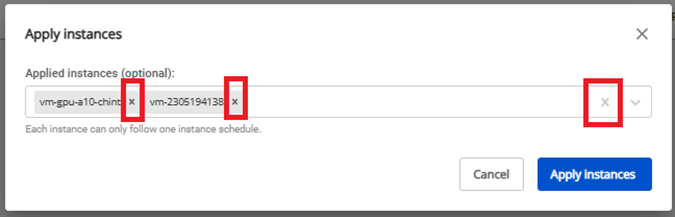
Step 2: Click the "x" next to the name of each instance you want to detach. To remove all virtual machines at once, click the "x" at the end of the listbox. Then click Apply instances.