View instance schedule details
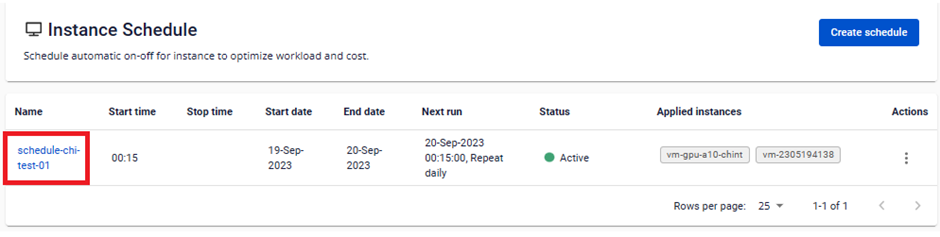
Step 1: On the Instance Schedule Management page, click the name of the instance schedule you want to view.
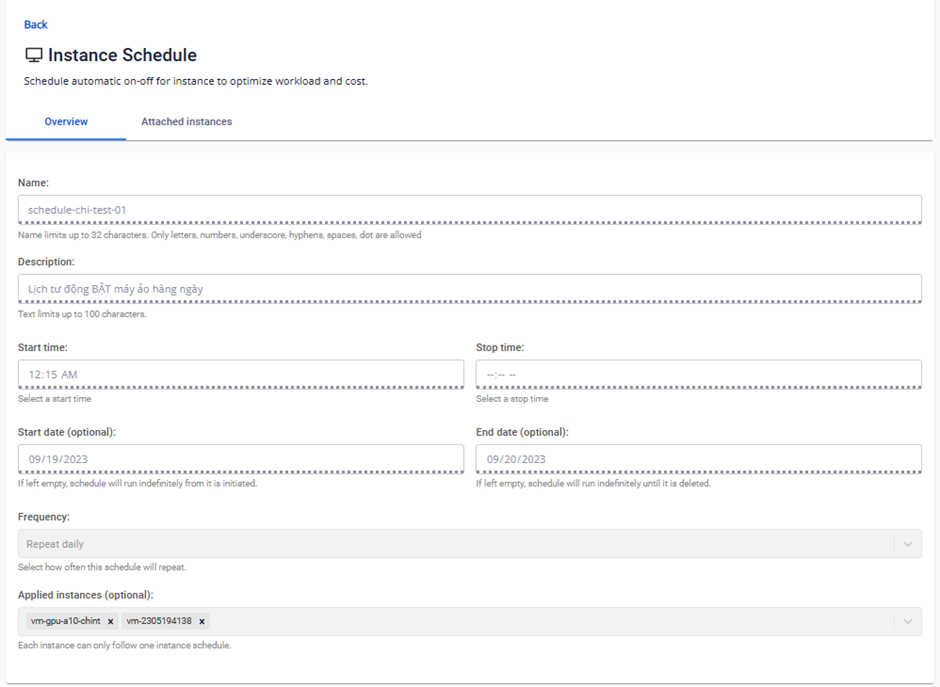
Step 2: In the Overview section, review the schedule details: Name, Description, Start time, Stop time, Start Date, End Date, Frequency, and the list of attached virtual machines.
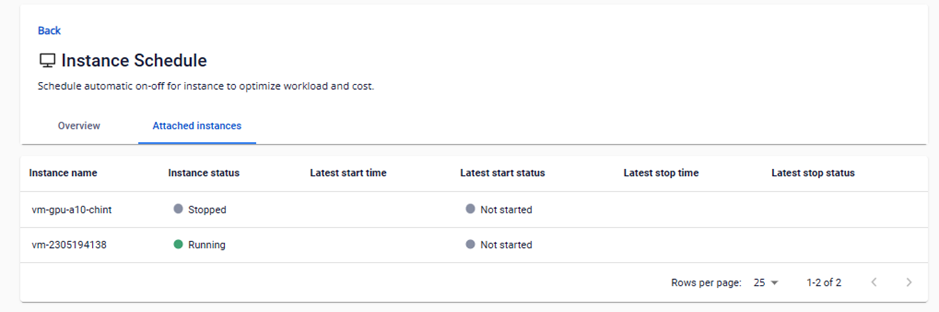
Step 3: In the Attached instances section, review the list of attached virtual machines and their details: instance name, instance status, latest start time and status, and latest stop time and status.