Attach virtual machines to an instance schedule
After creating an instance schedule, attach virtual machines to it so they are turned on or off automatically.
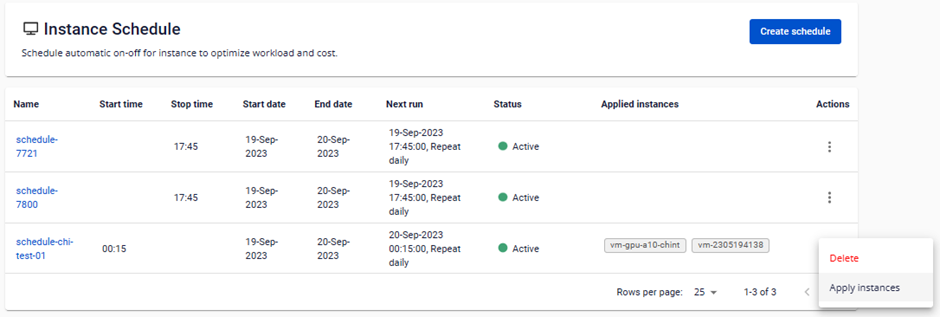
Step 1: On the Instance Schedule Management page, in the Action column, click Apply instances.
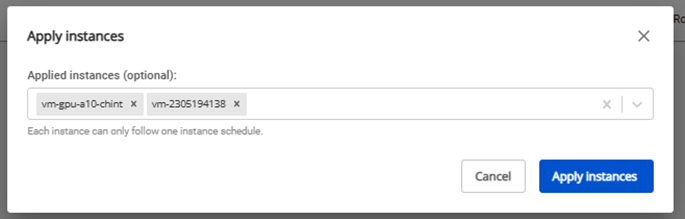
Step 2: Select the instances you want to attach, then click Apply instances.