Start a Kubernetes cluster
To restart a previously stopped cluster, follow these steps.
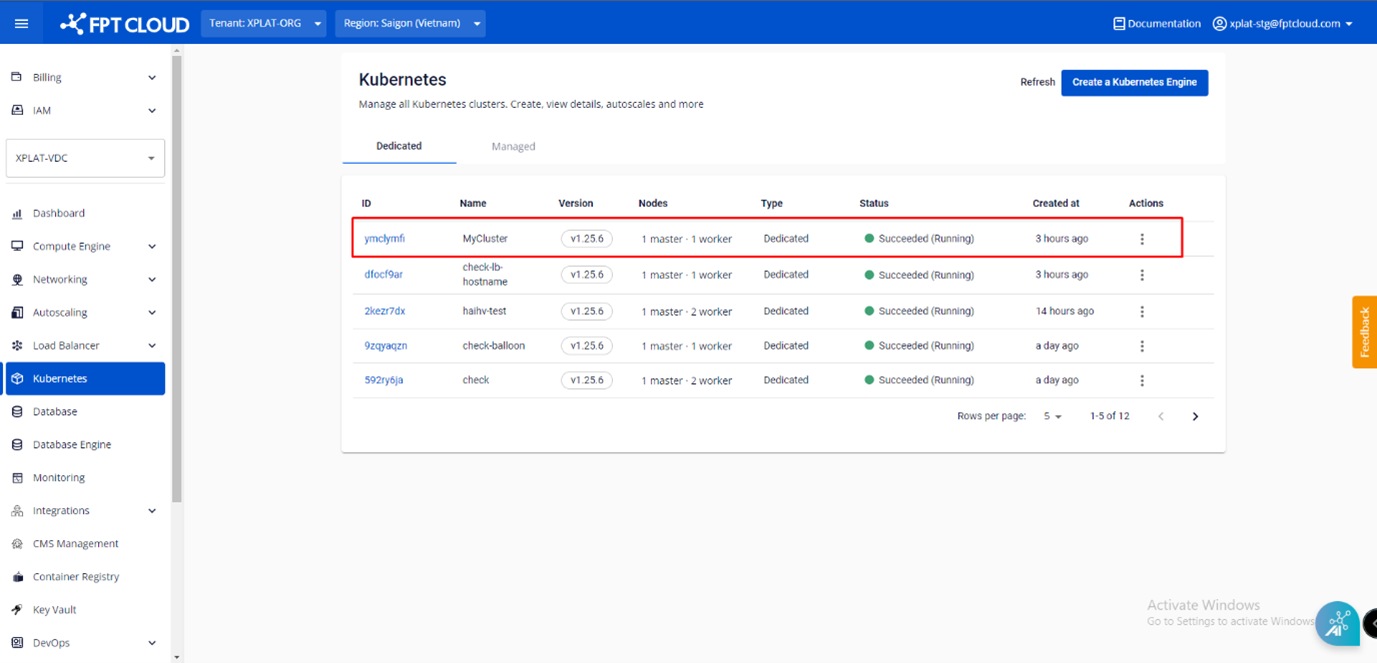
Step 1: From the menu, select Kubernetes. The Kubernetes Management page appears.
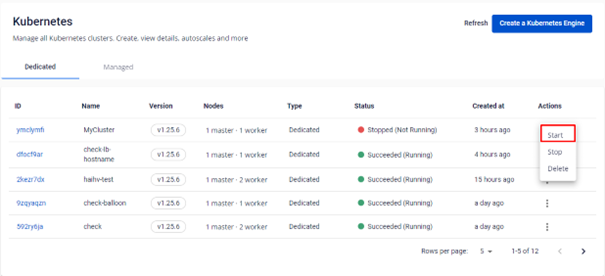
Step 2: In the list, select Action at the end of the cluster you want to start, then choose Start.
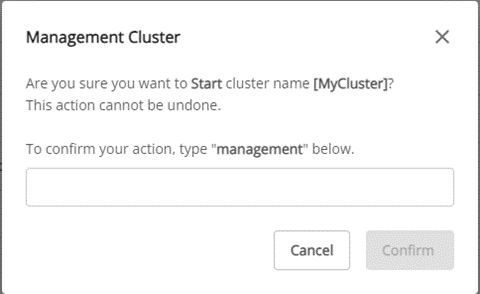
Step 3: Review the warning information in the pop-up, then click Start.