Scale worker nodes
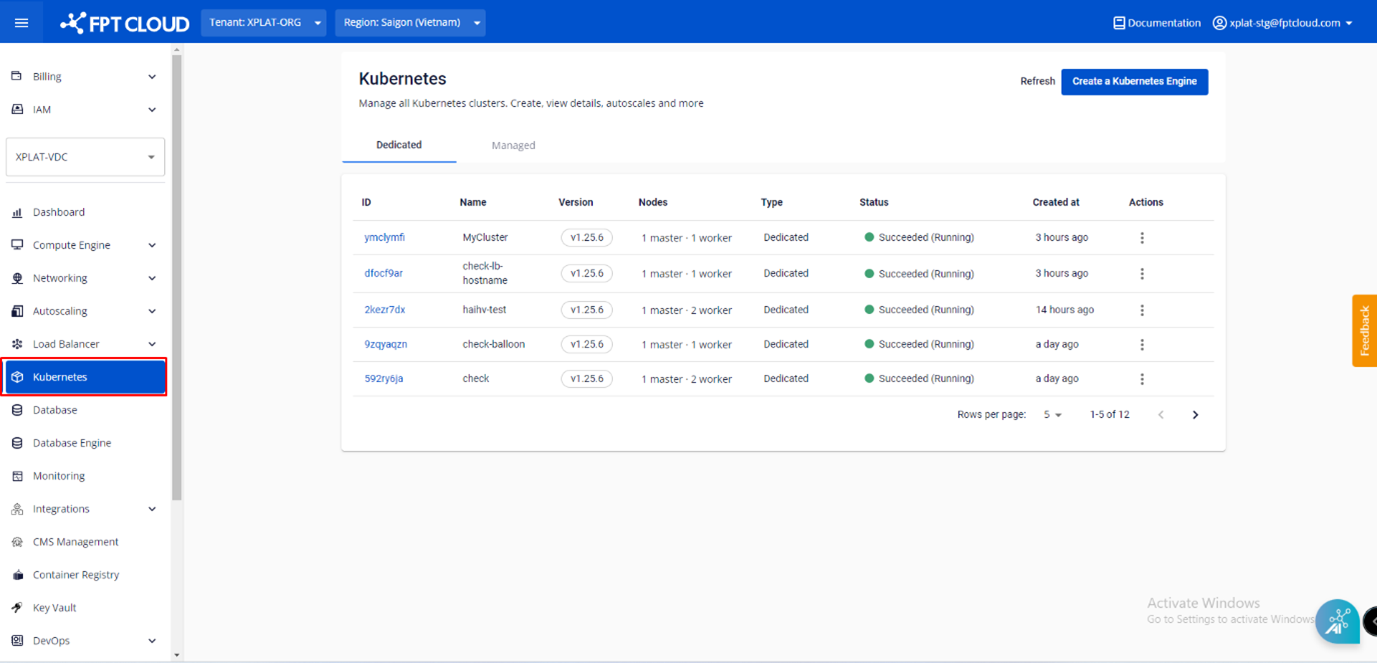
Step 1: In the FPT Cloud Portal menu, select Kubernetes to open the Kubernetes Management page.
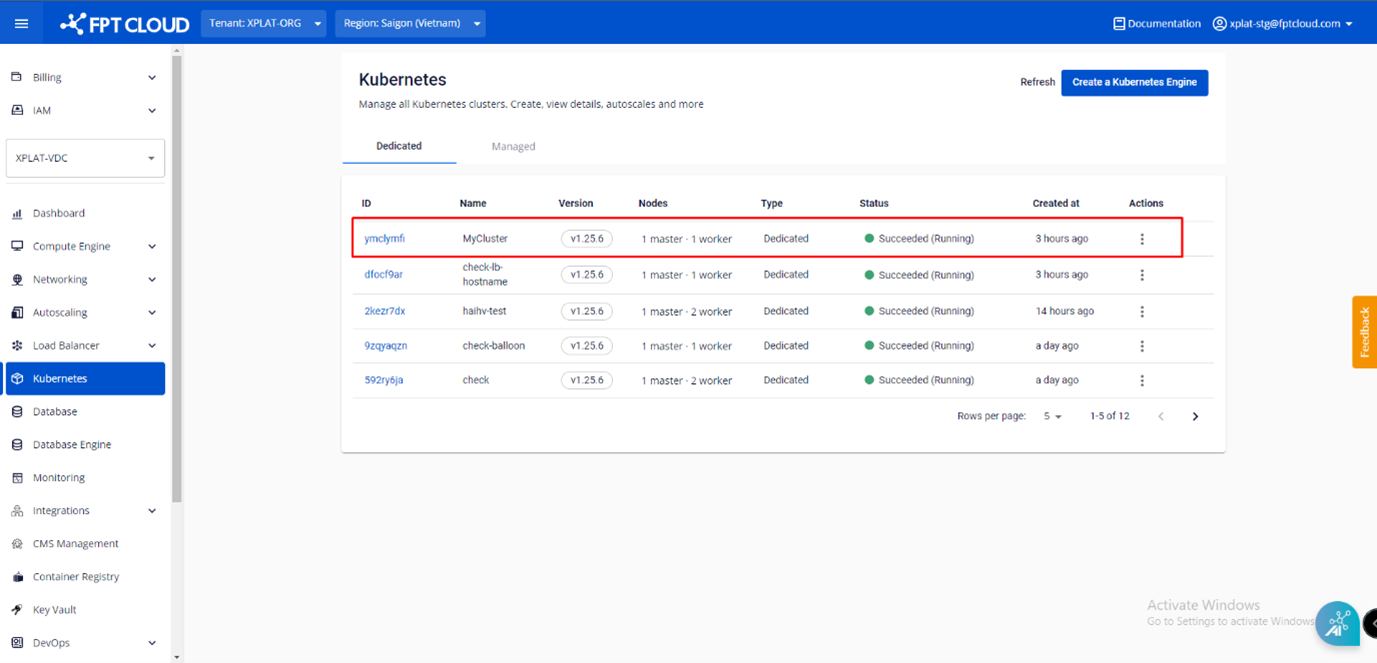
Step 2: Select the cluster whose worker node count you want to adjust.
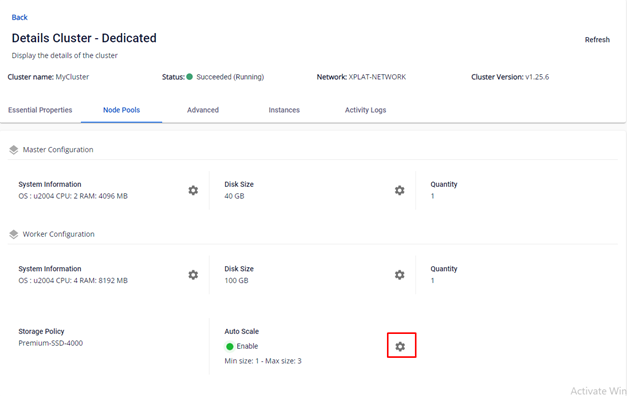
Step 3: In the Node Pools tab, go to Auto Scale and click the Setting icon.
Step 4: In the Auto Scale Nodes of Cluster popup, enter the Min node and Max node values and click Update.
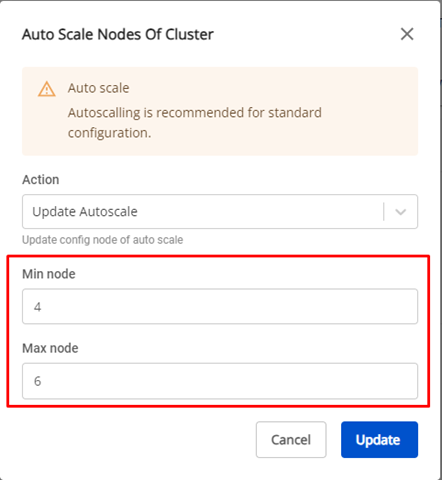
Cluster scaling begins. You cannot interact with the cluster until the process is complete.