Increase node storage size
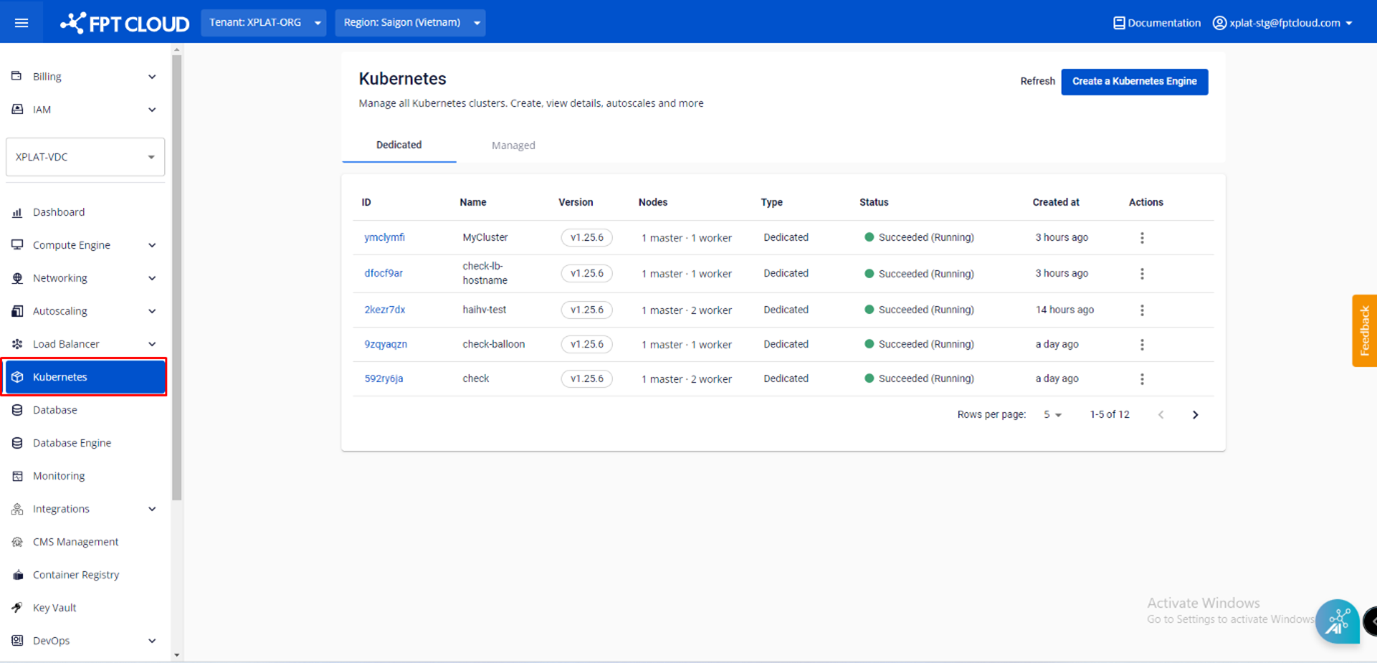
Step 1: From the menu, select Kubernetes. The Kubernetes Management page appears.
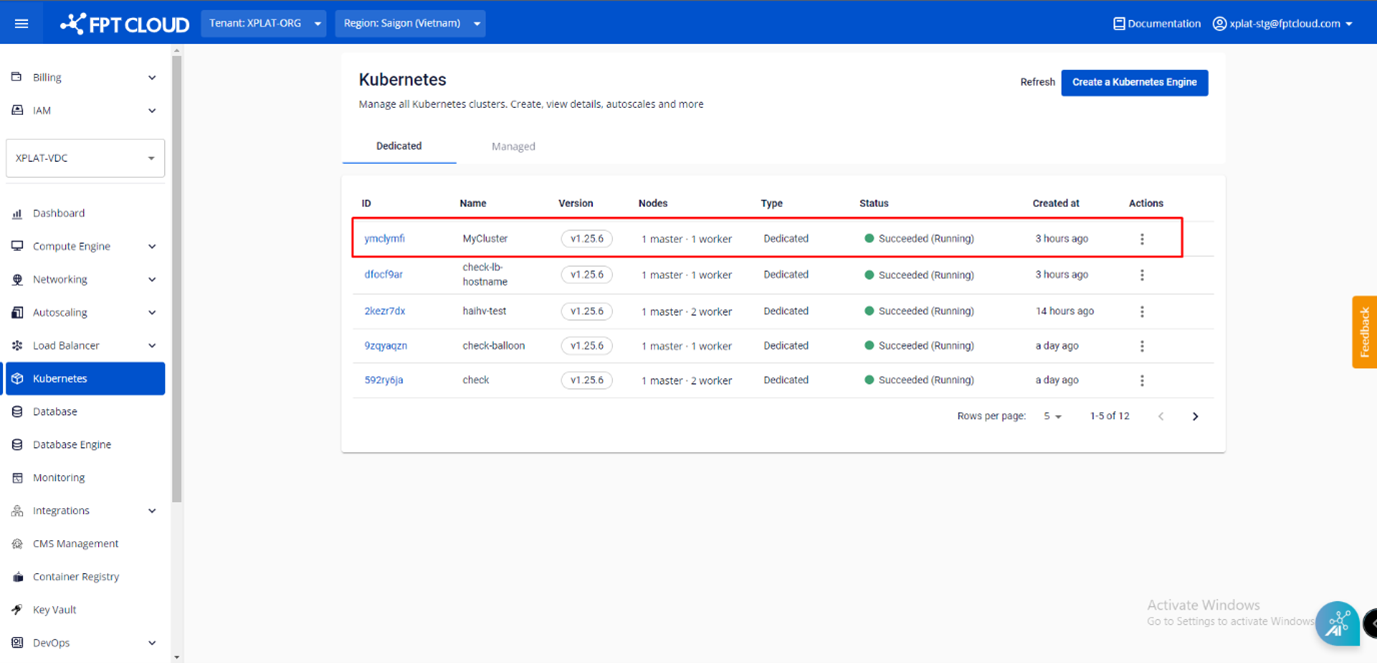
Step 2: Select the Cluster whose node storage you want to expand.
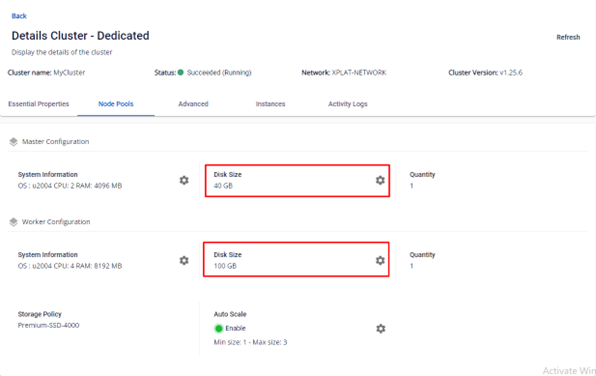
Step 3: Select the Node Pools tab. To change the storage size for Master Nodes or Worker Nodes, click the Setting icon for the corresponding config.
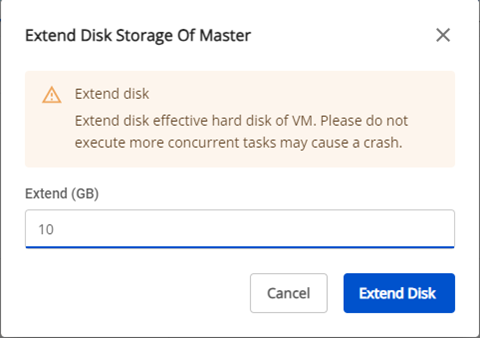
Step 4: Enter the additional capacity you want to add, then click Extend to expand the storage.