Add NFS persistent storage
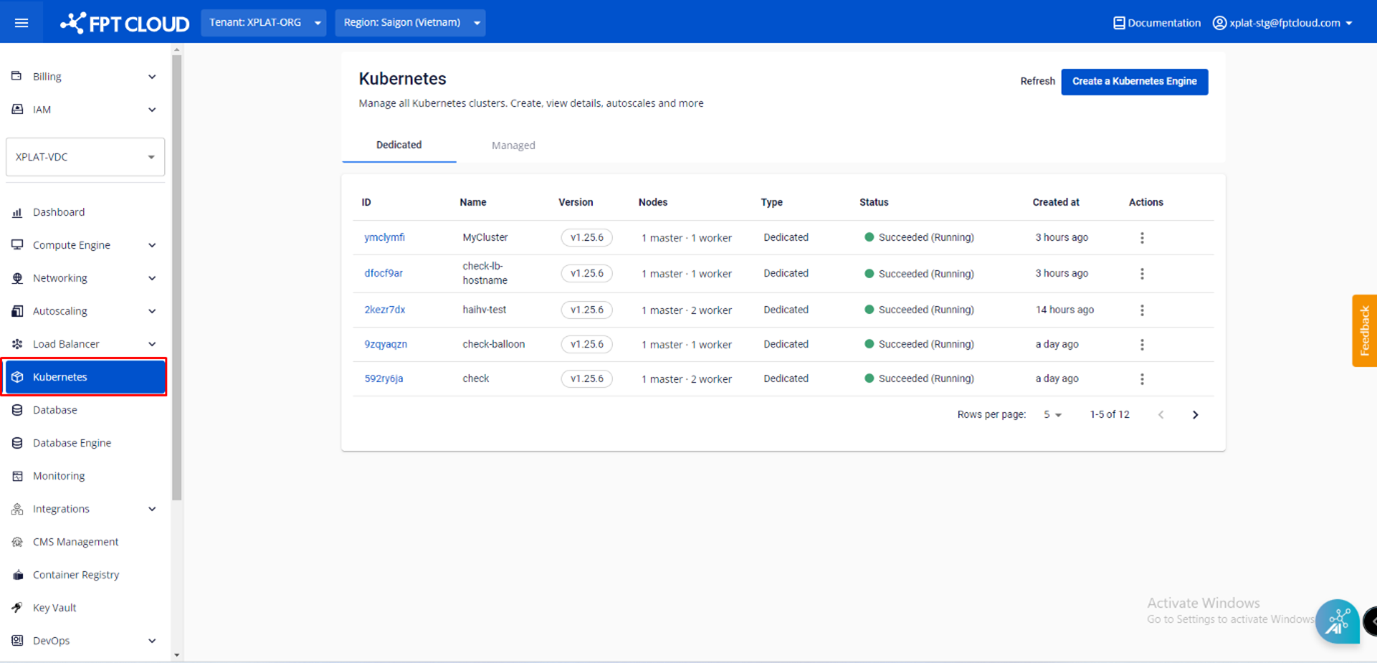
Step 1: From the menu, select Kubernetes. The Kubernetes Management page appears.
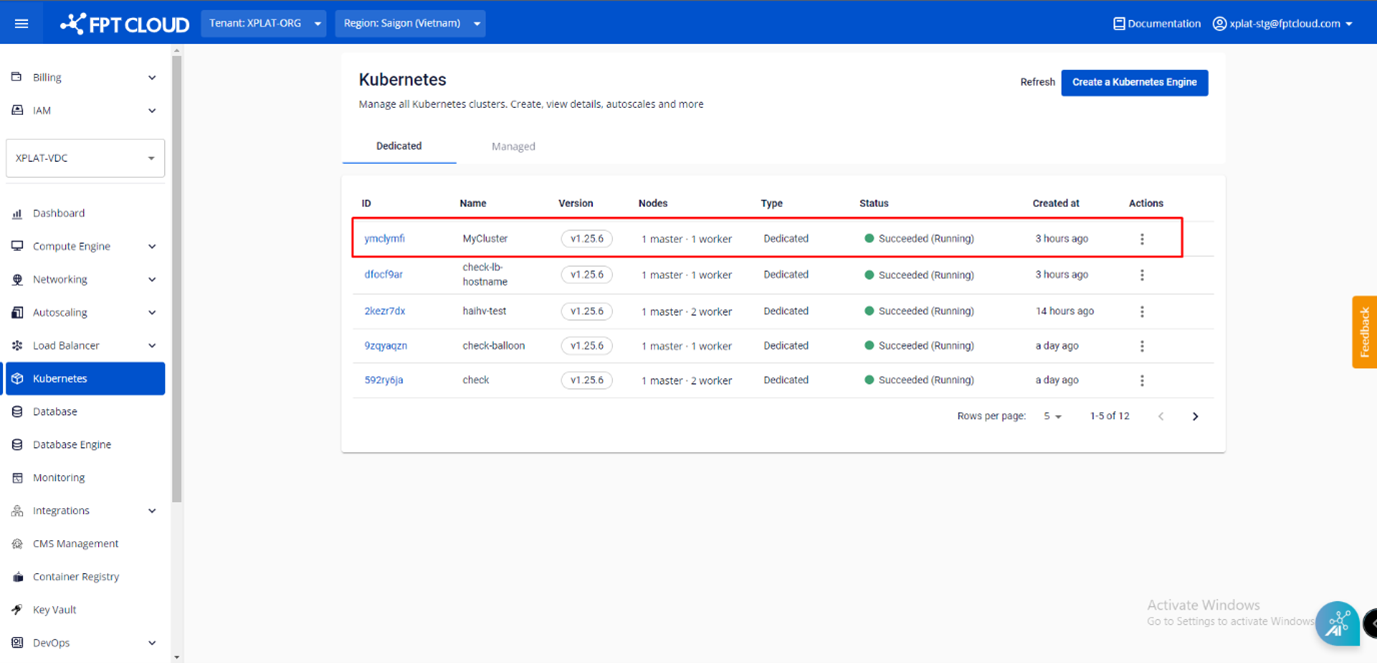
Step 2: Select the Cluster you want to add NFS storage to.
Step 3: Select the Advanced tab, then in the NFS Storage > Status section, click the Setting icon.

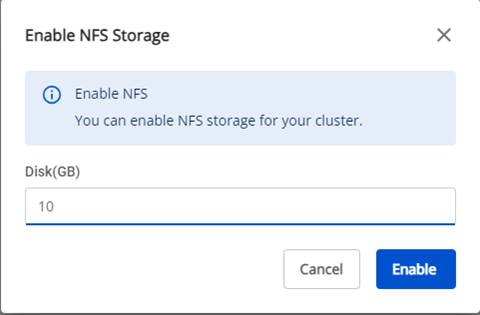
Step 4: Enter the desired NFS storage capacity (GB), review the information, then click Enable to add the NFS storage.